Wildlife safaris Template


Edit Template Offline
2. Create new page and search for id 5632913
Edit Template Online
Create Awesome Websites


Free Nicepage Builder
Keywords
Eight Travel Categories Turn Safari Interest Into a Clear Design Choice
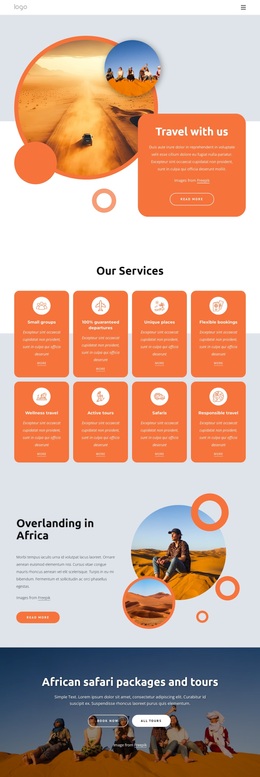
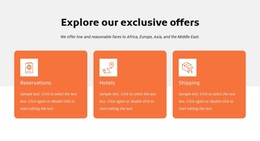
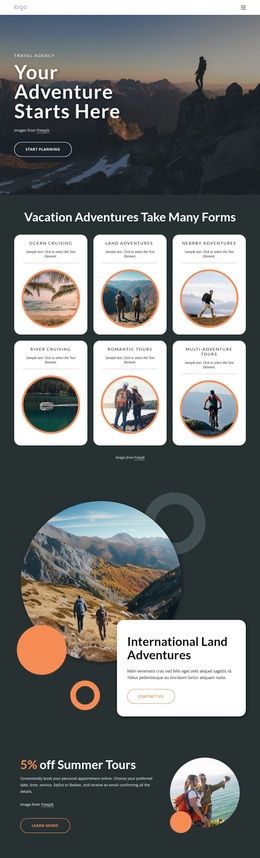
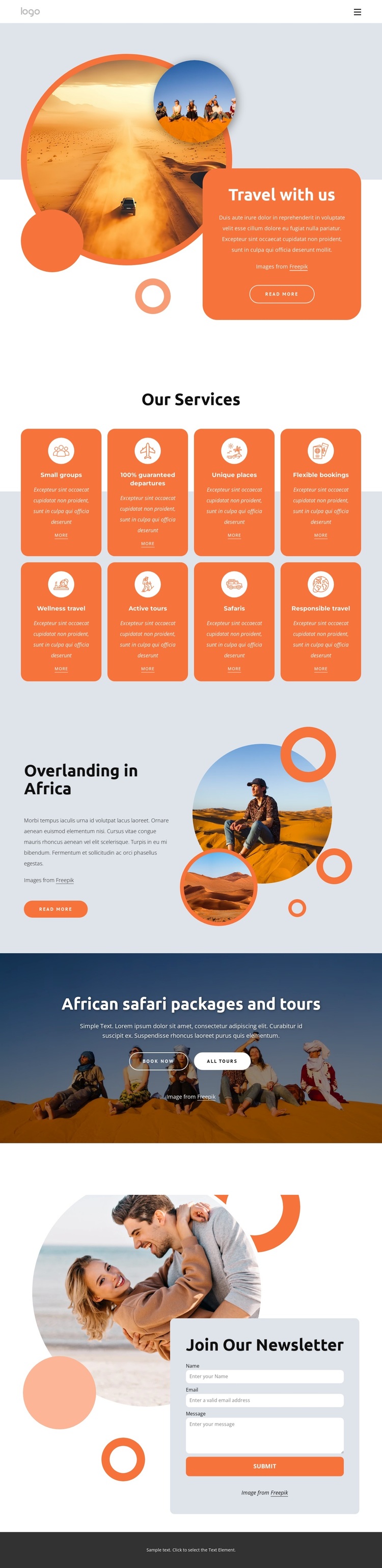
The eight labeled service categories make this design a strong option for travel projects that need to show several kinds of experience without relying on dense paragraphs. Small groups, guaranteed departures, unique places, flexible bookings, wellness travel, active tours, safaris, and responsible travel are presented through repeated cards with icons, short descriptions, and More links. That structure gives visitors an immediate overview of the offer while keeping each category visually separate.
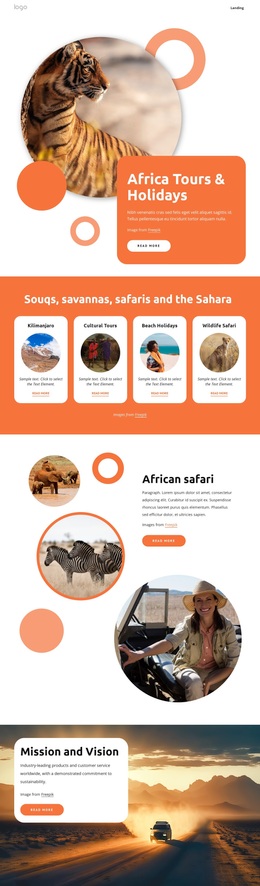
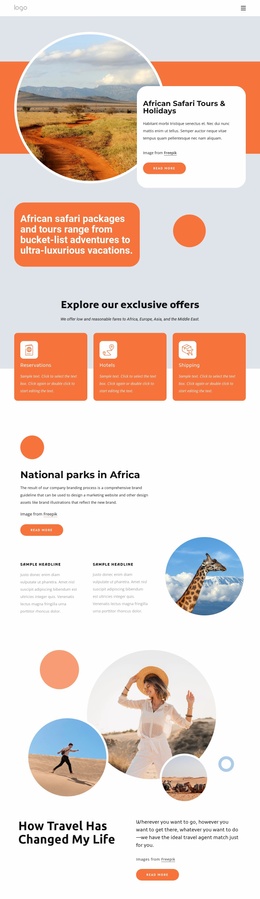
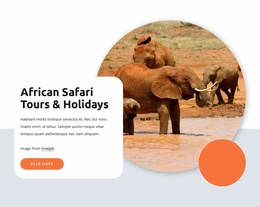
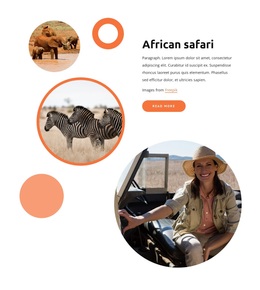
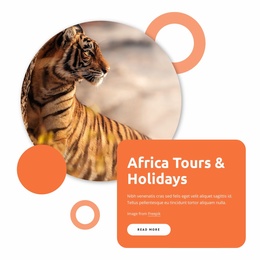
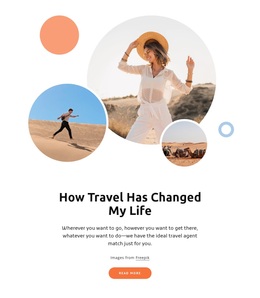
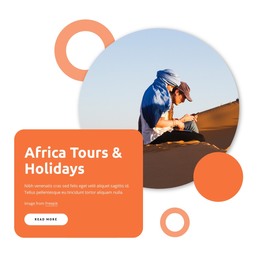
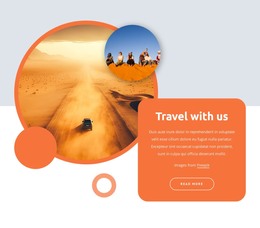
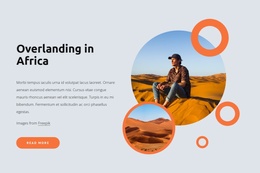
The design also connects broad service coverage with more specific travel storytelling. The opening Travel with us composition uses overlapping circular photographs and a rounded invitation card to establish an image-led introduction. The Overlanding in Africa section then focuses attention on one featured experience through descriptive text and a cluster of circular images. This combination suits projects that want to communicate both variety and a recognizable African travel direction.
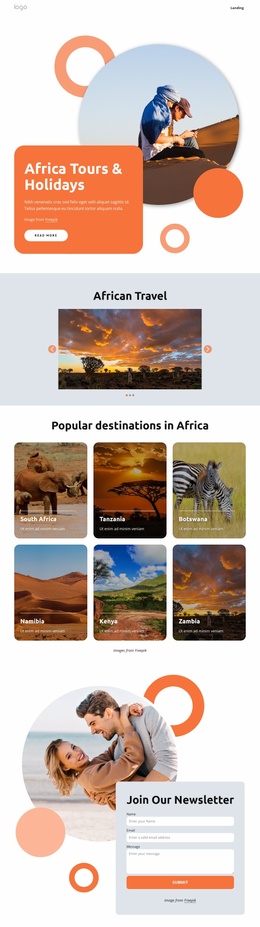
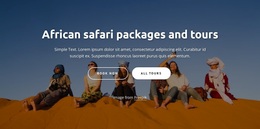
The full-width safari packages and tours block adds a direct tour-discovery moment with Book now and All Tours actions, while the Join Our Newsletter area provides a lower-commitment way to maintain contact. Together, the service grid, featured experience, promotional banner, and subscription section cover several stages of visitor interest without turning the layout into a generic corporate presentation. Circular photography, coral accents, pale blue surfaces, and rounded cards further distinguish this design from options centered mainly on pricing tables or long-form copy.
Customize with Nicepage
Open this ready-made template in the Template Builder and customize it visually in the Nicepage editor. Replace demo content, edit page sections, and adapt the design to your project without rebuilding the template from scratch.
Start With a Ready-Made Template
Choose a Design for a New Page
Use a ready-made template as a starting point instead of creating every page from a blank canvas. When adding a new page in Nicepage, browse available designs, compare different layouts, and choose an option that already fits the general purpose and visual direction of your project.
Browse Different Page Designs
Explore Page Designs using search, thematic categories, Design Sets, and full-page previews. The collection includes layouts for different subjects and page purposes, making it easier to compare alternatives before selecting a design to customize.
Customize the Selected Template
After choosing a design, create the page and continue editing it visually in Nicepage. Replace the demo content, adjust images, typography, colors, sections, and other elements, and adapt the ready-made layout to your own content instead of rebuilding the design from the beginning.
Explore More Design Directions
If the first option does not match your project closely enough, return to the design collection and compare other templates before committing to a layout. This makes the template library useful not only for faster page creation, but also for exploring different visual approaches and finding a suitable starting point for a new project.
This workflow gives you access to a broad collection of ready-made designs that can be selected, compared, and customized according to the needs of each new page or project.