Shopping in Milan Template


Edit Template Offline
2. Create new page and search for id 545711
Edit Template Online
Create Awesome Websites


Free Nicepage Builder
Keywords
Milan Imagery Meets Practical Planning and Holiday Variety
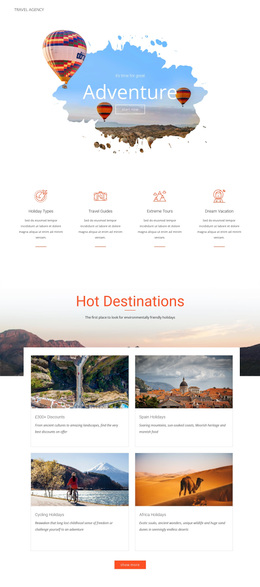
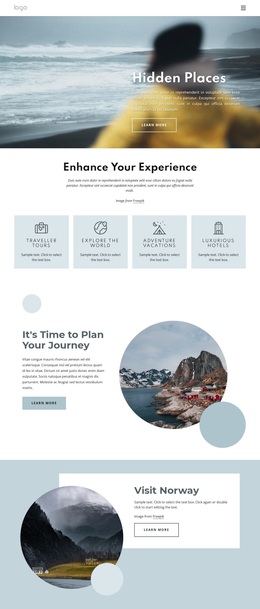
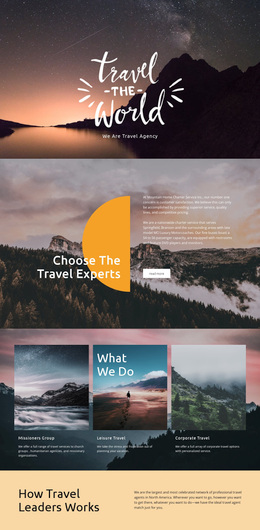
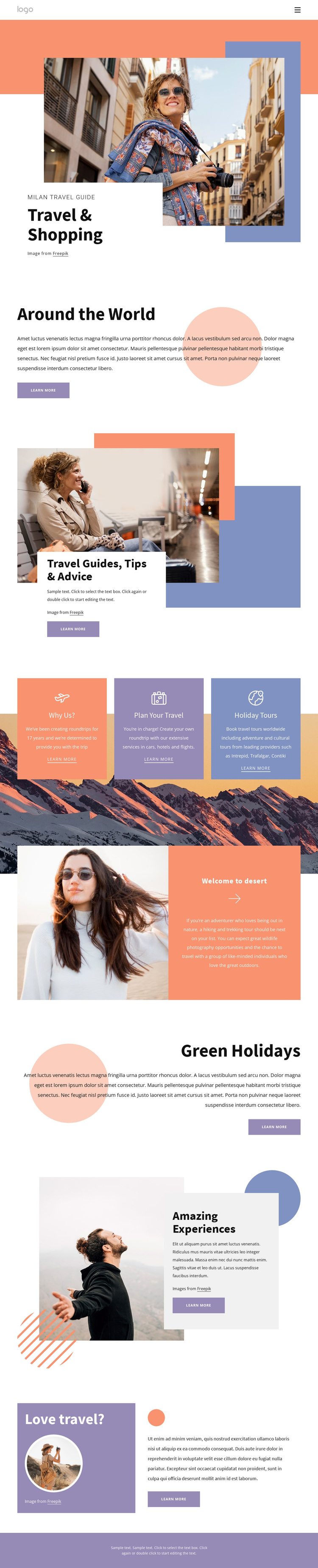
Travel photography carries much of the page’s initial appeal, but the design is not limited to a destination gallery. The Milan Travel Guide and Travel & Shopping opening establish a strong editorial direction, then Around the World expands the subject beyond one city. Travel Guides, Tips & Advice adds a practical layer, making the design suitable for projects that need to combine inspiration with useful travel information.
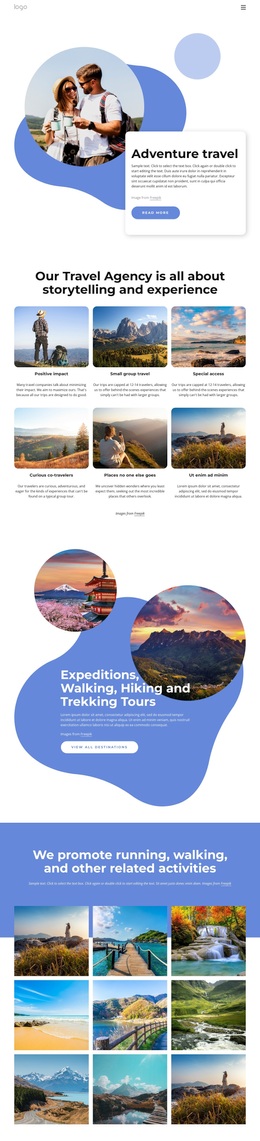
The three-card group gives the layout additional coverage. Why Us?, Plan Your Travel, and Holiday Tours create a compact way to distinguish service value, planning support, and tour offerings. Elsewhere, the page presents travel planning involving cars, hotels, and flights, as well as worldwide holiday tours that include adventure and cultural themes. Welcome to desert makes hiking and trekking visible as a concrete adventure angle, while Green Holidays and Amazing Experiences introduce different ways to frame a holiday.
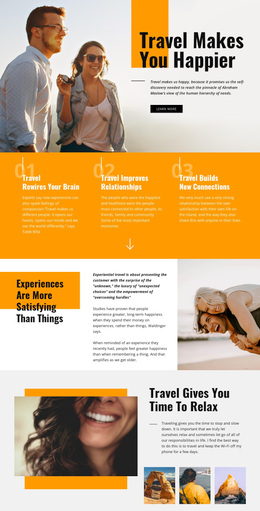
That combination makes this template worth considering when a project needs several related travel messages without adopting a dense corporate layout. The alternating image-and-text blocks, bright palette, overlapping white panels, and repeated Learn more actions provide enough variation to keep the long page from feeling like a list of identical cards. It is especially suited to a guide or tourism presentation where photographs establish mood and organized categories explain what visitors can explore next.
Customize with Nicepage
Open this ready-made template in the Template Builder and customize it visually in the Nicepage editor. Replace demo content, edit page sections, and adapt the design to your project without rebuilding the template from scratch.
Start With a Ready-Made Template
Choose a Design for a New Page
Use a ready-made template as a starting point instead of creating every page from a blank canvas. When adding a new page in Nicepage, browse available designs, compare different layouts, and choose an option that already fits the general purpose and visual direction of your project.
Browse Different Page Designs
Explore Page Designs using search, thematic categories, Design Sets, and full-page previews. The collection includes layouts for different subjects and page purposes, making it easier to compare alternatives before selecting a design to customize.
Customize the Selected Template
After choosing a design, create the page and continue editing it visually in Nicepage. Replace the demo content, adjust images, typography, colors, sections, and other elements, and adapt the ready-made layout to your own content instead of rebuilding the design from the beginning.
Explore More Design Directions
If the first option does not match your project closely enough, return to the design collection and compare other templates before committing to a layout. This makes the template library useful not only for faster page creation, but also for exploring different visual approaches and finding a suitable starting point for a new project.
This workflow gives you access to a broad collection of ready-made designs that can be selected, compared, and customized according to the needs of each new page or project.