The best places to travel Template


Edit Template Offline
2. Create new page and search for id 179663
Edit Template Online
Create Awesome Websites


Free Nicepage Builder
Keywords
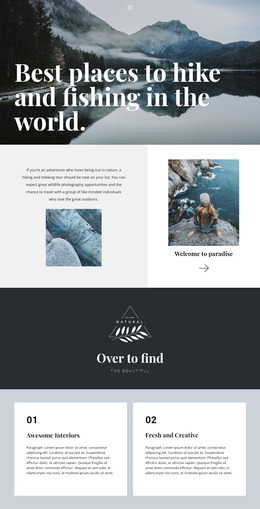
Outdoor Photography and Activity Coverage Make This a Distinctive Choice
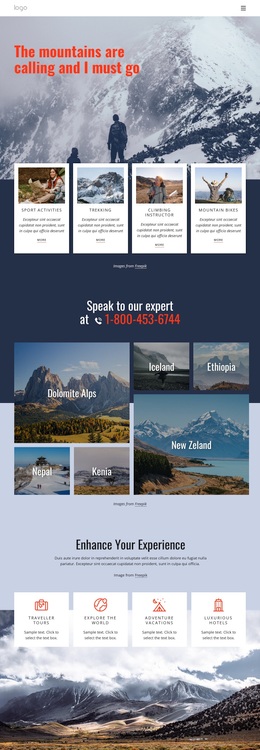
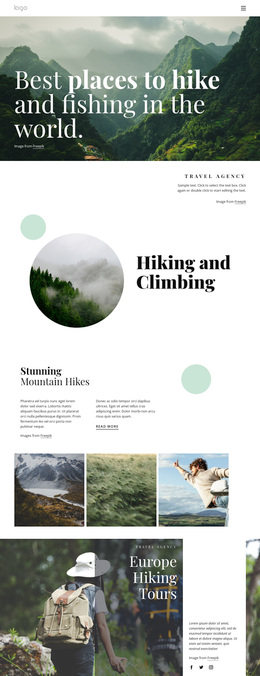
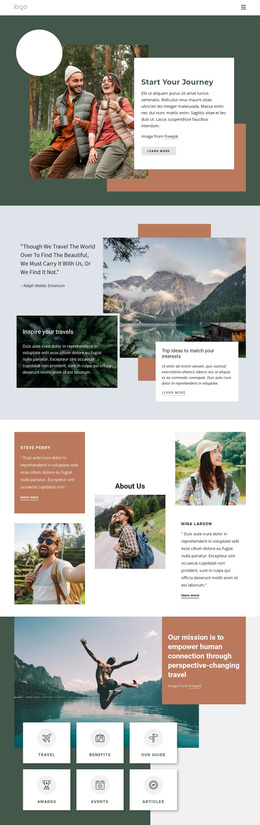
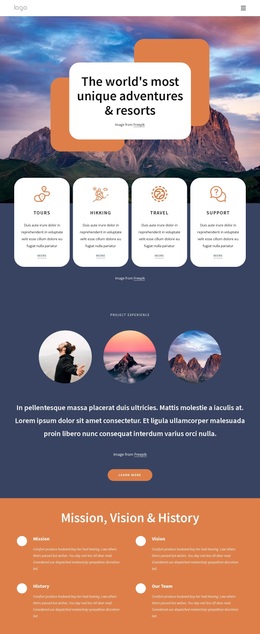
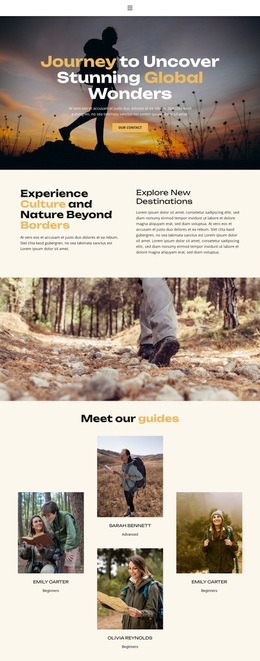
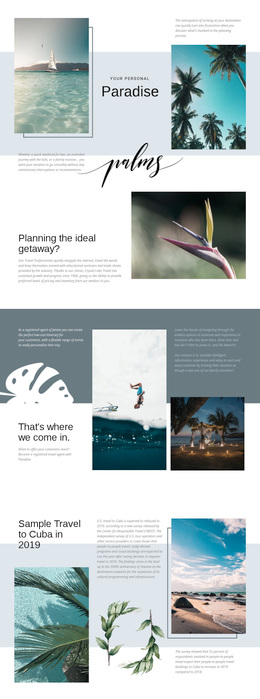
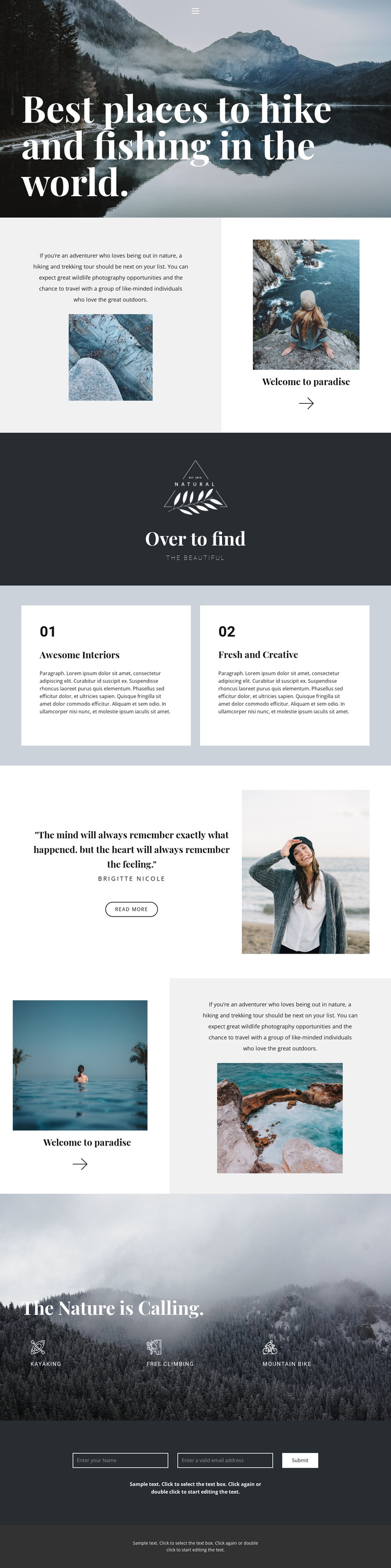
Large scenic photographs are the defining reason to consider this design. The opening mountain-and-lake image communicates the outdoor subject before the visitor reads the rest of the page, and the split sections continue that approach by placing explanatory travel content beside stacked nature photographs. This makes imagery a primary carrier of the message rather than a decorative addition to a text-heavy layout.
The page also covers several recognizable adventure interests. Hiking and trekking appear in the introductory travel message, while kayaking, free climbing, and mountain biking are gathered later beneath “The Nature is Calling.” That range gives the design broader activity coverage than a layout built around only one destination or one service. The two numbered cards add another useful content pattern for highlighting selected qualities, although their sample wording should be replaced with verified project content.
The attributed quotation and portrait provide a human-centered pause between the scenic sections, and the “read more” action adds a small editorial detail. The closing contact form makes the design practical for projects that want to collect inquiries after presenting atmosphere and activities. Together, the photography, varied section rhythm, activity coverage, feature cards, quotation, and inquiry point make this a strong option for outdoor travel projects that need visual inspiration followed by a direct response path.
Customize with Nicepage
Open this ready-made template in the Template Builder and customize it visually in the Nicepage editor. Replace demo content, edit page sections, and adapt the design to your project without rebuilding the template from scratch.
Start With a Ready-Made Template
Choose a Design for a New Page
Use a ready-made template as a starting point instead of creating every page from a blank canvas. When adding a new page in Nicepage, browse available designs, compare different layouts, and choose an option that already fits the general purpose and visual direction of your project.
Browse Different Page Designs
Explore Page Designs using search, thematic categories, Design Sets, and full-page previews. The collection includes layouts for different subjects and page purposes, making it easier to compare alternatives before selecting a design to customize.
Customize the Selected Template
After choosing a design, create the page and continue editing it visually in Nicepage. Replace the demo content, adjust images, typography, colors, sections, and other elements, and adapt the ready-made layout to your own content instead of rebuilding the design from the beginning.
Explore More Design Directions
If the first option does not match your project closely enough, return to the design collection and compare other templates before committing to a layout. This makes the template library useful not only for faster page creation, but also for exploring different visual approaches and finding a suitable starting point for a new project.
This workflow gives you access to a broad collection of ready-made designs that can be selected, compared, and customized according to the needs of each new page or project.