Your adventures starts here Template


Edit Template Offline
2. Create new page and search for id 5388942
Edit Template Online
Create Awesome Websites


Free Nicepage Builder
Keywords
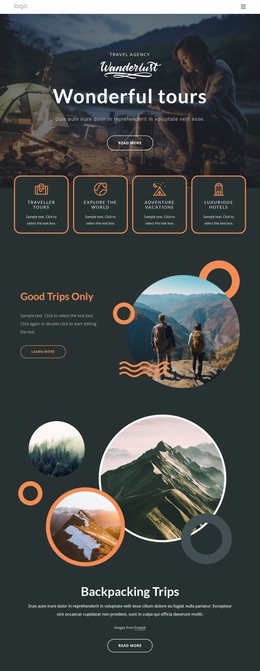
Six adventure categories give this travel design broad coverage
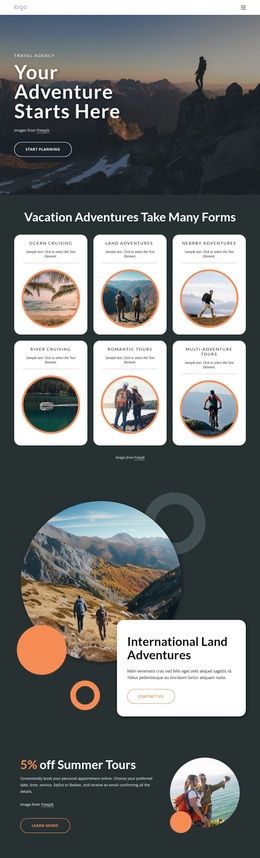
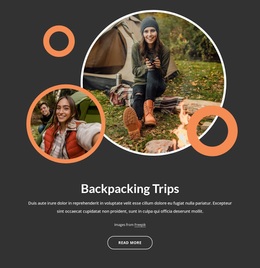
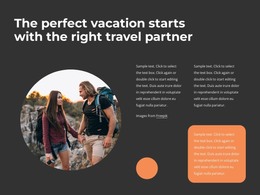
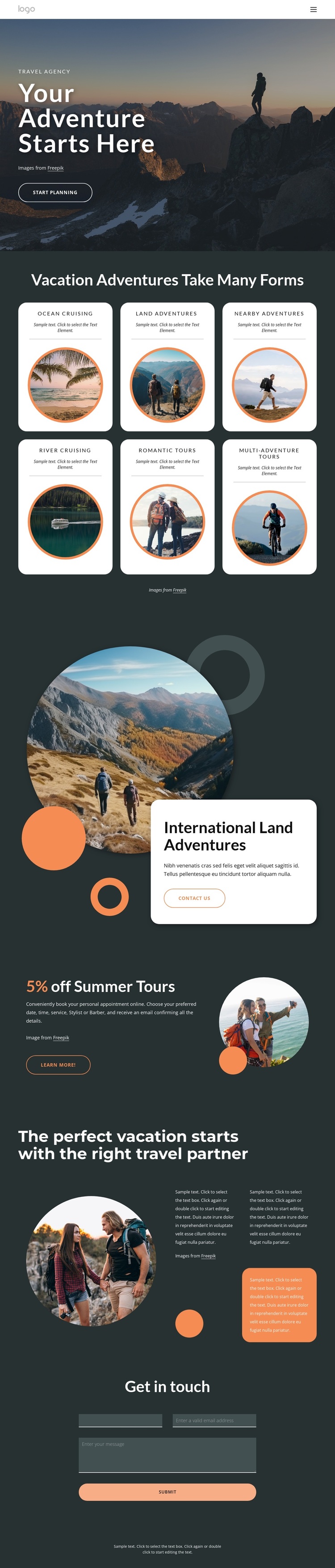
The six named vacation categories are the clearest reason to consider this design among other travel layouts. Ocean Cruising, Land Adventures, Nearby Adventures, River Cruising, Romantic Tours, and Multi-Adventure Tours cover different ways visitors may imagine a trip, while the repeated rounded cards keep those choices easy to compare. The page therefore avoids centering the entire concept on one destination or one type of holiday; it presents a wider adventure direction before moving into selected promotions.
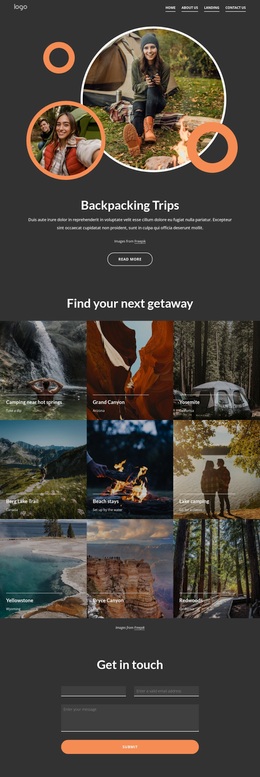
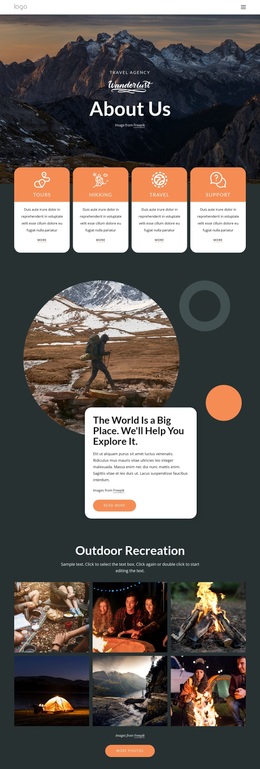
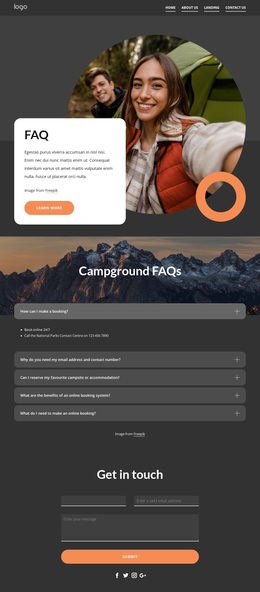
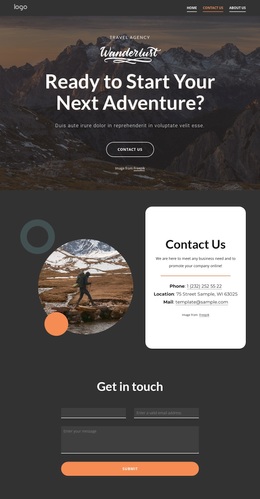
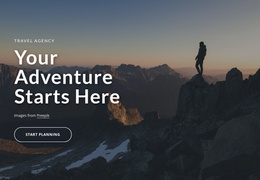
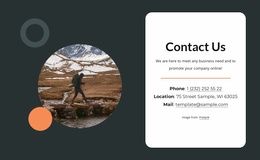
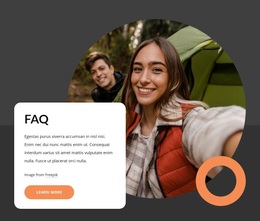
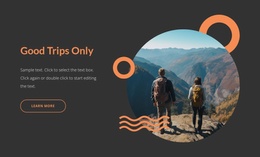
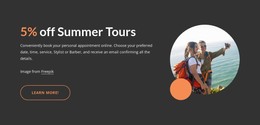
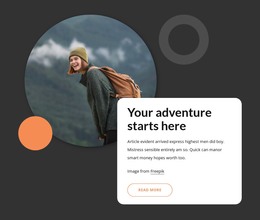
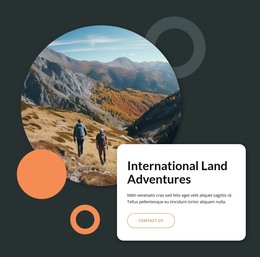
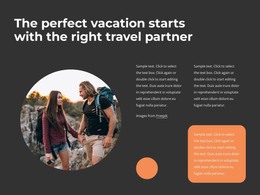
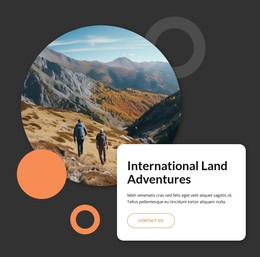
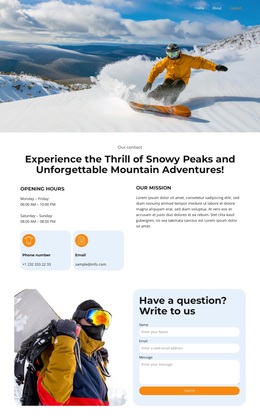
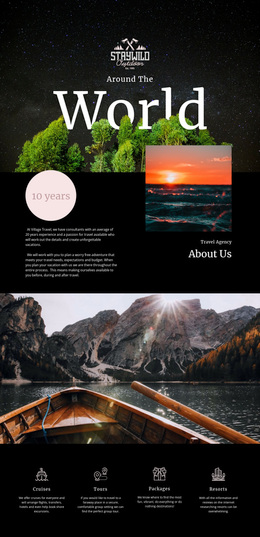
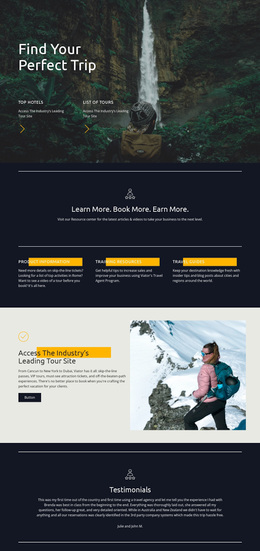
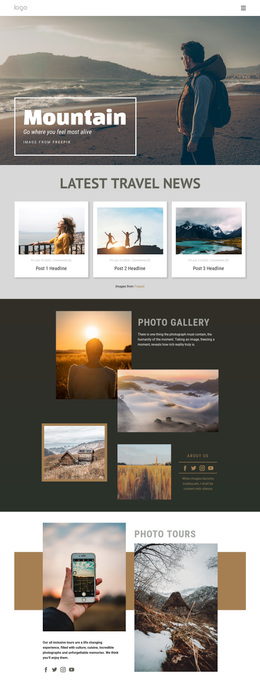
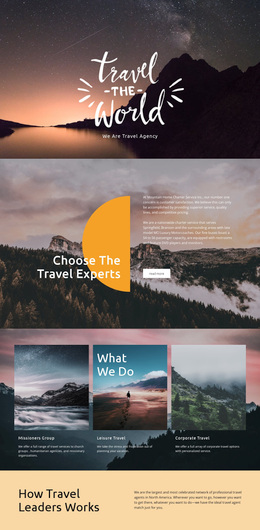
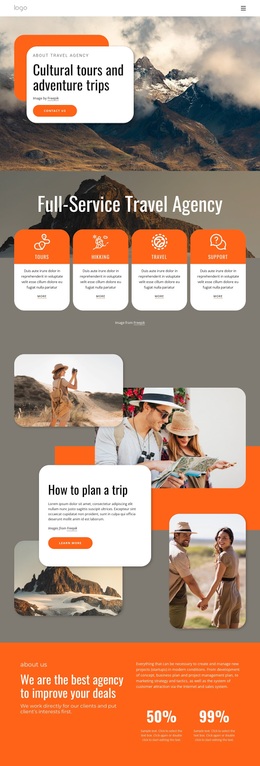
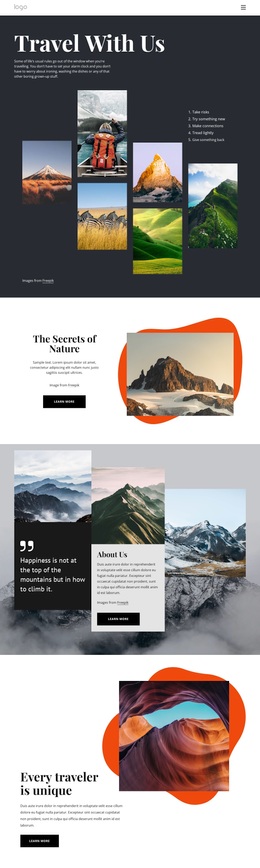
Its visual treatment reinforces that content choice. A dark charcoal background and white typography create an editorial frame for the travel photography, while orange accents mark emphasis and actions. Circular images appear in the category cards, International Land Adventures block, Summer Tours promotion, and About Us section, creating a recurring image language that connects varied travel topics. The hero gives the page an immediate “Your Adventure Starts Here” statement and Start Planning action, then the later Contact Us and Learn More buttons provide distinct points of emphasis. The About Us content adds the idea of a trusted travel partner, and the final inquiry form gives the page a practical way to continue the conversation. This combination suits a project that needs visual storytelling, several adventure offerings, and a clear route from inspiration to trip planning rather than a layout devoted only to dense service text or a single product.
Customize with Nicepage
Open this ready-made template in the Template Builder and customize it visually in the Nicepage editor. Replace demo content, edit page sections, and adapt the design to your project without rebuilding the template from scratch.
Start With a Ready-Made Template
Choose a Design for a New Page
Use a ready-made template as a starting point instead of creating every page from a blank canvas. When adding a new page in Nicepage, browse available designs, compare different layouts, and choose an option that already fits the general purpose and visual direction of your project.
Browse Different Page Designs
Explore Page Designs using search, thematic categories, Design Sets, and full-page previews. The collection includes layouts for different subjects and page purposes, making it easier to compare alternatives before selecting a design to customize.
Customize the Selected Template
After choosing a design, create the page and continue editing it visually in Nicepage. Replace the demo content, adjust images, typography, colors, sections, and other elements, and adapt the ready-made layout to your own content instead of rebuilding the design from the beginning.
Explore More Design Directions
If the first option does not match your project closely enough, return to the design collection and compare other templates before committing to a layout. This makes the template library useful not only for faster page creation, but also for exploring different visual approaches and finding a suitable starting point for a new project.
This workflow gives you access to a broad collection of ready-made designs that can be selected, compared, and customized according to the needs of each new page or project.