Hiking & trekking tours in Europe Template

Edit Template Offline
2. Create new page and search for id 2518445
Edit Template Online
Create Awesome Websites


Free Nicepage Builder
Keywords
Mountain imagery connects tours, holidays, and practical support
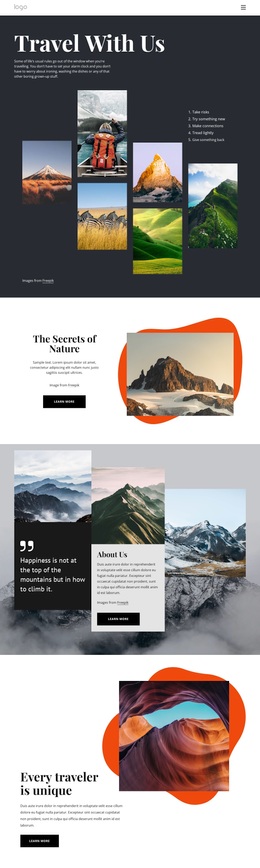
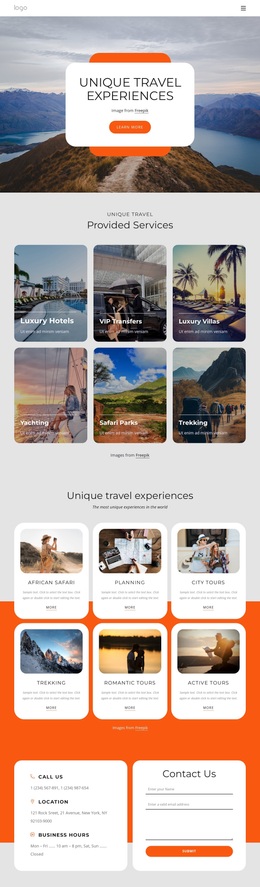
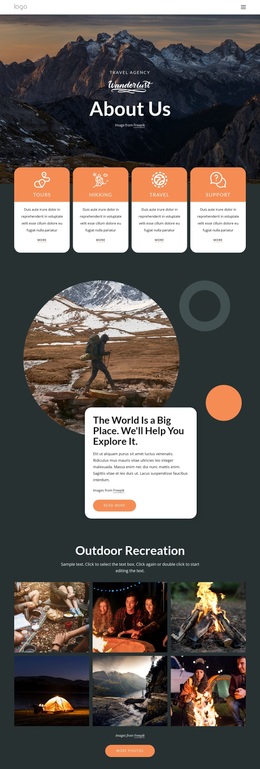
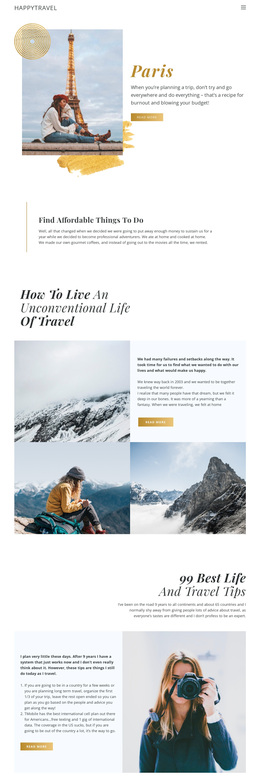
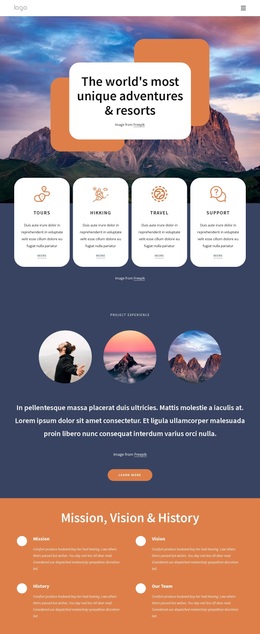
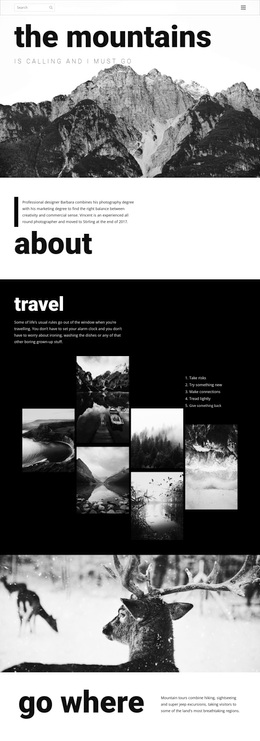
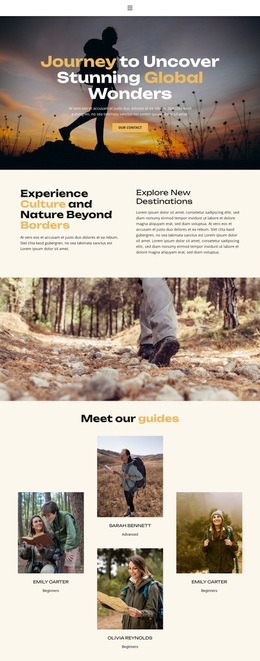
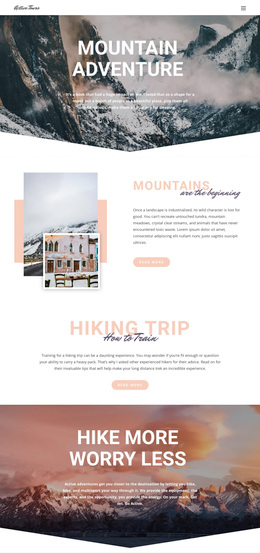
Large outdoor photographs carry the central idea of this design from the first screen through the gallery and closing contact area. That emphasis makes the template a useful choice for a travel project whose message depends on places, movement, and the feeling of being outdoors rather than on dense corporate copy. The Europe Hiking Tours hero names the subject clearly, while the active summer section translates the idea into four concrete experience cues: perfectly organized travel, charming hotels, the best routes, and active walking.
The design also covers more than inspiration. Its three image-backed categories make room for different holiday directions, including Hiking & Summer, Family Holidays, and Hiking Holiday. The scenic metric cards can function as a visual credibility area, but their sample figures should be replaced with verified project information. A separate group then organizes useful travel content before, during, and after the tour, including a checklist, insurance, and on-site support. This combination of emotional imagery, recognizable offer categories, and practical preparation distinguishes the layout from a gallery-only travel page. The mountain banner with Learn More and View Tours actions gives the visitor a clear next step, while the Contact Us form supports direct inquiry. As a broad Template choice, it suits projects that want one coherent visual story to connect tour discovery, holiday selection, and travel assistance.
Customize with Nicepage
Open this ready-made template in the Template Builder and customize it visually in the Nicepage editor. Replace demo content, edit page sections, and adapt the design to your project without rebuilding the template from scratch.
Start With a Ready-Made Template
Choose a Design for a New Page
Use a ready-made template as a starting point instead of creating every page from a blank canvas. When adding a new page in Nicepage, browse available designs, compare different layouts, and choose an option that already fits the general purpose and visual direction of your project.
Browse Different Page Designs
Explore Page Designs using search, thematic categories, Design Sets, and full-page previews. The collection includes layouts for different subjects and page purposes, making it easier to compare alternatives before selecting a design to customize.
Customize the Selected Template
After choosing a design, create the page and continue editing it visually in Nicepage. Replace the demo content, adjust images, typography, colors, sections, and other elements, and adapt the ready-made layout to your own content instead of rebuilding the design from the beginning.
Explore More Design Directions
If the first option does not match your project closely enough, return to the design collection and compare other templates before committing to a layout. This makes the template library useful not only for faster page creation, but also for exploring different visual approaches and finding a suitable starting point for a new project.
This workflow gives you access to a broad collection of ready-made designs that can be selected, compared, and customized according to the needs of each new page or project.