Unwind in Winter Template


Edit Template Offline
2. Create new page and search for id 6426018
Edit Template Online
Create Awesome Websites


Free Nicepage Builder
Keywords
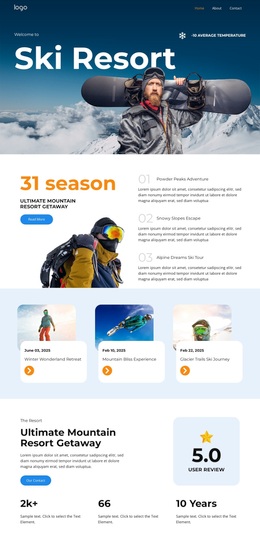
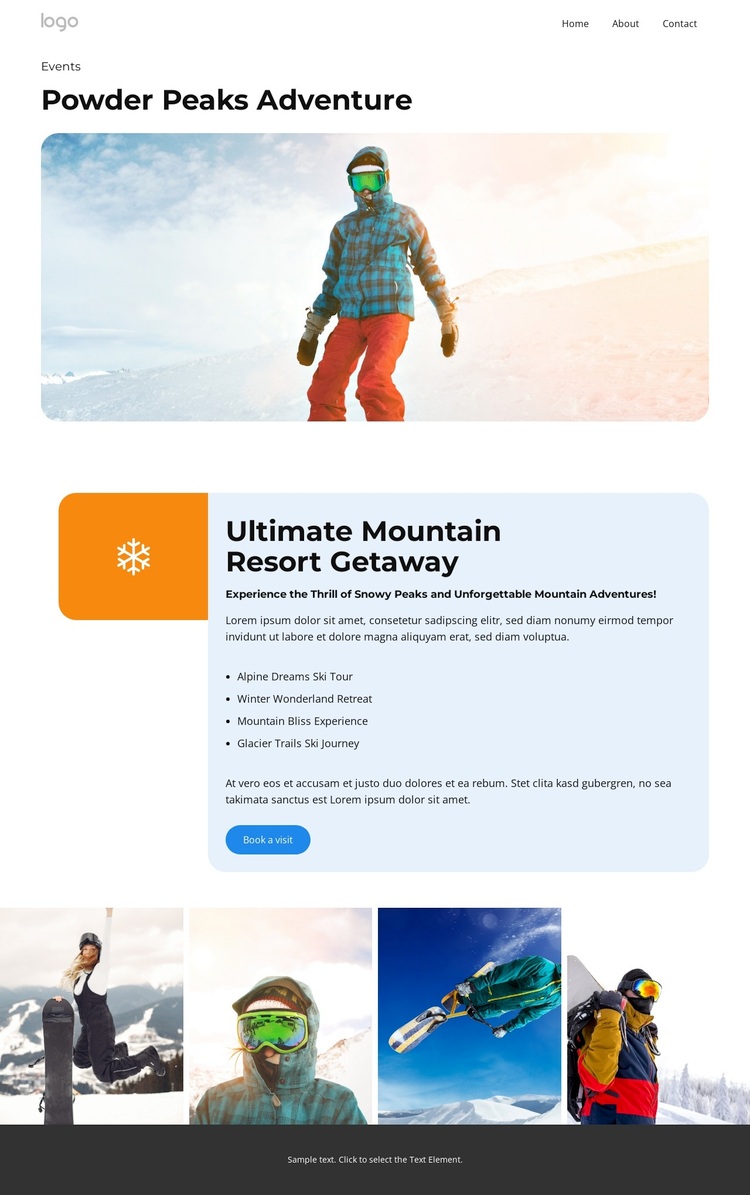
Four named experiences give this mountain design a clear focus
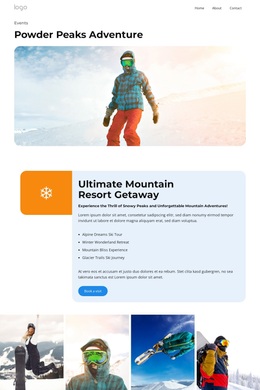
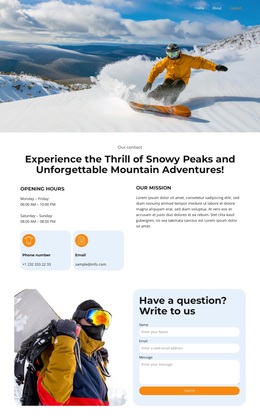
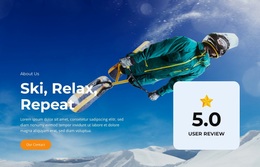
The design stands out through the way it combines a strong alpine image with a compact set of named adventure experiences. Powder Peaks Adventure establishes the visual subject immediately, using a wide snowy mountain image rather than relying on dense introductory text. That makes the design suitable for projects where the setting and atmosphere should carry a substantial part of the first impression.
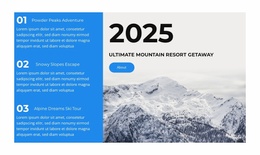
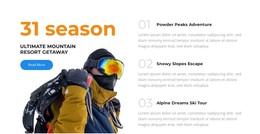
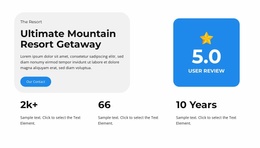
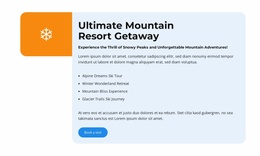
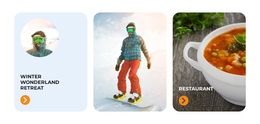
The central Ultimate Mountain Resort Getaway panel adds practical content coverage without losing that visual focus. Alpine Dreams Ski Tour, Winter Wonderland Retreat, Mountain Bliss Experience, and Glacier Trails Ski Journey provide four distinct offering names inside one coherent feature area. The arrangement can support a resort, event, or adventure project that needs to present several experiences while keeping them connected to one overarching getaway message. The four-image gallery extends the same choice through visual evidence of mountain and snow-sport activity.
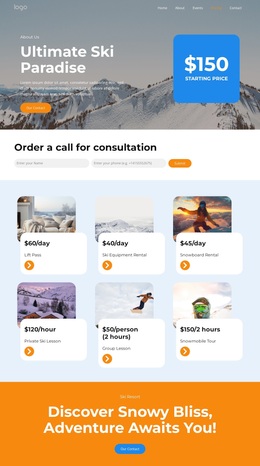
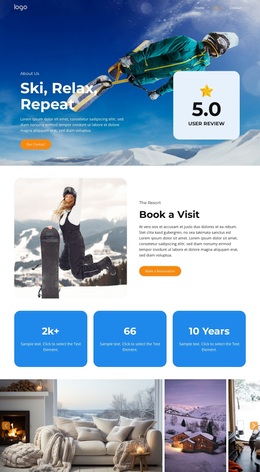
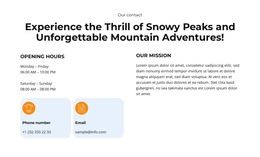
Navigation and actions make the option more usable than a purely inspirational image layout. Home, About, Events, Pricing, and Contact establish familiar project destinations, while Our Contact and Book a visit indicate communication and booking intent. The template analysis confirms the booking label but not prices, dates, availability, or real event details, so those would need replacement. As a design choice, its strongest combination is clear: a recognizable mountain subject, four experience categories, visual gallery support, and a direct visit-booking response.
Customize with Nicepage
Open this ready-made template in the Template Builder and customize it visually in the Nicepage editor. Replace demo content, edit page sections, and adapt the design to your project without rebuilding the template from scratch.
Start With a Ready-Made Template
Choose a Design for a New Page
Use a ready-made template as a starting point instead of creating every page from a blank canvas. When adding a new page in Nicepage, browse available designs, compare different layouts, and choose an option that already fits the general purpose and visual direction of your project.
Browse Different Page Designs
Explore Page Designs using search, thematic categories, Design Sets, and full-page previews. The collection includes layouts for different subjects and page purposes, making it easier to compare alternatives before selecting a design to customize.
Customize the Selected Template
After choosing a design, create the page and continue editing it visually in Nicepage. Replace the demo content, adjust images, typography, colors, sections, and other elements, and adapt the ready-made layout to your own content instead of rebuilding the design from the beginning.
Explore More Design Directions
If the first option does not match your project closely enough, return to the design collection and compare other templates before committing to a layout. This makes the template library useful not only for faster page creation, but also for exploring different visual approaches and finding a suitable starting point for a new project.
This workflow gives you access to a broad collection of ready-made designs that can be selected, compared, and customized according to the needs of each new page or project.