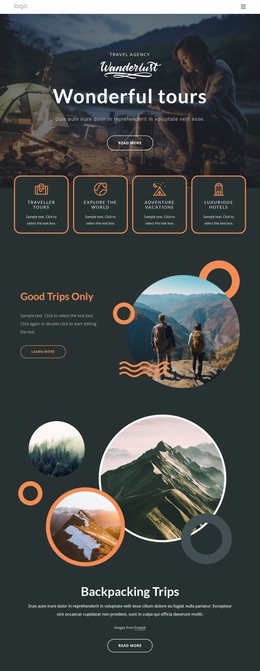
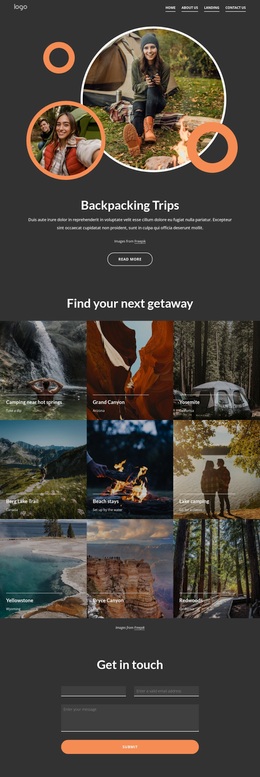
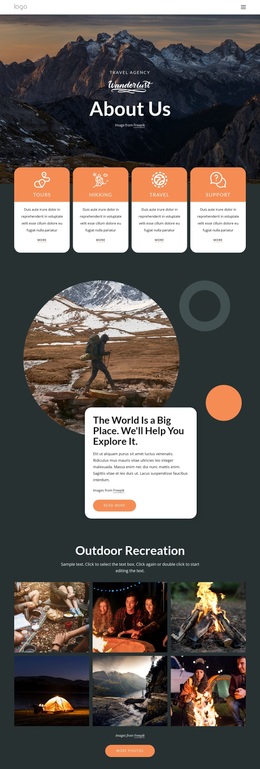
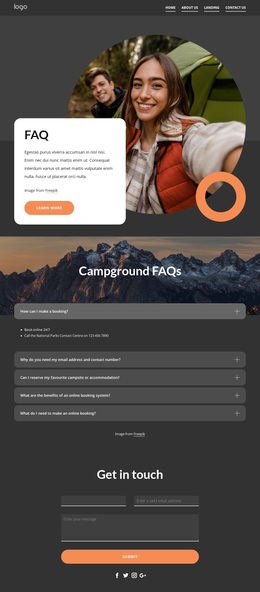
Make your trips truly pleasant experiences Template


Edit Template Offline
2. Create new page and search for id 5389149
Edit Template Online
Create Awesome Websites


Free Nicepage Builder
Keywords
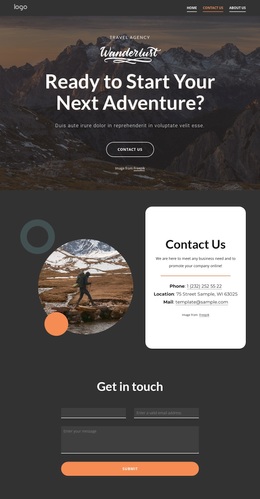
A mountain-led contact story with practical response points
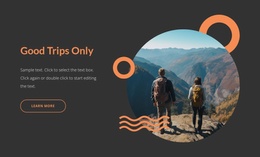
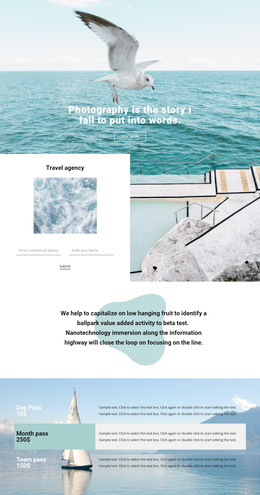
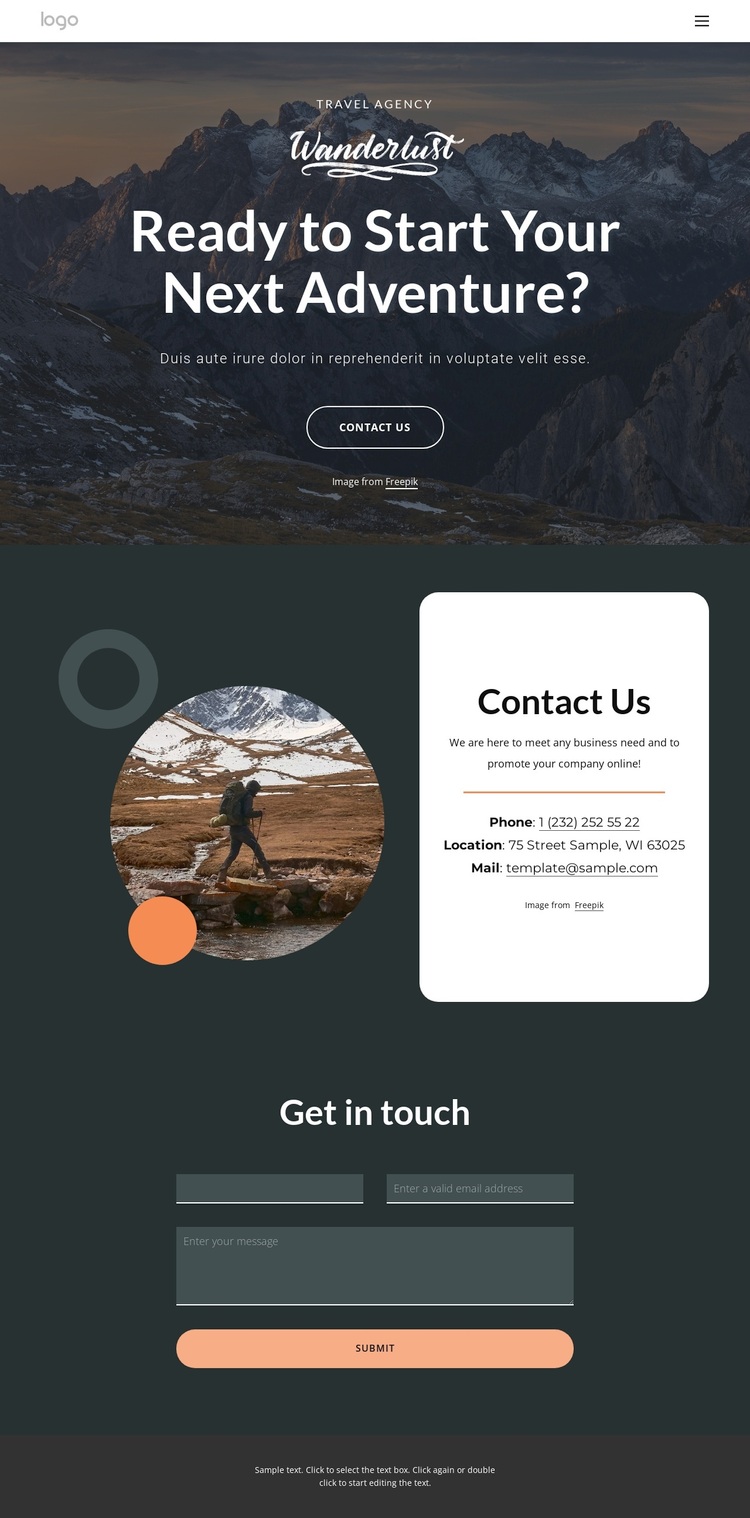
The design is worth considering when a travel project needs atmosphere without losing a direct route to communication. A large mountain image carries the opening message, “Ready to Start Your Next Adventure?”, so the page immediately presents travel as an experience rather than beginning with a plain administrative contact panel. Dark charcoal and deep teal surfaces support that mood, while orange controls make the main interaction easier to identify.
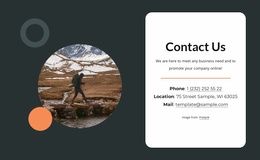
Its strongest distinction is the way visual invitation and practical contact content are placed in sequence. The hero offers a Contact Us button, then the following white card gathers phone, location, and email details beside a smaller decorative travel image. This combination allows the page to feel destination-oriented while still giving visitors concrete channels for reaching the agency. The rounded card treatment and generous vertical spacing keep those details separate from the surrounding imagery.
The final “Get in touch” form extends the same idea into a direct inquiry opportunity. Rather than relying on imagery alone, the page provides a dedicated submission area with a full-width button, followed by a restrained footer line. That coverage makes the design a useful choice for travel pages where visual context, basic contact information, and an inquiry action need to coexist in a compact presentation.
Customize with Nicepage
Open this ready-made template in the Template Builder and customize it visually in the Nicepage editor. Replace demo content, edit page sections, and adapt the design to your project without rebuilding the template from scratch.
Start With a Ready-Made Template
Choose a Design for a New Page
Use a ready-made template as a starting point instead of creating every page from a blank canvas. When adding a new page in Nicepage, browse available designs, compare different layouts, and choose an option that already fits the general purpose and visual direction of your project.
Browse Different Page Designs
Explore Page Designs using search, thematic categories, Design Sets, and full-page previews. The collection includes layouts for different subjects and page purposes, making it easier to compare alternatives before selecting a design to customize.
Customize the Selected Template
After choosing a design, create the page and continue editing it visually in Nicepage. Replace the demo content, adjust images, typography, colors, sections, and other elements, and adapt the ready-made layout to your own content instead of rebuilding the design from the beginning.
Explore More Design Directions
If the first option does not match your project closely enough, return to the design collection and compare other templates before committing to a layout. This makes the template library useful not only for faster page creation, but also for exploring different visual approaches and finding a suitable starting point for a new project.
This workflow gives you access to a broad collection of ready-made designs that can be selected, compared, and customized according to the needs of each new page or project.