Stylist beauty tips Template


Edit Template Offline
2. Create new page and search for id 133972
Edit Template Online
Create Awesome Websites


Free Nicepage Builder
Keywords
Fashion Imagery and Trend Highlights Make This Design Distinctive
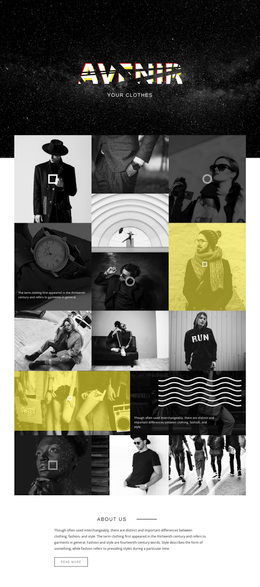
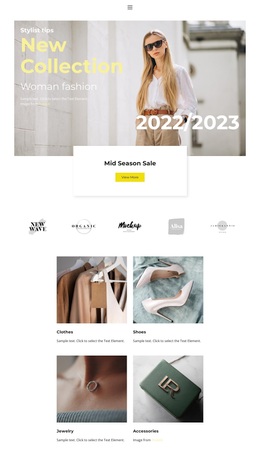
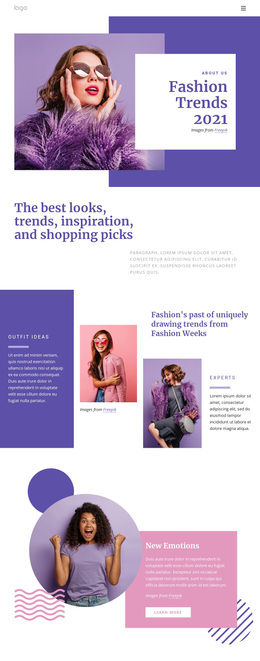
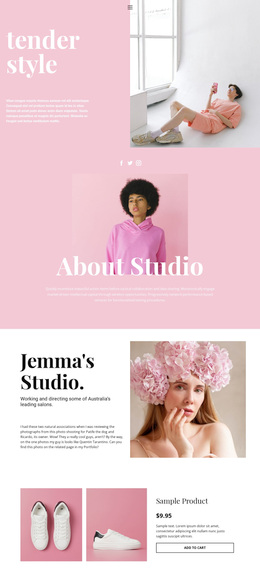
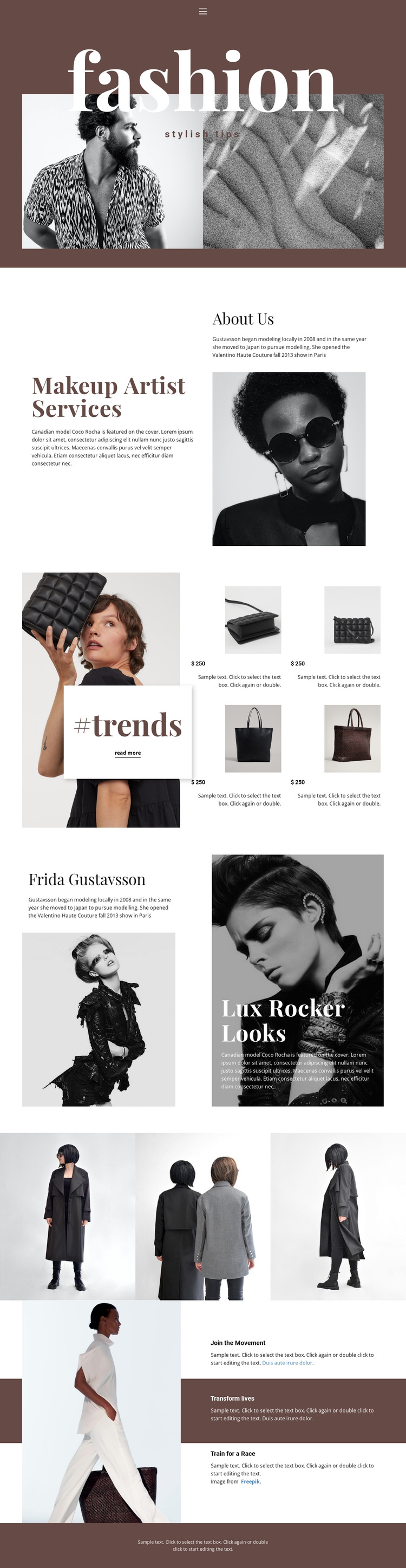
The large fashion hero immediately establishes imagery as the main carrier of the page’s message. Rather than relying on dense introductory copy, the design pairs an oversized title with two fashion images, then moves into makeup artist services and an About Us profile. That combination suits projects that need editorial atmosphere alongside a clearly stated beauty-related offering.
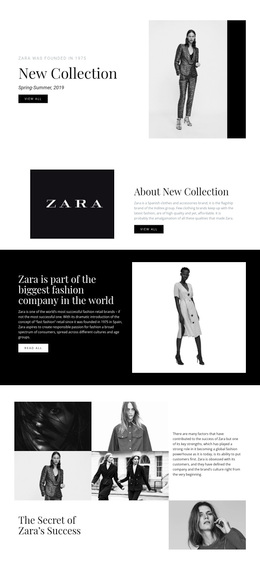
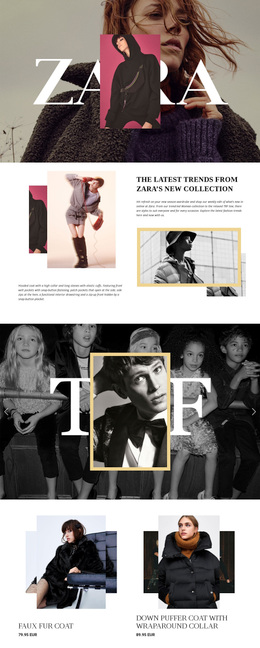
The #trends section gives the design a particularly recognizable content pattern. One larger featured image is followed by four repeated fashion item highlights, each presented as part of a compact visual group, with a visible read more action inviting further exploration. This makes the template useful for fashion tips, product-style selections, or editorial recommendations without claiming that the displayed price is a verified commercial offer. The Frida Gustavsson and Lux Rocker Looks area adds a second storytelling direction through named profile and themed fashion content.
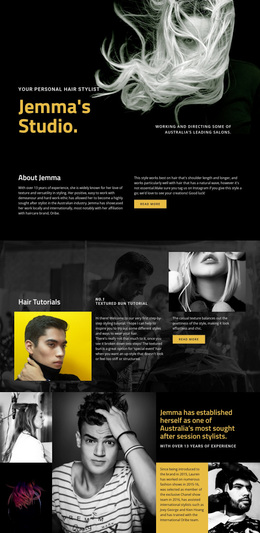
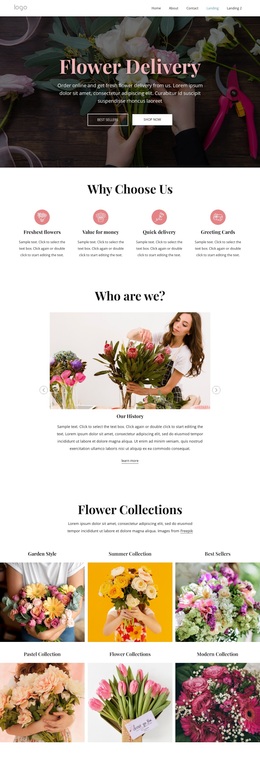
Two image galleries and the Join the Movement section extend the coverage into visual and lifestyle material. The galleries keep apparel and portrait imagery prominent, while the three movement features introduce messages such as Transform lives and Train for a Race. Together, these relationships distinguish the design from a simple service page: it combines beauty services, trend discovery, profiles, galleries, and lifestyle content in a coherent editorial choice for projects led by fashion imagery.
Customize with Nicepage
Open this ready-made template in the Template Builder and customize it visually in the Nicepage editor. Replace demo content, edit page sections, and adapt the design to your project without rebuilding the template from scratch.
Start With a Ready-Made Template
Choose a Design for a New Page
Use a ready-made template as a starting point instead of creating every page from a blank canvas. When adding a new page in Nicepage, browse available designs, compare different layouts, and choose an option that already fits the general purpose and visual direction of your project.
Browse Different Page Designs
Explore Page Designs using search, thematic categories, Design Sets, and full-page previews. The collection includes layouts for different subjects and page purposes, making it easier to compare alternatives before selecting a design to customize.
Customize the Selected Template
After choosing a design, create the page and continue editing it visually in Nicepage. Replace the demo content, adjust images, typography, colors, sections, and other elements, and adapt the ready-made layout to your own content instead of rebuilding the design from the beginning.
Explore More Design Directions
If the first option does not match your project closely enough, return to the design collection and compare other templates before committing to a layout. This makes the template library useful not only for faster page creation, but also for exploring different visual approaches and finding a suitable starting point for a new project.
This workflow gives you access to a broad collection of ready-made designs that can be selected, compared, and customized according to the needs of each new page or project.