Flower delivery NYC Template



Edit Template Offline
2. Create new page and search for id 6247134
Edit Template Online
Create Awesome Websites


Free Nicepage Builder
Keywords
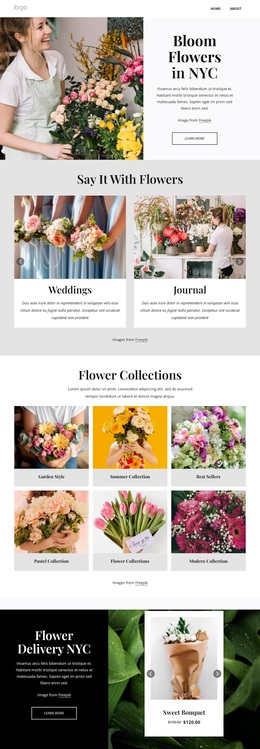
Six collections and event cards give the florist layout broad coverage
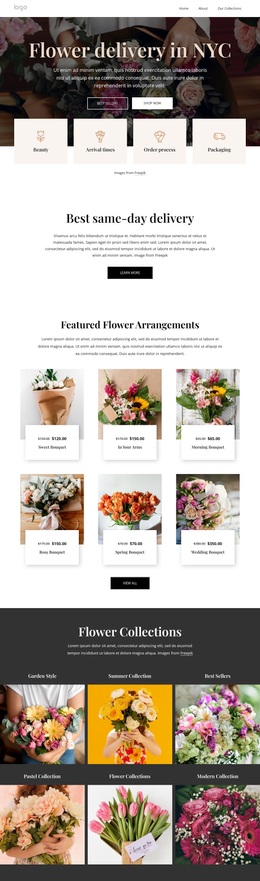
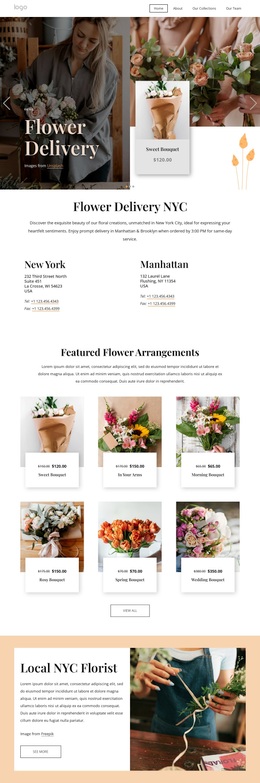
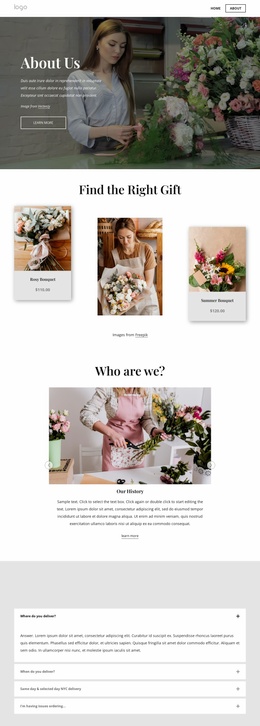
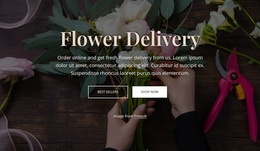
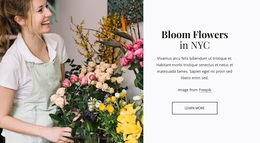
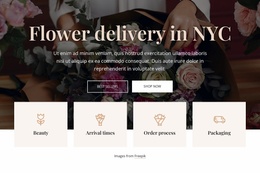
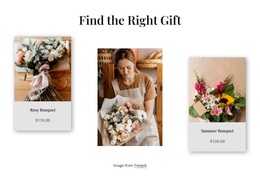
The large floral hero makes the subject unmistakable, but the design’s strongest reason to choose it is the way it combines several kinds of florist content without losing a clear visual direction. The opening delivery message and local New York and Manhattan details establish a specific service context. Six featured arrangement cards then provide a product-focused center, giving the page more substance than a simple promotional banner.
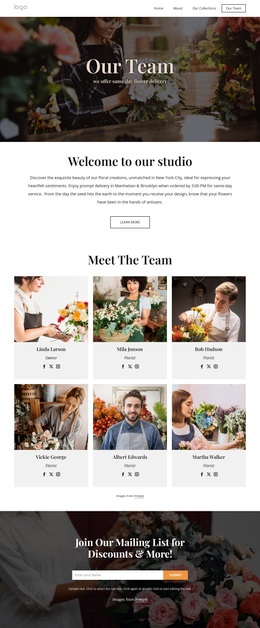
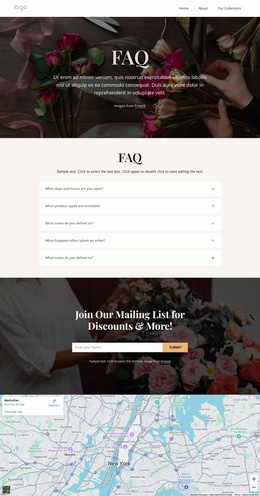
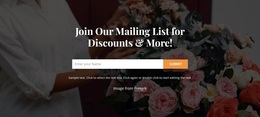
The six Flower Collections tiles make the design particularly adaptable as a starting option for a florist that needs category-led presentation. Garden Style, Summer Collection, Best Sellers, Pastel Collection, and Modern’s Collection are visibly treated as separate image-led destinations, while the Events and Weddings cards introduce a second use case for clients planning floral work around occasions. A testimonial adds a customer perspective, and the mailing-list prompt supplies an ongoing engagement point after the main offer has been presented.
This combination suits projects where photography and named floral groupings need to carry much of the message. The warm cream and pale peach bands, serif headings, botanical images, and generous spacing support an editorial, romantic tone rather than a dense catalogue interface. As a ready-made design choice, it covers local service information, arrangements, collections, event work, reassurance, and subscription content in a single coherent direction.
Customize with Nicepage
Open this ready-made template in the Template Builder and customize it visually in the Nicepage editor. Replace demo content, edit page sections, and adapt the design to your project without rebuilding the template from scratch.
Start With a Ready-Made Template
Choose a Design for a New Page
Use a ready-made template as a starting point instead of creating every page from a blank canvas. When adding a new page in Nicepage, browse available designs, compare different layouts, and choose an option that already fits the general purpose and visual direction of your project.
Browse Different Page Designs
Explore Page Designs using search, thematic categories, Design Sets, and full-page previews. The collection includes layouts for different subjects and page purposes, making it easier to compare alternatives before selecting a design to customize.
Customize the Selected Template
After choosing a design, create the page and continue editing it visually in Nicepage. Replace the demo content, adjust images, typography, colors, sections, and other elements, and adapt the ready-made layout to your own content instead of rebuilding the design from the beginning.
Explore More Design Directions
If the first option does not match your project closely enough, return to the design collection and compare other templates before committing to a layout. This makes the template library useful not only for faster page creation, but also for exploring different visual approaches and finding a suitable starting point for a new project.
This workflow gives you access to a broad collection of ready-made designs that can be selected, compared, and customized according to the needs of each new page or project.