Time for relaxation Template



Edit Template Offline
2. Create new page and search for id 1510587
Edit Template Online
Create Awesome Websites


Free Nicepage Builder
Keywords
Four named treatments give this spa design a clear point of difference
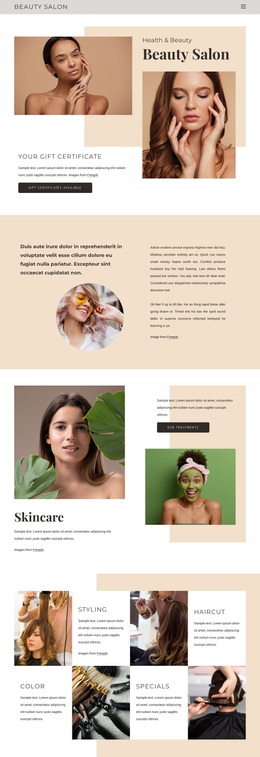
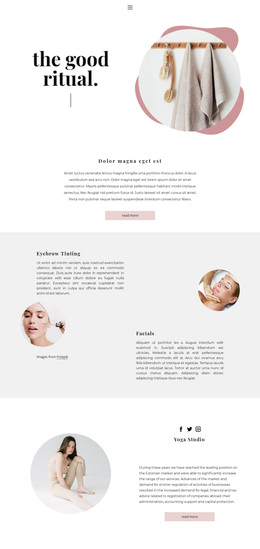
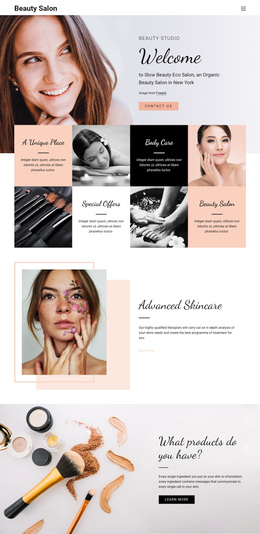
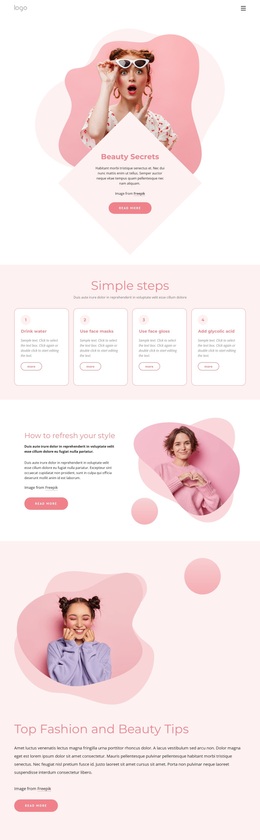
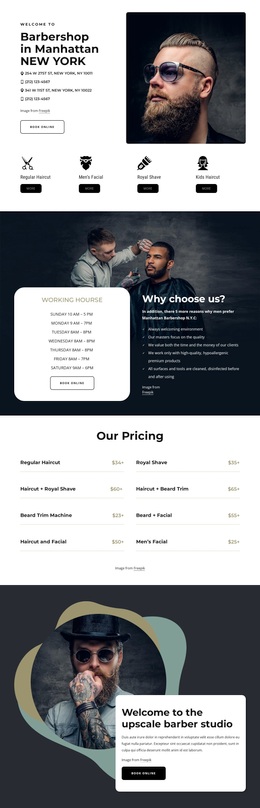
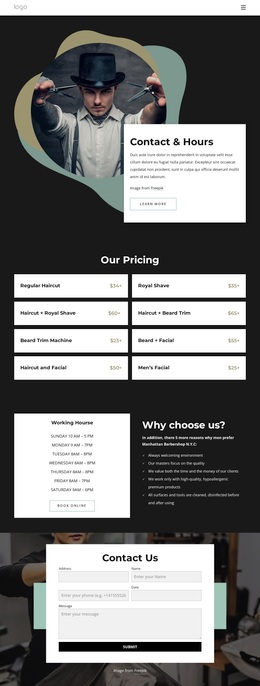
The design makes spa services the organizing subject rather than treating relaxation as a purely decorative theme. Classic massage, hot stones, towel relaxation, and aromatherapy appear as four related treatment choices, creating useful content coverage for a spa center that wants visitors to understand its range at a glance. That service group is supported by spacious image-and-text sections explaining physical beauty, health, and mental comfort, so the page can communicate both what is offered and the broader feeling associated with the visit.
The visual direction strengthens that choice. Warm cream, peach, and muted gold tones sit beside full-width spa photography, organic shapes, spacious layouts, and elegant serif display typography. A four-image gallery continues the image-led storytelling, while the three pricing cards introduce a practical plan-comparison element that is less common in a purely inspirational wellness layout. The final contact block adds a phone line and a short inquiry form, giving the design a natural place for visitors to continue the conversation. Together, the treatment coverage, visual atmosphere, plan section, and contact ending make this a useful option for projects that need to present spa services with calm editorial emphasis rather than dense technical or corporate content.
Customize with Nicepage
Open this ready-made template in the Template Builder and customize it visually in the Nicepage editor. Replace demo content, edit page sections, and adapt the design to your project without rebuilding the template from scratch.
Start With a Ready-Made Template
Choose a Design for a New Page
Use a ready-made template as a starting point instead of creating every page from a blank canvas. When adding a new page in Nicepage, browse available designs, compare different layouts, and choose an option that already fits the general purpose and visual direction of your project.
Browse Different Page Designs
Explore Page Designs using search, thematic categories, Design Sets, and full-page previews. The collection includes layouts for different subjects and page purposes, making it easier to compare alternatives before selecting a design to customize.
Customize the Selected Template
After choosing a design, create the page and continue editing it visually in Nicepage. Replace the demo content, adjust images, typography, colors, sections, and other elements, and adapt the ready-made layout to your own content instead of rebuilding the design from the beginning.
Explore More Design Directions
If the first option does not match your project closely enough, return to the design collection and compare other templates before committing to a layout. This makes the template library useful not only for faster page creation, but also for exploring different visual approaches and finding a suitable starting point for a new project.
This workflow gives you access to a broad collection of ready-made designs that can be selected, compared, and customized according to the needs of each new page or project.