Professional beauty treatments Template
Edit Template Offline
2. Create new page and search for id 5793331
Edit Template Online
Create Awesome Websites


Free Nicepage Builder
Keywords
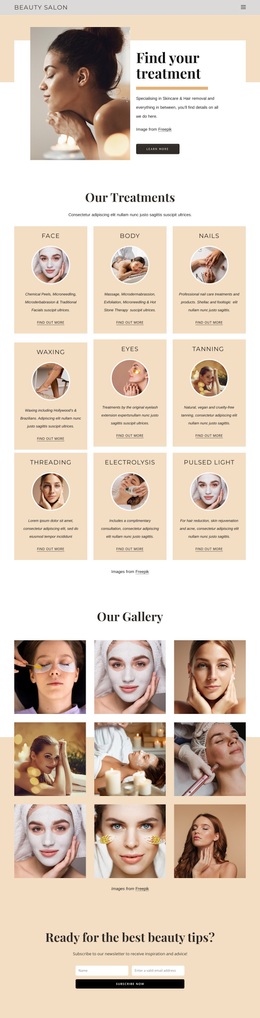
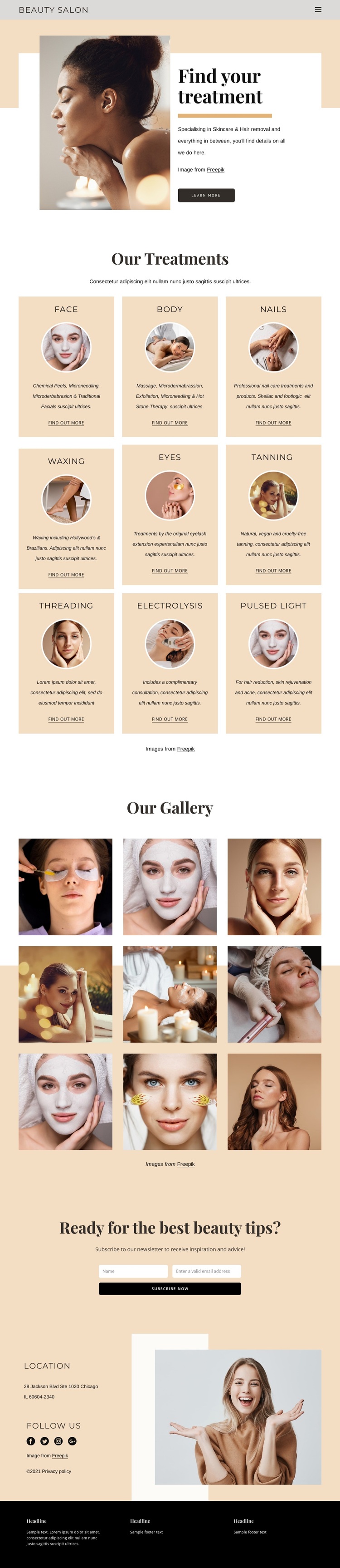
Circular Treatment Cards Make the Service Range Easy to Compare
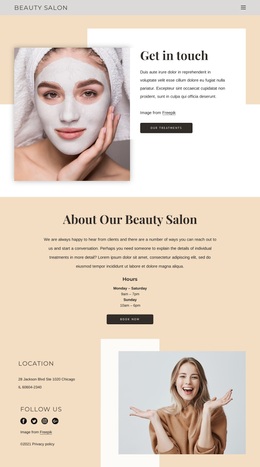
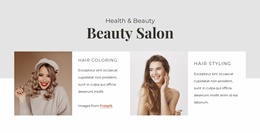
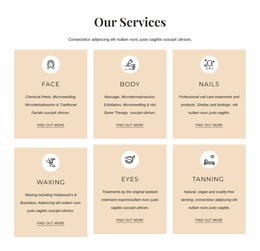
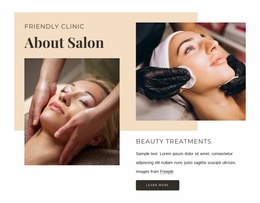
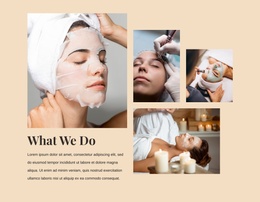
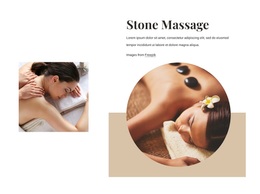
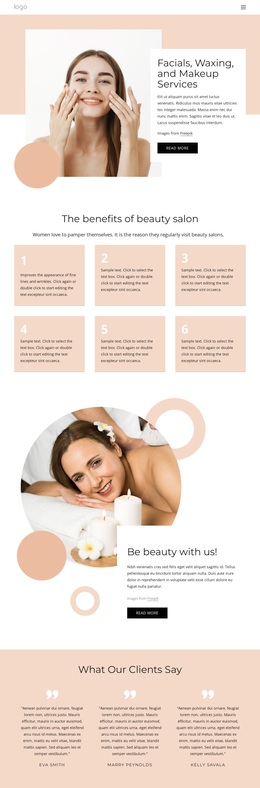
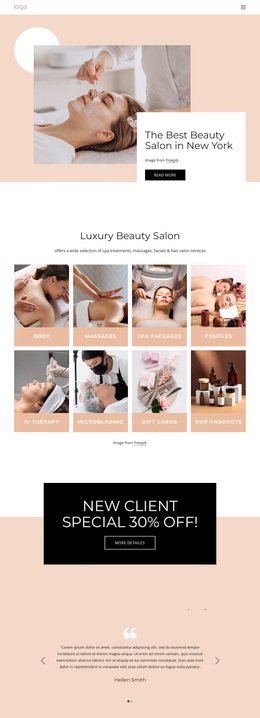
The strongest reason to choose this design is the way it turns a broad beauty offering into a visual treatment menu. Nine categories—Face, Body, Nails, Waxing, Eyes, Tanning, Threading, Electrolysis, and Pulsed Light—are arranged in repeated cards with circular imagery, concise descriptions, and Find out more links. The consistent card treatment helps visitors compare different services while the warm cream and peach palette keeps the presentation calm rather than crowded.
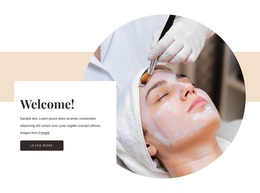
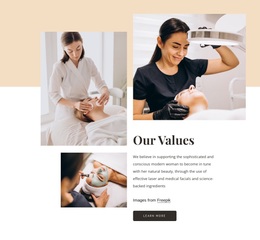
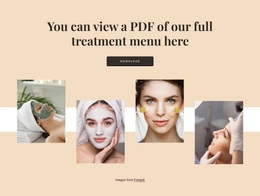
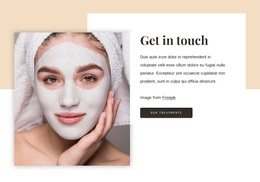
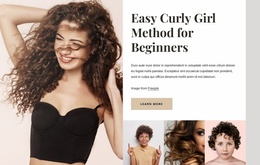
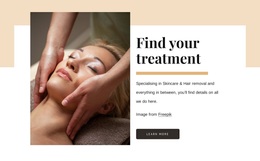
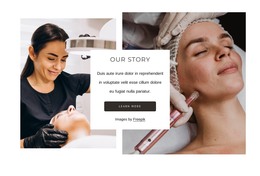
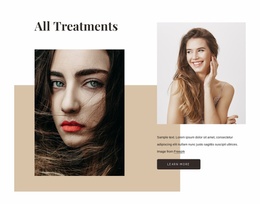
The page also balances discovery with access to fuller information. The opening split section introduces skincare and hair removal through a large image, supporting text, and a Learn More button, giving the design a focused entry point before the wider category range appears. A separate prompt invites visitors to download the full treatment menu, so the page can provide both a quick overview and a more detailed service reference. This combination suits salons that need to communicate many treatments without presenting every detail in the main layout.
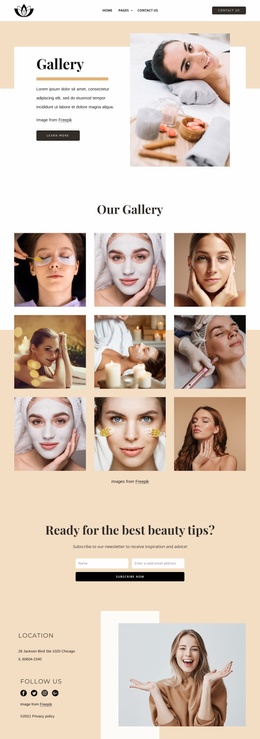
Newsletter forms add another practical content path, and the location panel, social links, quick links, phone and email links, and dark footer make the design feel prepared for ongoing visitor communication. The result is a ready-made option for projects that need service breadth, visual calm, and several measured ways to continue the relationship after the initial treatment overview.
Customize with Nicepage
Open this ready-made template in the Template Builder and customize it visually in the Nicepage editor. Replace demo content, edit page sections, and adapt the design to your project without rebuilding the template from scratch.
Start With a Ready-Made Template
Choose a Design for a New Page
Use a ready-made template as a starting point instead of creating every page from a blank canvas. When adding a new page in Nicepage, browse available designs, compare different layouts, and choose an option that already fits the general purpose and visual direction of your project.
Browse Different Page Designs
Explore Page Designs using search, thematic categories, Design Sets, and full-page previews. The collection includes layouts for different subjects and page purposes, making it easier to compare alternatives before selecting a design to customize.
Customize the Selected Template
After choosing a design, create the page and continue editing it visually in Nicepage. Replace the demo content, adjust images, typography, colors, sections, and other elements, and adapt the ready-made layout to your own content instead of rebuilding the design from the beginning.
Explore More Design Directions
If the first option does not match your project closely enough, return to the design collection and compare other templates before committing to a layout. This makes the template library useful not only for faster page creation, but also for exploring different visual approaches and finding a suitable starting point for a new project.
This workflow gives you access to a broad collection of ready-made designs that can be selected, compared, and customized according to the needs of each new page or project.

Design Set (25)
-

-
-
-
-
-
-
-
-
-
-
-
-
-
-
Free Website Builder SoftwareDownload
-
-
-
-
-