Flower delivery in NYC Template



Edit Template Offline
2. Create new page and search for id 6349541
Edit Template Online
Create Awesome Websites


Free Nicepage Builder
Keywords
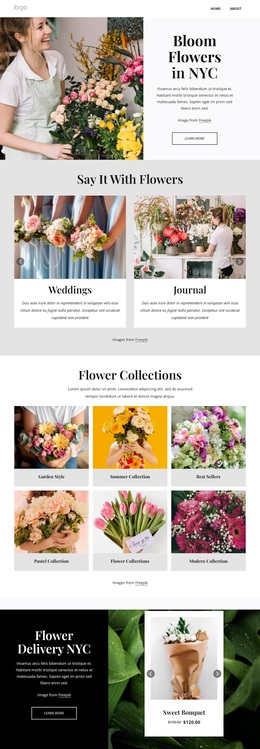
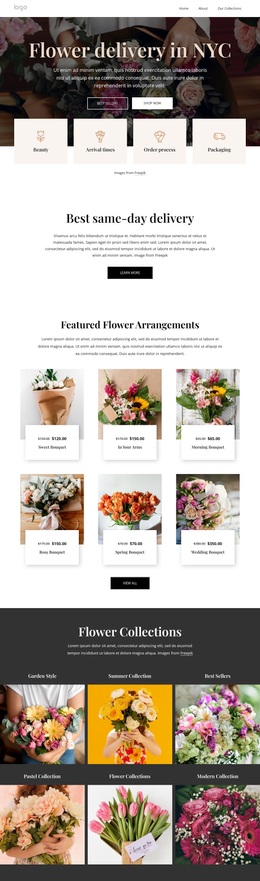
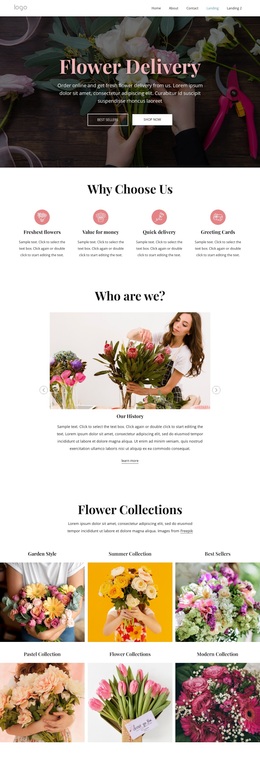
Six Bouquets and Six Collections Give the Design a Clear Floral Focus
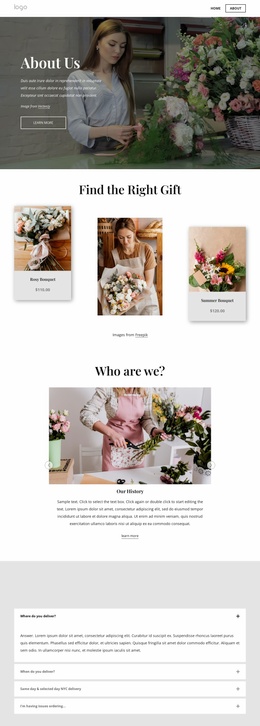
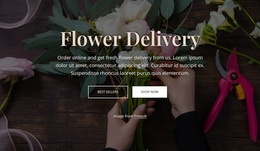
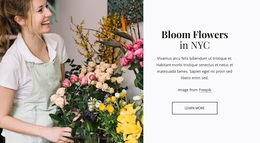
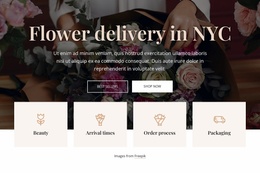
The strongest reason to choose this design is the way it lets floral imagery and product discovery carry the page. The hero immediately identifies flower delivery in NYC and places shopping actions against a large floral photograph. Four supporting feature tiles add practical entry points around beauty, arrival times, order process, and packaging, so the opening does more than present an attractive image.
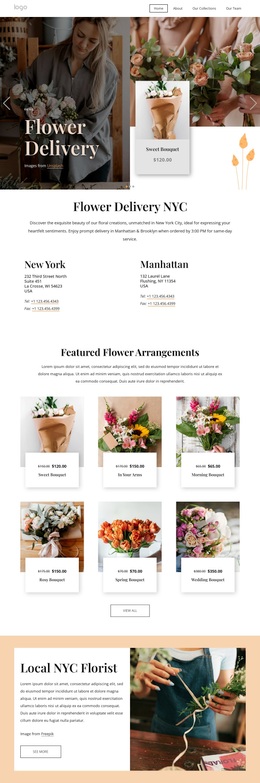
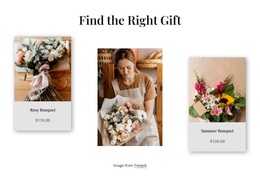
The six featured arrangement cards make the storefront’s commercial purpose visible, while the six collection tiles create a second browsing layer for different floral directions. This combination can suit a project that needs to show individual bouquets and broader categories without relying on dense explanatory copy. The four benefit columns then reinforce service considerations such as freshness, value, quick delivery, and greeting cards.
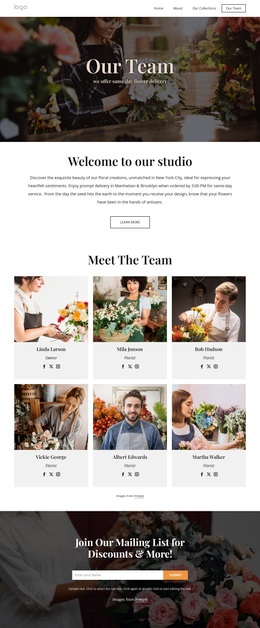
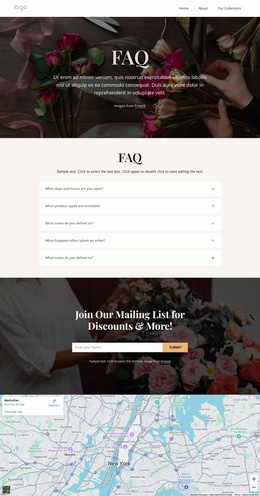
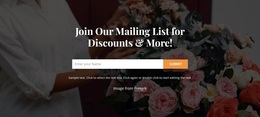
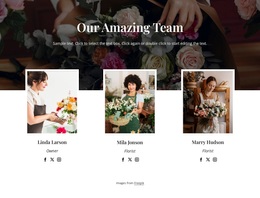
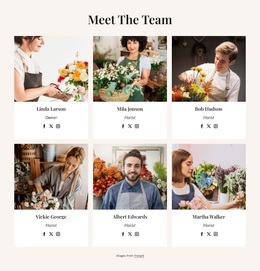
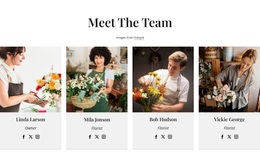
The design also covers uses beyond routine orders. Events, Weddings, and Workshops appear as three separate floral service cards, and the nine-image gallery provides visual evidence of arrangement work. Testimonials, a six-person team section, five FAQ rows, and the subscription form add reassurance, answers, and an ongoing contact opportunity. The result is a focused option for a boutique florist that wants product choice, delivery context, event services, and image-led presentation to coexist on one page without losing a recognizable romantic editorial character.
Customize with Nicepage
Open this ready-made template in the Template Builder and customize it visually in the Nicepage editor. Replace demo content, edit page sections, and adapt the design to your project without rebuilding the template from scratch.
Start With a Ready-Made Template
Choose a Design for a New Page
Use a ready-made template as a starting point instead of creating every page from a blank canvas. When adding a new page in Nicepage, browse available designs, compare different layouts, and choose an option that already fits the general purpose and visual direction of your project.
Browse Different Page Designs
Explore Page Designs using search, thematic categories, Design Sets, and full-page previews. The collection includes layouts for different subjects and page purposes, making it easier to compare alternatives before selecting a design to customize.
Customize the Selected Template
After choosing a design, create the page and continue editing it visually in Nicepage. Replace the demo content, adjust images, typography, colors, sections, and other elements, and adapt the ready-made layout to your own content instead of rebuilding the design from the beginning.
Explore More Design Directions
If the first option does not match your project closely enough, return to the design collection and compare other templates before committing to a layout. This makes the template library useful not only for faster page creation, but also for exploring different visual approaches and finding a suitable starting point for a new project.
This workflow gives you access to a broad collection of ready-made designs that can be selected, compared, and customized according to the needs of each new page or project.