Modern beauty fashion Template


Edit Template Offline
2. Create new page and search for id 23526
Edit Template Online
Create Awesome Websites


Free Nicepage Builder
Keywords
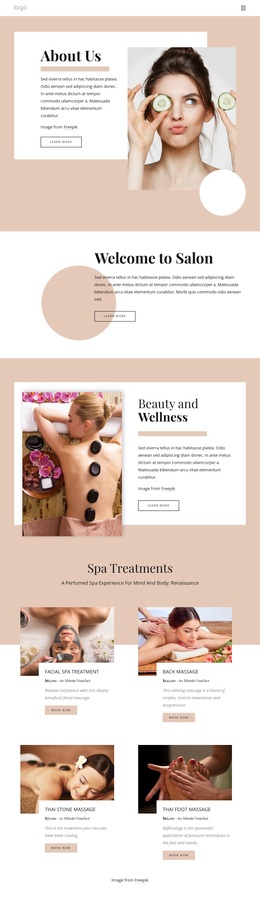
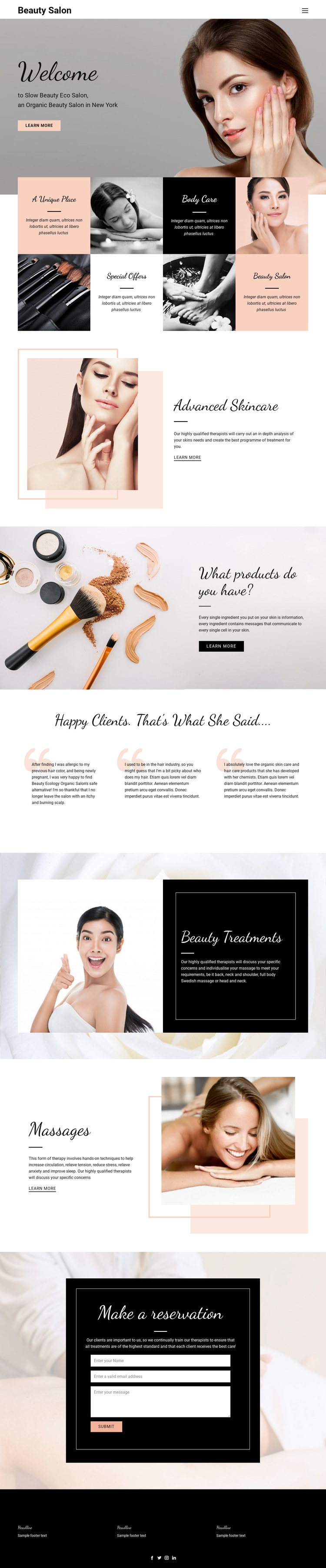
Warm Imagery and Broad Service Coverage Make This Design Distinctive
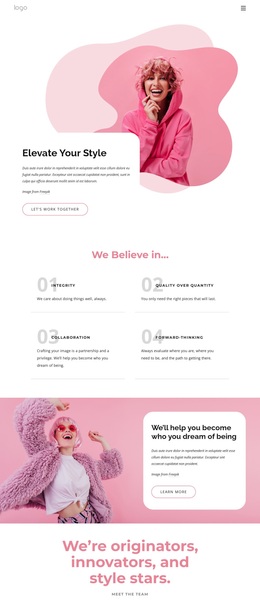
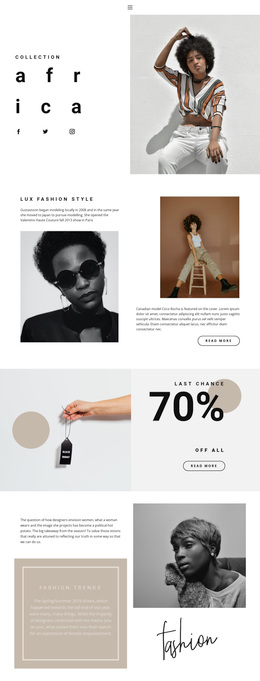
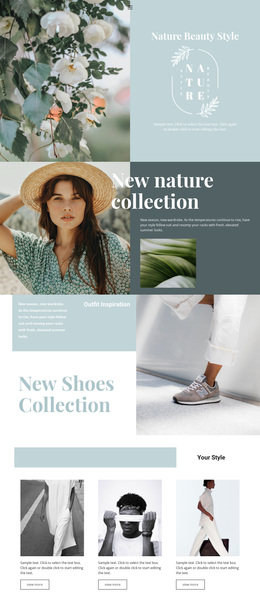
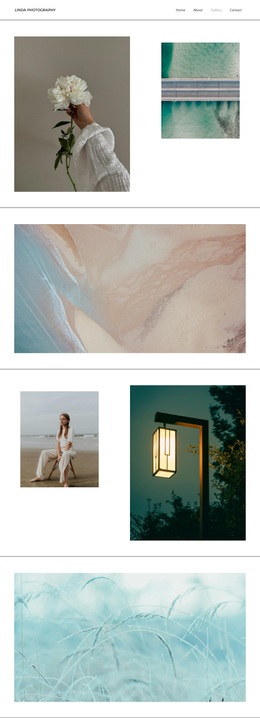
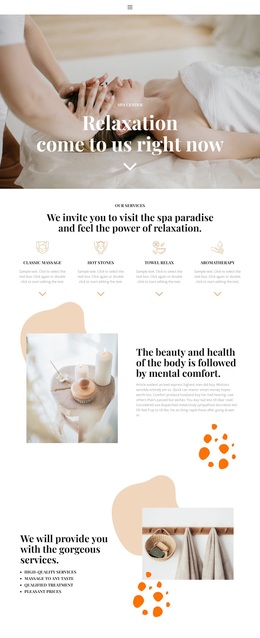
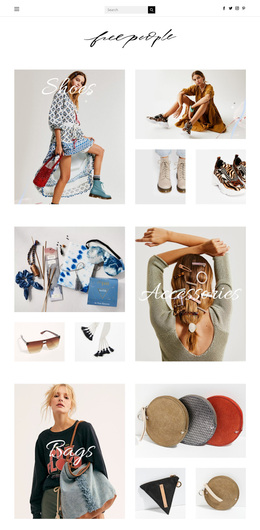
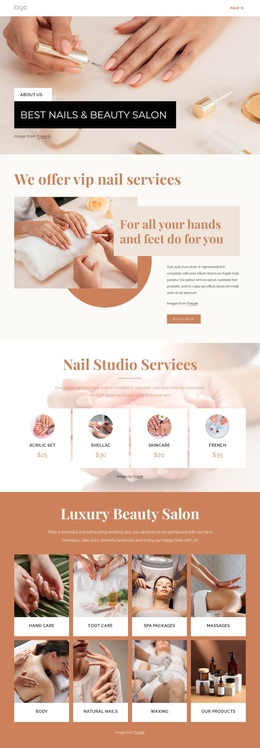
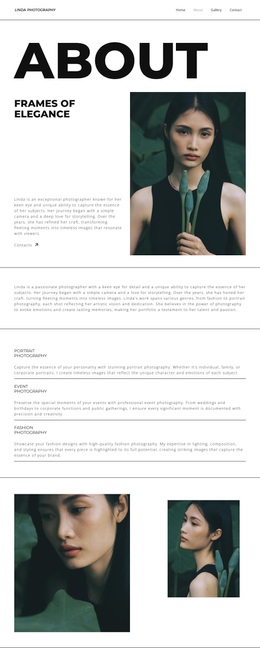
Large beauty imagery carries much of the first impression, beginning with the Welcome panel and continuing through framed portraits, product photography, and treatment-focused compositions. That visual emphasis is supported by a restrained palette of black, white, blush, peach, and muted gray, while script-style headings create an editorial tone without overwhelming the sans-serif body text. The result is a design option for projects that need atmosphere as well as service information.
The content coverage also separates this template from a page built around one narrow treatment. The four-tile overview introduces Body Care and Special Offers, then the page gives dedicated space to Advanced Skincare, products and ingredients, Beauty Treatments, and Massages. Those areas allow a salon to present several related offerings while keeping each one visually recognizable. Three testimonial panels add a client-focused pause before the reservation section, so the page balances visual appeal, service explanation, and reassurance.
The final bordered reservation panel makes the template especially relevant to a salon homepage whose purpose is to encourage inquiries or appointments. The dark footer with social links provides a defined closing area rather than an abrupt end. Taken together, the imagery, service range, testimonials, and reservation structure make this a useful choice for an organic beauty and personal-care presentation that should feel refined but remain information-rich.
Customize with Nicepage
Open this ready-made template in the Template Builder and customize it visually in the Nicepage editor. Replace demo content, edit page sections, and adapt the design to your project without rebuilding the template from scratch.
Start With a Ready-Made Template
Choose a Design for a New Page
Use a ready-made template as a starting point instead of creating every page from a blank canvas. When adding a new page in Nicepage, browse available designs, compare different layouts, and choose an option that already fits the general purpose and visual direction of your project.
Browse Different Page Designs
Explore Page Designs using search, thematic categories, Design Sets, and full-page previews. The collection includes layouts for different subjects and page purposes, making it easier to compare alternatives before selecting a design to customize.
Customize the Selected Template
After choosing a design, create the page and continue editing it visually in Nicepage. Replace the demo content, adjust images, typography, colors, sections, and other elements, and adapt the ready-made layout to your own content instead of rebuilding the design from the beginning.
Explore More Design Directions
If the first option does not match your project closely enough, return to the design collection and compare other templates before committing to a layout. This makes the template library useful not only for faster page creation, but also for exploring different visual approaches and finding a suitable starting point for a new project.
This workflow gives you access to a broad collection of ready-made designs that can be selected, compared, and customized according to the needs of each new page or project.