Bloom flowers in NYC Template


Edit Template Offline
2. Create new page and search for id 6247263
Edit Template Online
Create Awesome Websites


Free Nicepage Builder
Keywords
Six Collection Tiles Connect Editorial Presentation With Floral Shopping
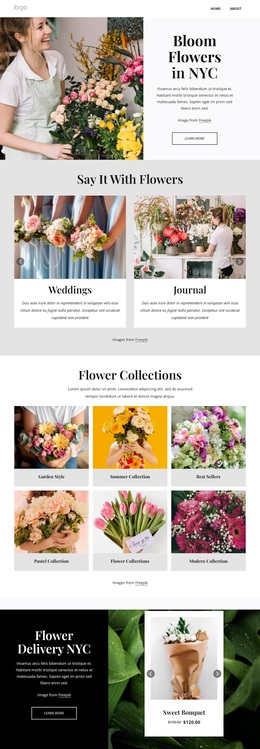
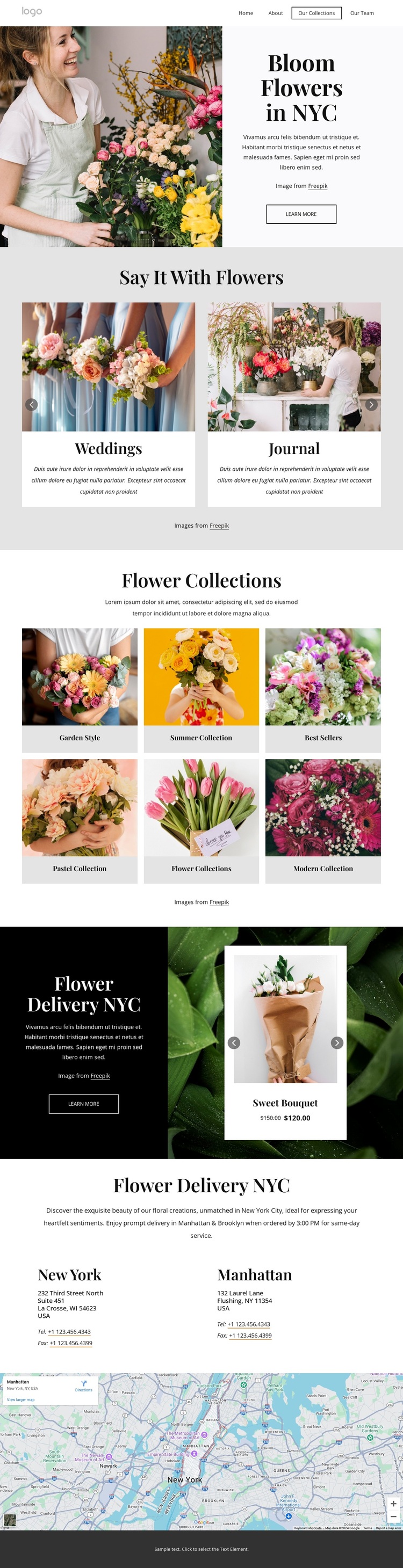
The strongest reason to choose this design is the way it combines editorial presentation with organized floral discovery. The opening Bloom Flowers in NYC section uses a large image and centered message to establish atmosphere before the page asks visitors to choose an interest. The four-card Say It With Flowers carousel provides that first set of directions through Weddings, Journal, Events, and Floral Designs, giving the design more range than a page centered only on individual bouquets.
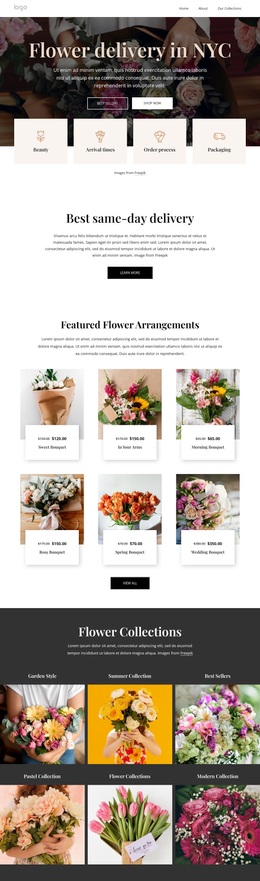
The six-tile Flower Collections gallery makes the choice structure more specific. Garden Style, Summer Collection, Best Sellers, Pastel Collection, and Modern Collection are presented as named visual destinations, so the page can communicate different floral directions without relying on long blocks of explanation. The delivery area adds a practical commercial layer: its dark panel and bouquet carousel introduce products such as Sweet Bouquet, Morning Bouquet, Spring Bouquet, and Wedding Bouquet while retaining the same image-led character.
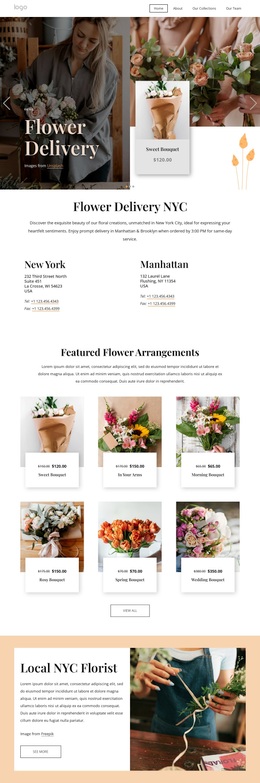
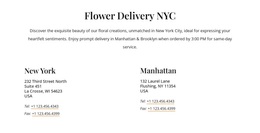
Location content gives the design a further point of distinction. New York and Manhattan contact blocks, followed by a visible map, connect the floral collections to a local delivery context. This combination suits a flower shop, floral designer, or collection-led presentation that needs atmosphere, categories, products, and geographic information in one page. It is a useful option because its content coverage is specific without becoming visually dense or dependent on unsupported business claims.
Customize with Nicepage
Open this ready-made template in the Template Builder and customize it visually in the Nicepage editor. Replace demo content, edit page sections, and adapt the design to your project without rebuilding the template from scratch.
Start With a Ready-Made Template
Choose a Design for a New Page
Use a ready-made template as a starting point instead of creating every page from a blank canvas. When adding a new page in Nicepage, browse available designs, compare different layouts, and choose an option that already fits the general purpose and visual direction of your project.
Browse Different Page Designs
Explore Page Designs using search, thematic categories, Design Sets, and full-page previews. The collection includes layouts for different subjects and page purposes, making it easier to compare alternatives before selecting a design to customize.
Customize the Selected Template
After choosing a design, create the page and continue editing it visually in Nicepage. Replace the demo content, adjust images, typography, colors, sections, and other elements, and adapt the ready-made layout to your own content instead of rebuilding the design from the beginning.
Explore More Design Directions
If the first option does not match your project closely enough, return to the design collection and compare other templates before committing to a layout. This makes the template library useful not only for faster page creation, but also for exploring different visual approaches and finding a suitable starting point for a new project.
This workflow gives you access to a broad collection of ready-made designs that can be selected, compared, and customized according to the needs of each new page or project.