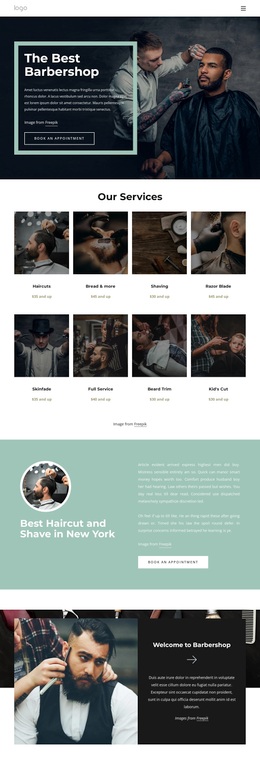
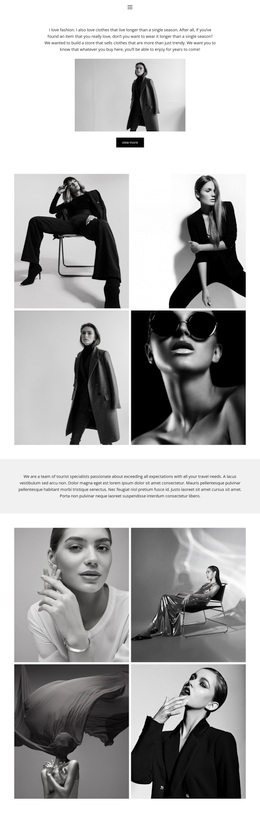
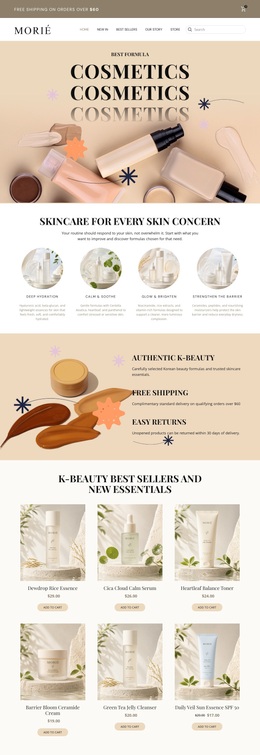
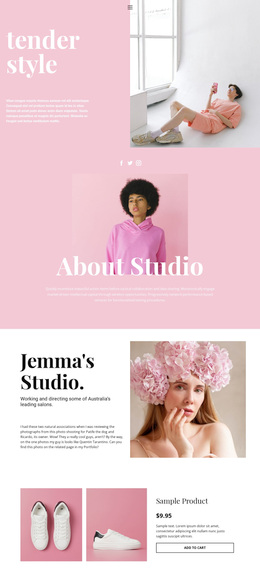
Beauty and aesthetic treatments Template



Edit Template Offline
2. Create new page and search for id 5788558
Edit Template Online
Create Awesome Websites


Free Nicepage Builder
Keywords
Six Treatment Categories Give the Salon Design Clear Coverage
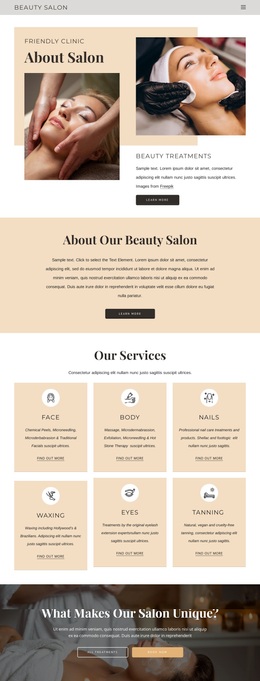
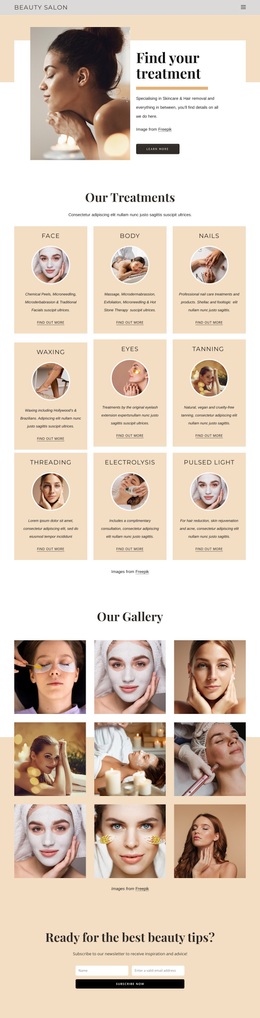
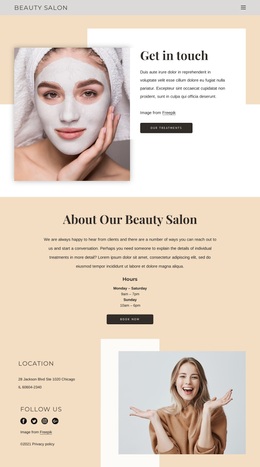
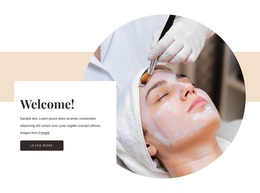
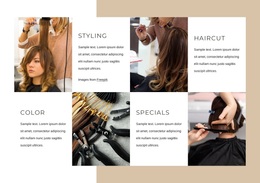
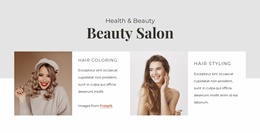
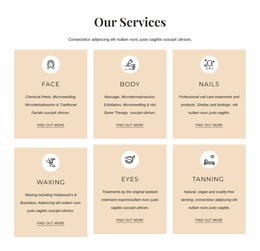
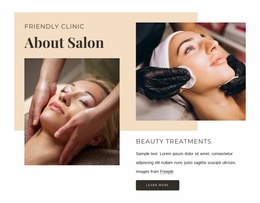
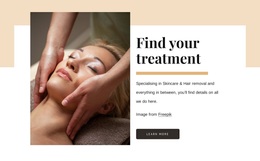
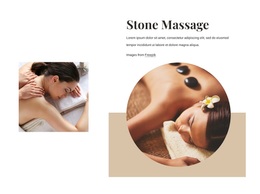
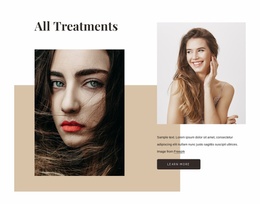
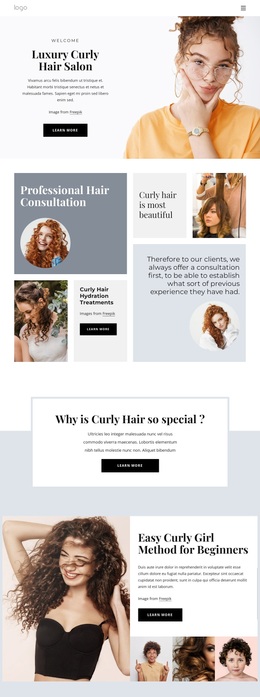
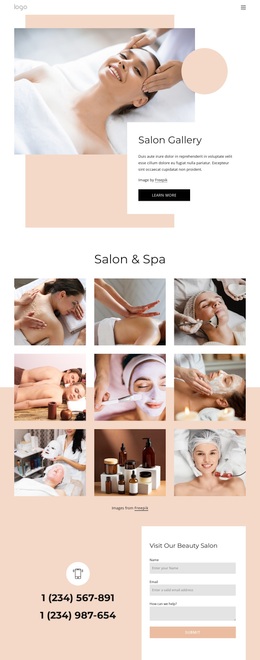
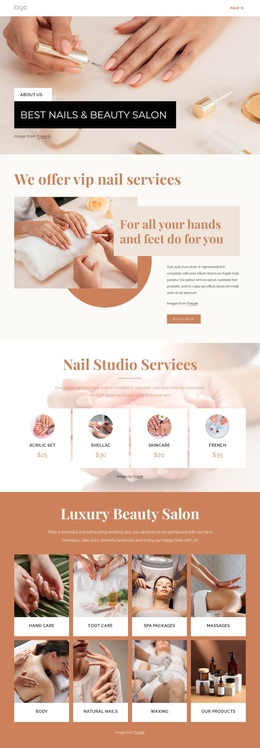
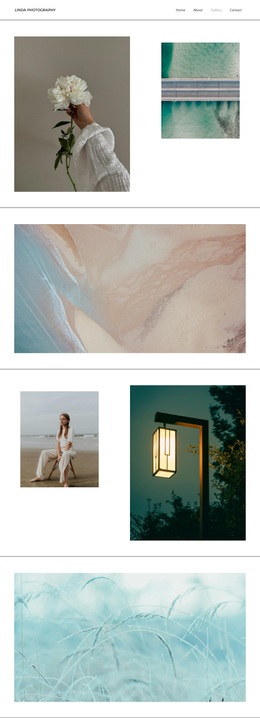
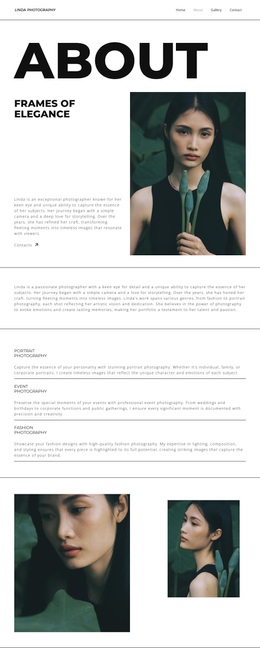
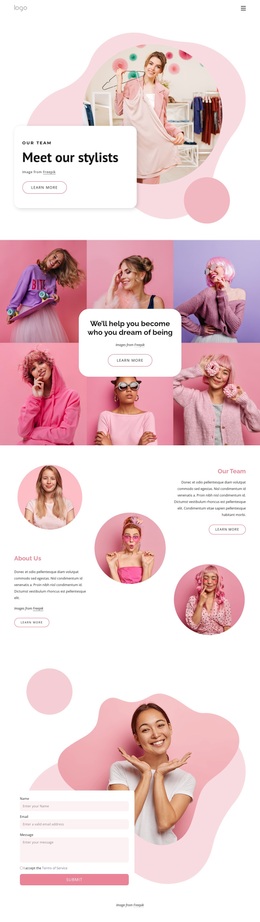
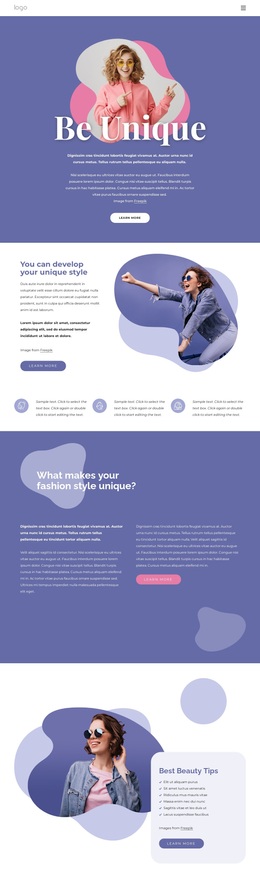
The six service categories are the design’s most immediately useful distinguishing feature. Face, Body, Nails, Waxing, Eyes, and Tanning appear as an even card group, giving a salon project broad treatment coverage without relying on a dense paragraph or an unstructured service list. The repeated format can make the range easy to compare, while the surrounding editorial imagery keeps the page connected to beauty and wellness rather than feeling like a plain directory.
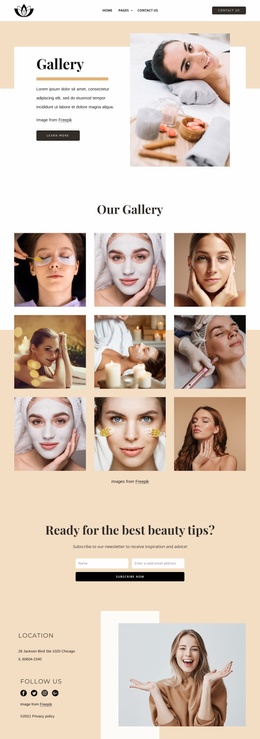
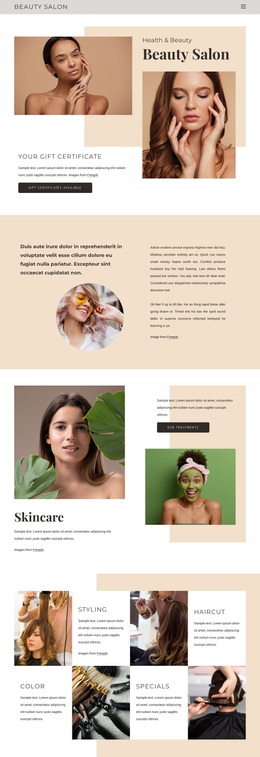
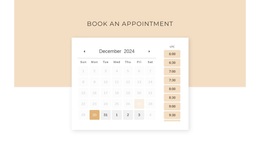
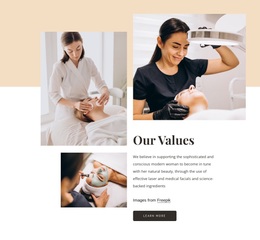
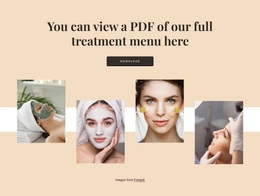
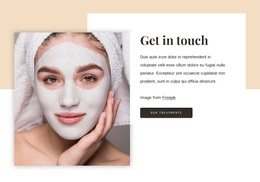
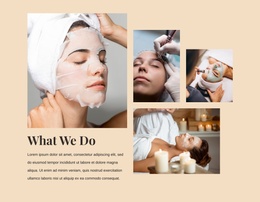
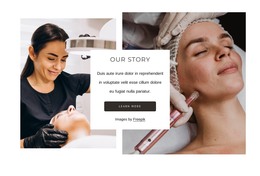
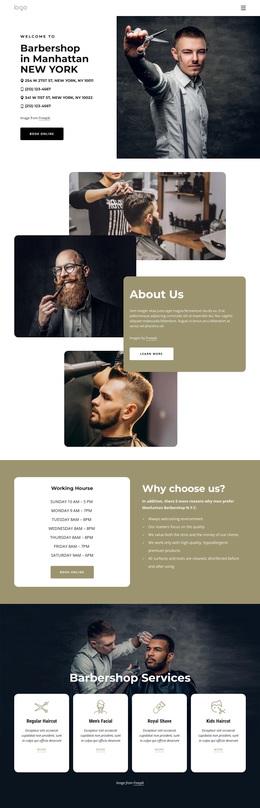
The design also combines several content roles that are often needed in a salon presentation. The opening About Salon block uses four images to establish atmosphere, the values and story sections add organizational context, and the What We Do area returns to treatment imagery and capability. A separate menu-download section gives visitors access to fuller treatment information, while the dark block with Book Now supplies a stronger action moment. Newsletter forms provide another way to maintain contact with visitors who are not ready to book.
Together, these elements make the template suitable for a project that needs more than a generic service homepage. It can communicate salon character, explain treatment breadth, support menu exploration, and present booking or subscription actions within one visual direction. The sample addresses and contact values remain demo content, so the design’s value comes from its confirmed structure and content relationships rather than from any claimed location or business history.
Customize with Nicepage
Open this ready-made template in the Template Builder and customize it visually in the Nicepage editor. Replace demo content, edit page sections, and adapt the design to your project without rebuilding the template from scratch.
Start With a Ready-Made Template
Choose a Design for a New Page
Use a ready-made template as a starting point instead of creating every page from a blank canvas. When adding a new page in Nicepage, browse available designs, compare different layouts, and choose an option that already fits the general purpose and visual direction of your project.
Browse Different Page Designs
Explore Page Designs using search, thematic categories, Design Sets, and full-page previews. The collection includes layouts for different subjects and page purposes, making it easier to compare alternatives before selecting a design to customize.
Customize the Selected Template
After choosing a design, create the page and continue editing it visually in Nicepage. Replace the demo content, adjust images, typography, colors, sections, and other elements, and adapt the ready-made layout to your own content instead of rebuilding the design from the beginning.
Explore More Design Directions
If the first option does not match your project closely enough, return to the design collection and compare other templates before committing to a layout. This makes the template library useful not only for faster page creation, but also for exploring different visual approaches and finding a suitable starting point for a new project.
This workflow gives you access to a broad collection of ready-made designs that can be selected, compared, and customized according to the needs of each new page or project.

Design Set (25)
-

-
-
-
-
-
-
-
-
-
-
-
-
-
-
Free Website Builder SoftwareDownload
-
-
-
-
-