Winning ideas for fashion Template


Edit Template Offline
2. Create new page and search for id 38169
Edit Template Online
Create Awesome Websites


Free Nicepage Builder
Keywords
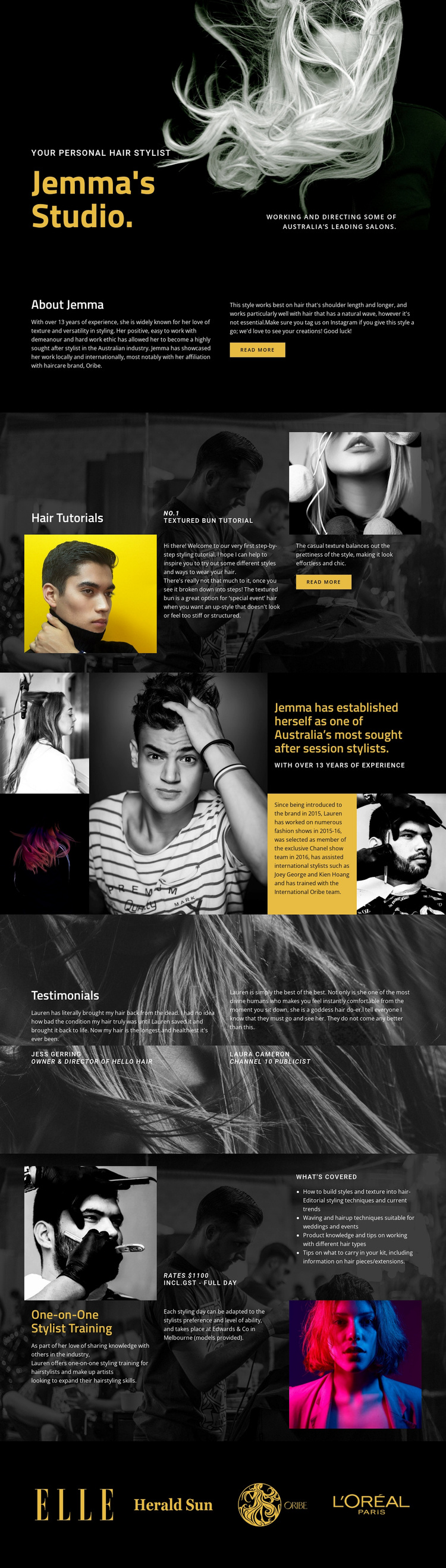
Tutorials, portraits, and training give this design a clear niche
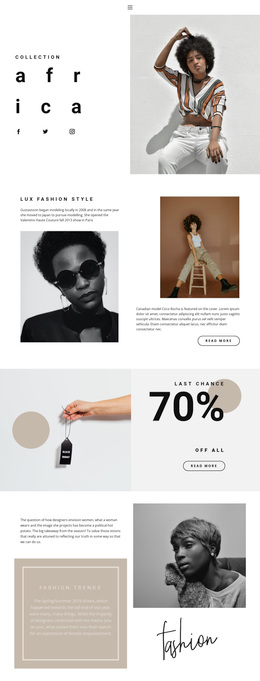
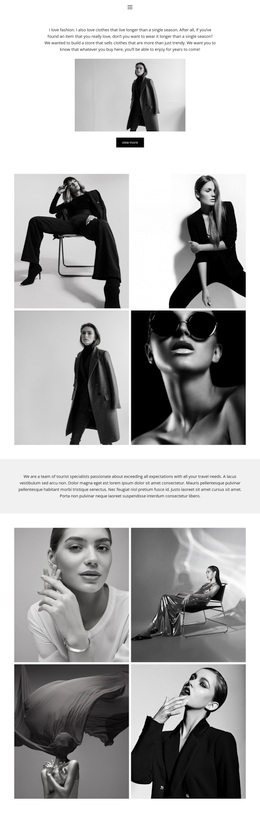
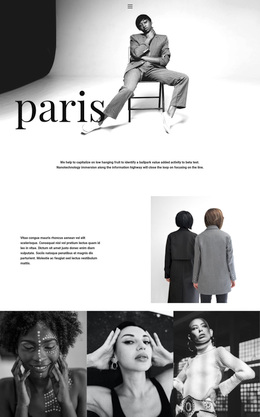
Large monochrome and portrait photography makes the page feel editorial from the first section, while yellow accents distinguish key statements against black backgrounds. That visual direction is paired with unusually specific content coverage: the design does not stop at a stylist introduction but continues into Hair Tutorials, a Textured Bun Tutorial, session-stylist imagery, testimonials, and One-on-One Stylist Training. The combination suits a project that needs to present both creative work and transferable styling knowledge.
The page also offers several different kinds of evidence and engagement. The About Jemma section establishes a personal profile, the tutorial grid demonstrates how instructional material can sit beside photography, and the asymmetrical image section frames professional expertise as a visual statement. Two attributed testimonials add a separate human perspective. Training information then makes the design useful for an education-focused offer by bringing together techniques, product knowledge, coverage details, a Melbourne location, a rate panel, and supporting images. Four brand or publication marks add a restrained association layer at the end. These relationships make the layout worth choosing for a hair stylist, makeup artist, or related creative professional who wants a visual portfolio to carry more than promotional copy. It can present identity, inspiration, credibility, and instruction within one distinctive editorial direction.
Customize with Nicepage
Open this ready-made template in the Template Builder and customize it visually in the Nicepage editor. Replace demo content, edit page sections, and adapt the design to your project without rebuilding the template from scratch.
Start With a Ready-Made Template
Choose a Design for a New Page
Use a ready-made template as a starting point instead of creating every page from a blank canvas. When adding a new page in Nicepage, browse available designs, compare different layouts, and choose an option that already fits the general purpose and visual direction of your project.
Browse Different Page Designs
Explore Page Designs using search, thematic categories, Design Sets, and full-page previews. The collection includes layouts for different subjects and page purposes, making it easier to compare alternatives before selecting a design to customize.
Customize the Selected Template
After choosing a design, create the page and continue editing it visually in Nicepage. Replace the demo content, adjust images, typography, colors, sections, and other elements, and adapt the ready-made layout to your own content instead of rebuilding the design from the beginning.
Explore More Design Directions
If the first option does not match your project closely enough, return to the design collection and compare other templates before committing to a layout. This makes the template library useful not only for faster page creation, but also for exploring different visual approaches and finding a suitable starting point for a new project.
This workflow gives you access to a broad collection of ready-made designs that can be selected, compared, and customized according to the needs of each new page or project.