Best barbers Template


Edit Template Offline
2. Create new page and search for id 6410539
Edit Template Online
Create Awesome Websites


Free Nicepage Builder
Keywords
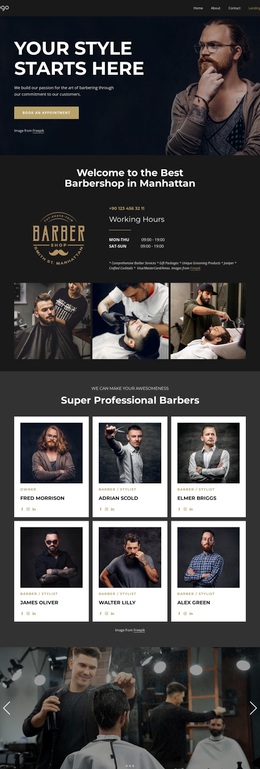
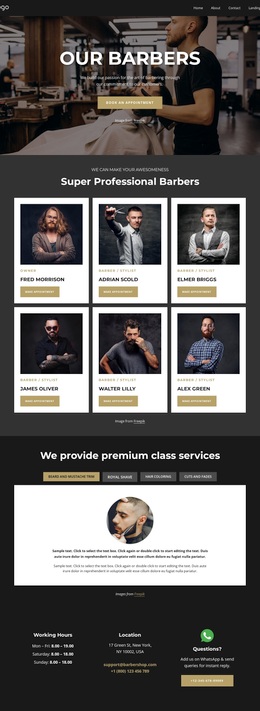
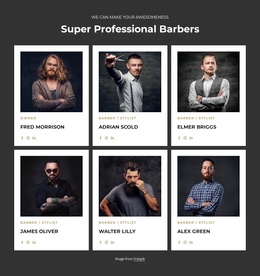
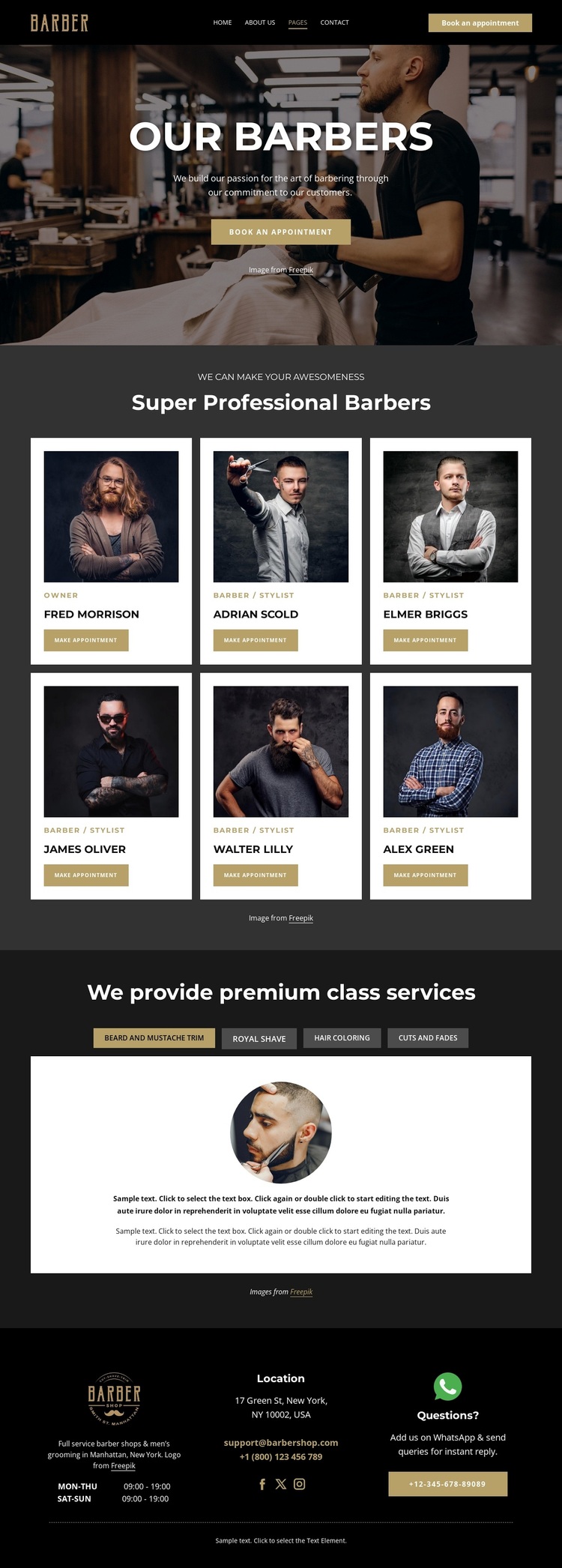
Six Team Profiles Give This Barbershop Design a Distinctive Starting Point
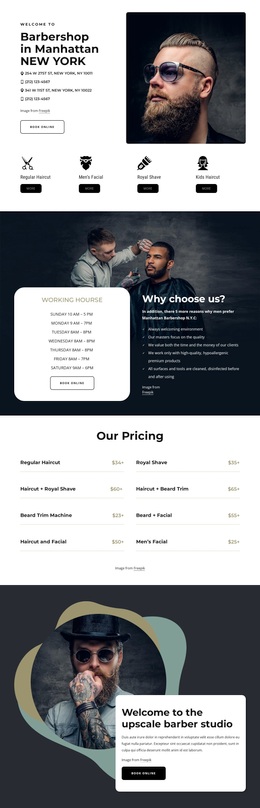
The six repeated barber cards are the clearest reason to choose this design over a generic service-led layout. They make the people behind the business part of the central presentation, using portraits, roles, names, and appointment buttons in a consistent two-row arrangement. That emphasis suits a barbershop that wants visitors to see the team as well as the services, while the white cards create a visible contrast against the darker page environment.
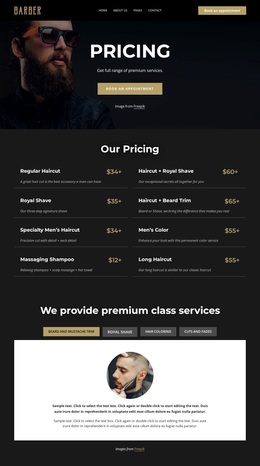
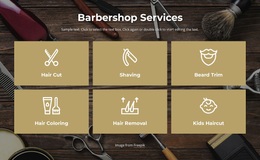
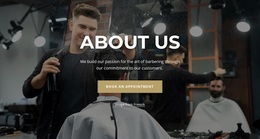
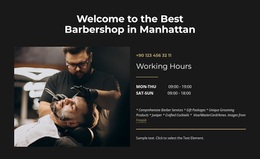
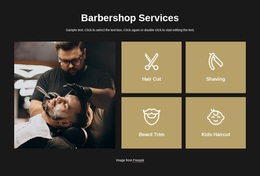
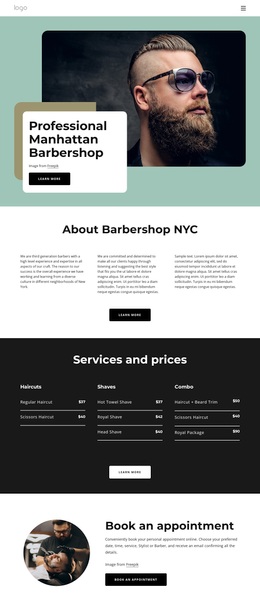
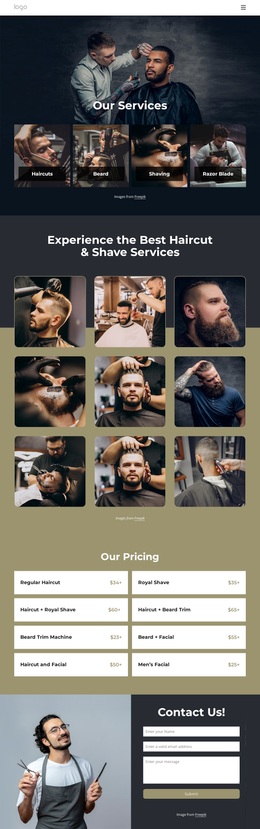
The design also covers the main grooming choices without becoming a dense catalogue. Four selectable categories—beard and mustache trim, royal shave, hair coloring, and cuts and fades—are presented through tabs above a large content panel containing imagery and descriptive copy. The combination gives the page both personality and practical coverage: the team establishes a human focus, while the service area clarifies what customers can request. A full-width photographic hero and gold appointment action reinforce that direction from the beginning.
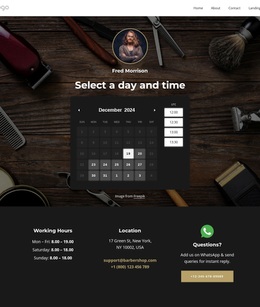
The footer makes the concept more usable by adding opening hours, location, email, telephone links, social links, and a questions support block. These details complete the business context without changing the visual emphasis. For projects seeking a barbershop design that balances staff presentation, grooming categories, and appointment intent, this template offers a specific editorial character rather than only a collection of interchangeable cards.
Customize with Nicepage
Open this ready-made template in the Template Builder and customize it visually in the Nicepage editor. Replace demo content, edit page sections, and adapt the design to your project without rebuilding the template from scratch.
Start With a Ready-Made Template
Choose a Design for a New Page
Use a ready-made template as a starting point instead of creating every page from a blank canvas. When adding a new page in Nicepage, browse available designs, compare different layouts, and choose an option that already fits the general purpose and visual direction of your project.
Browse Different Page Designs
Explore Page Designs using search, thematic categories, Design Sets, and full-page previews. The collection includes layouts for different subjects and page purposes, making it easier to compare alternatives before selecting a design to customize.
Customize the Selected Template
After choosing a design, create the page and continue editing it visually in Nicepage. Replace the demo content, adjust images, typography, colors, sections, and other elements, and adapt the ready-made layout to your own content instead of rebuilding the design from the beginning.
Explore More Design Directions
If the first option does not match your project closely enough, return to the design collection and compare other templates before committing to a layout. This makes the template library useful not only for faster page creation, but also for exploring different visual approaches and finding a suitable starting point for a new project.
This workflow gives you access to a broad collection of ready-made designs that can be selected, compared, and customized according to the needs of each new page or project.