Your curl journey Template


Edit Template Offline
2. Create new page and search for id 6140207
Edit Template Online
Create Awesome Websites


Free Nicepage Builder
Keywords
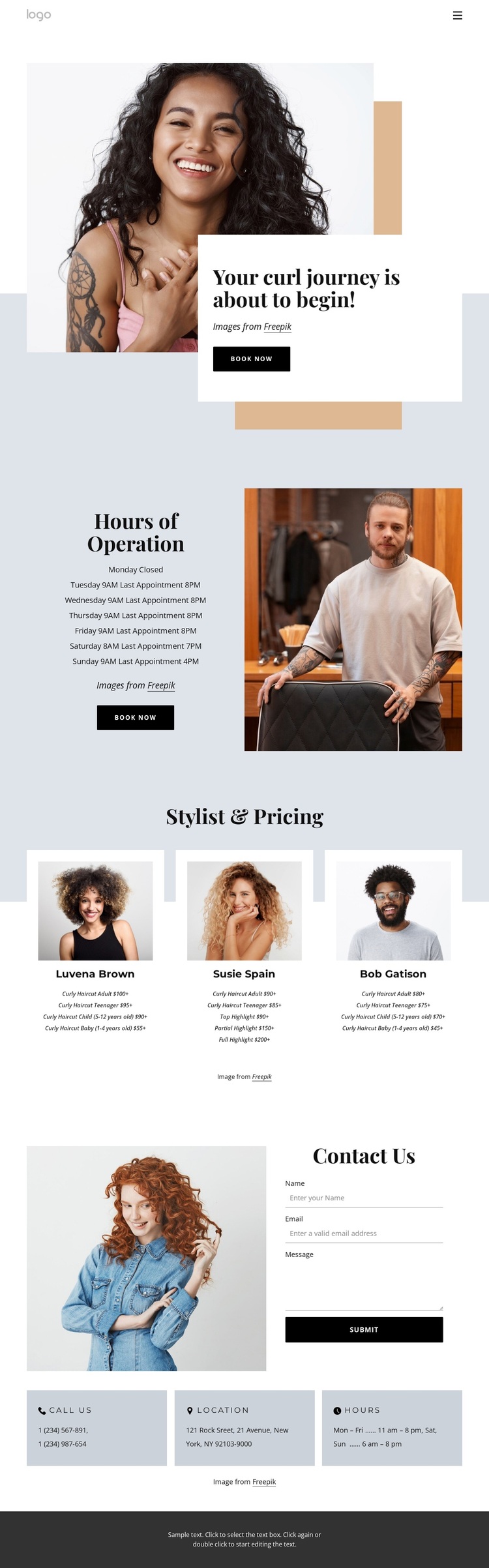
Portrait storytelling meets practical salon information
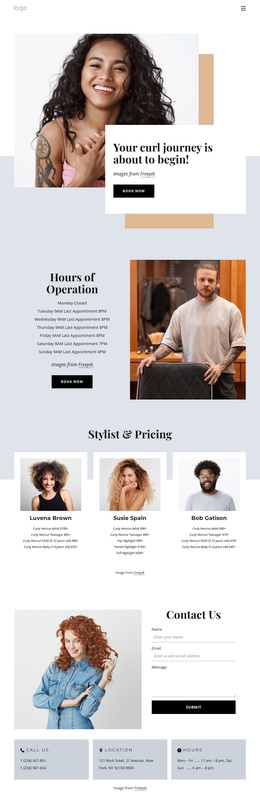
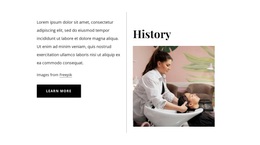
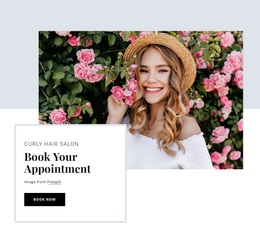
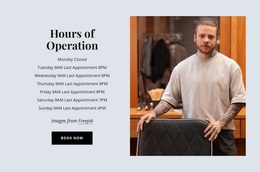
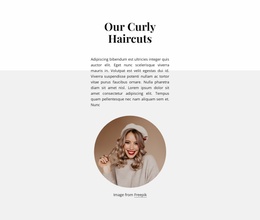
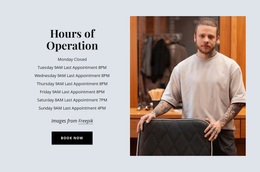
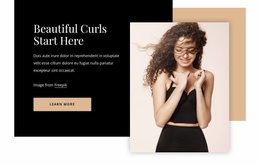
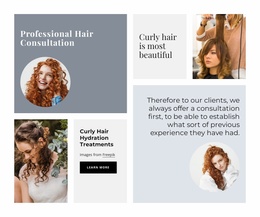
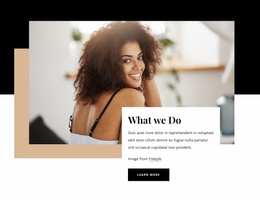
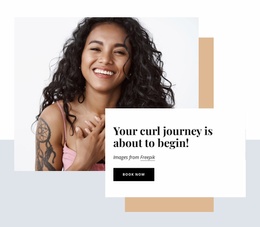
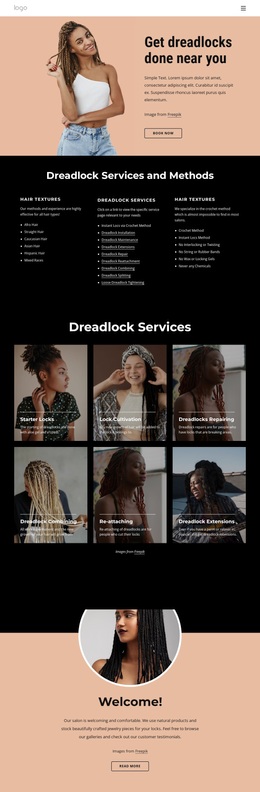
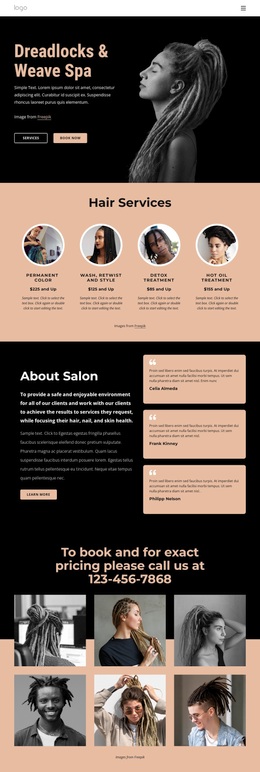
Large salon portraits carry the first visual message, but the design does not rely on photography alone. The opening image-led section pairs its bold “Your curl journey is about to begin!” heading with an overlapping white card and Book Now button, giving the page a clear emotional and practical starting point. The Hours of Operation section continues that balance by placing weekly availability beside another salon photograph and a second booking prompt.
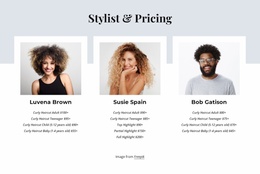
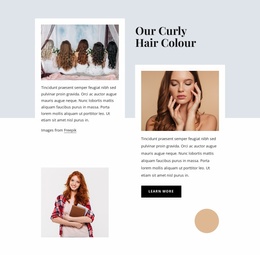
The three stylist pricing profiles make this design especially useful for a salon that needs to show both people and services. Their repeated portraits and price lists create a recognizable pattern while covering curly haircut and highlight offerings. This gives visitors more concrete information than a general beauty-services introduction, without turning the page into a dense catalogue. The repeated card structure also keeps the service presentation visually easy to scan.
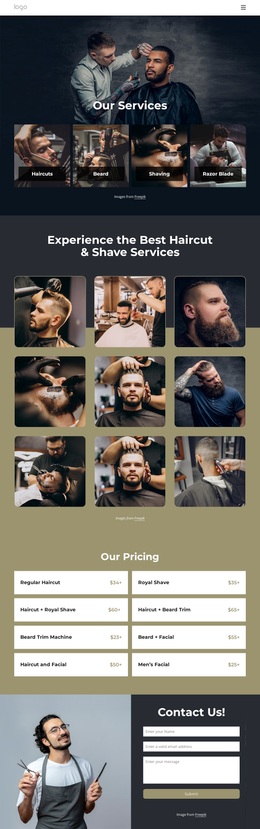
At the bottom, the Contact Us section completes the story with a large image, a form for name, email, and message, and three compact panels for phone, location, and opening hours. The result is a focused design option for projects that need warmth, visual identity, appointment prompts, and practical contact details in one page. Its strongest distinction is the relationship between editorial salon imagery and clearly organized booking information.
Customize with Nicepage
Open this ready-made template in the Template Builder and customize it visually in the Nicepage editor. Replace demo content, edit page sections, and adapt the design to your project without rebuilding the template from scratch.
Start With a Ready-Made Template
Choose a Design for a New Page
Use a ready-made template as a starting point instead of creating every page from a blank canvas. When adding a new page in Nicepage, browse available designs, compare different layouts, and choose an option that already fits the general purpose and visual direction of your project.
Browse Different Page Designs
Explore Page Designs using search, thematic categories, Design Sets, and full-page previews. The collection includes layouts for different subjects and page purposes, making it easier to compare alternatives before selecting a design to customize.
Customize the Selected Template
After choosing a design, create the page and continue editing it visually in Nicepage. Replace the demo content, adjust images, typography, colors, sections, and other elements, and adapt the ready-made layout to your own content instead of rebuilding the design from the beginning.
Explore More Design Directions
If the first option does not match your project closely enough, return to the design collection and compare other templates before committing to a layout. This makes the template library useful not only for faster page creation, but also for exploring different visual approaches and finding a suitable starting point for a new project.
This workflow gives you access to a broad collection of ready-made designs that can be selected, compared, and customized according to the needs of each new page or project.