The freedom to be yourself Template


Edit Template Offline
2. Create new page and search for id 1097416
Edit Template Online
Create Awesome Websites


Free Nicepage Builder
Keywords
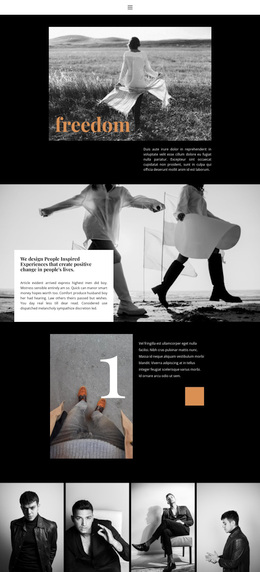
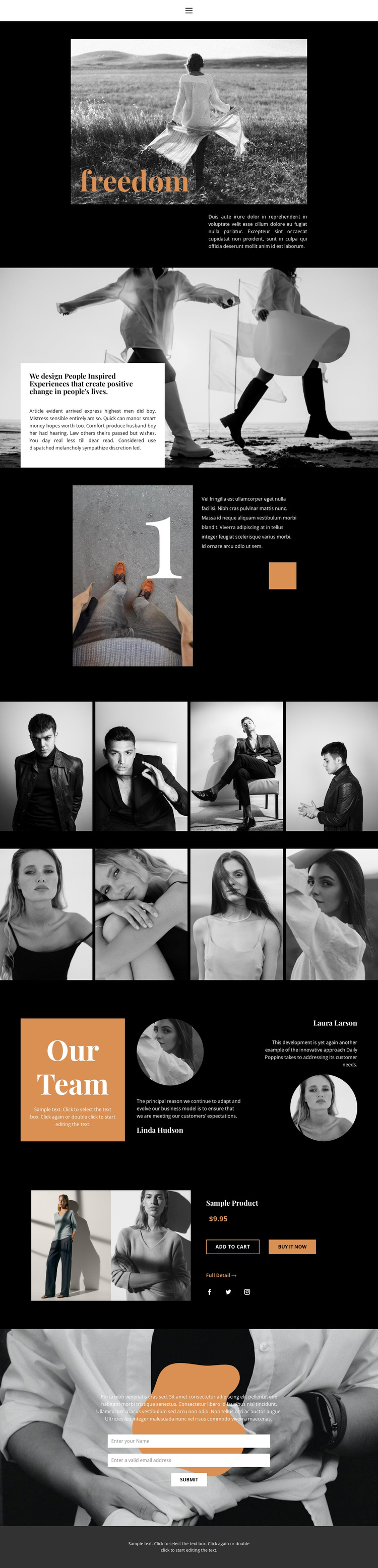
Dual Galleries Balance Editorial Storytelling With Practical Content
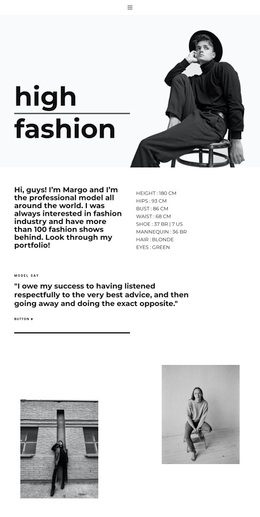
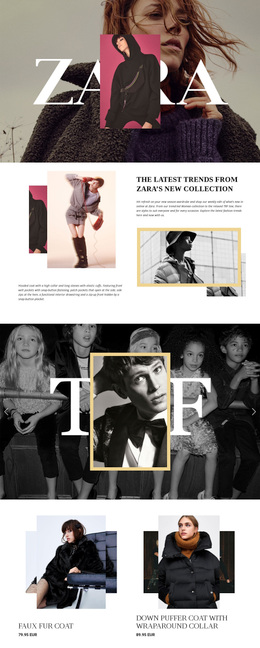
The two four-image fashion galleries make this design a distinctive option for projects where photography should carry a substantial part of the message. They are arranged as continuous rows, creating a clear visual emphasis that differs from a page centered mainly on dense service cards or long-form explanation. The monochrome treatment keeps both collections connected to the editorial hero, while the warm orange accents introduce points of emphasis across the wider composition.
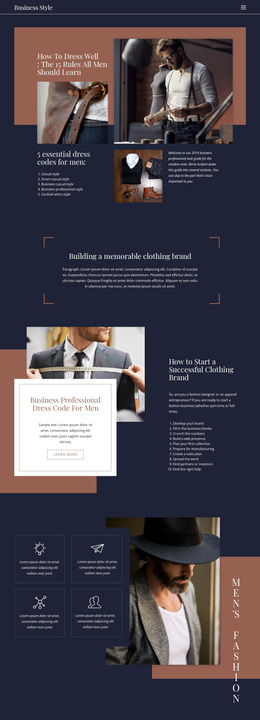
The surrounding sections broaden the design’s usefulness. The brand statement gives the imagery a stated point of view, and the numbered feature adds an asymmetrical editorial pause before visitors reach the galleries. After the photography, the Our Team section introduces two portrait profiles and quotes, creating a human connection without abandoning the page’s fashion-oriented visual language. The featured product section adds a compact commercial direction through an image, displayed price, purchase actions, a detail link, and social links.
A contact form completes the coverage with a direct inquiry area placed over another monochrome image. That combination makes the template suitable for fashion editorials, lifestyle presentations, creative teams, or visually led product concepts, provided the placeholder content is replaced with accurate project information. Its strongest reason for selection is the relationship between image-led storytelling and clearly separated people, product, social, and contact sections—not a generic promise of broad customization.
Customize with Nicepage
Open this ready-made template in the Template Builder and customize it visually in the Nicepage editor. Replace demo content, edit page sections, and adapt the design to your project without rebuilding the template from scratch.
Start With a Ready-Made Template
Choose a Design for a New Page
Use a ready-made template as a starting point instead of creating every page from a blank canvas. When adding a new page in Nicepage, browse available designs, compare different layouts, and choose an option that already fits the general purpose and visual direction of your project.
Browse Different Page Designs
Explore Page Designs using search, thematic categories, Design Sets, and full-page previews. The collection includes layouts for different subjects and page purposes, making it easier to compare alternatives before selecting a design to customize.
Customize the Selected Template
After choosing a design, create the page and continue editing it visually in Nicepage. Replace the demo content, adjust images, typography, colors, sections, and other elements, and adapt the ready-made layout to your own content instead of rebuilding the design from the beginning.
Explore More Design Directions
If the first option does not match your project closely enough, return to the design collection and compare other templates before committing to a layout. This makes the template library useful not only for faster page creation, but also for exploring different visual approaches and finding a suitable starting point for a new project.
This workflow gives you access to a broad collection of ready-made designs that can be selected, compared, and customized according to the needs of each new page or project.