Aromatherapy and fitness spa Template



Edit Template Offline
2. Create new page and search for id 195862
Edit Template Online
Create Awesome Websites


Free Nicepage Builder
Keywords
Four Facial Choices Anchor a Broad Beauty Services Layout
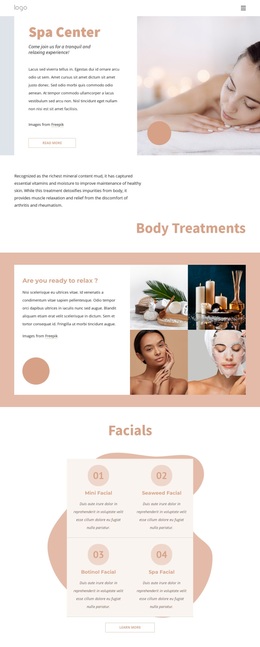
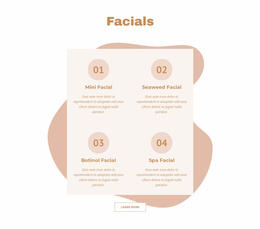
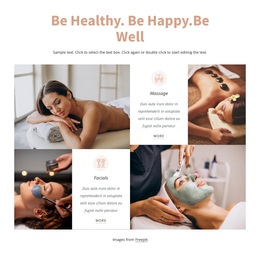
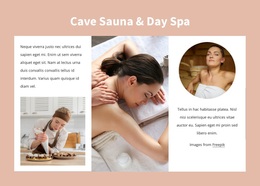
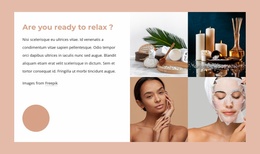
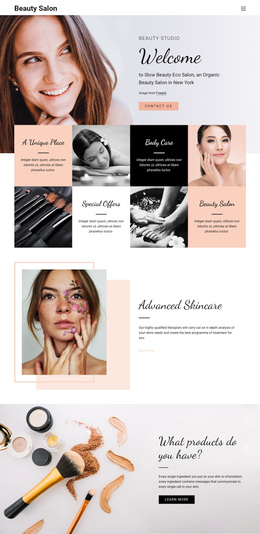
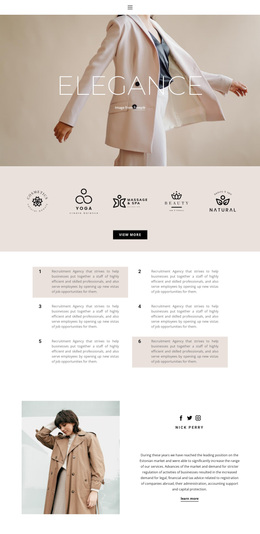
The four-card Facials section is one of the design's clearest selection points. Mini Facial, Seaweed Facial, Botinol Facial, and Spa Facial are presented as a repeated group, giving the page a recognizable service center instead of relying only on general spa imagery. That specificity is balanced by the earlier relaxation collage, where four treatment images establish a calm visual mood before visitors reach the more detailed service choices.
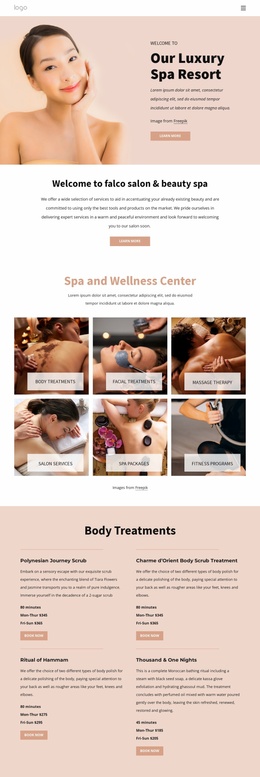
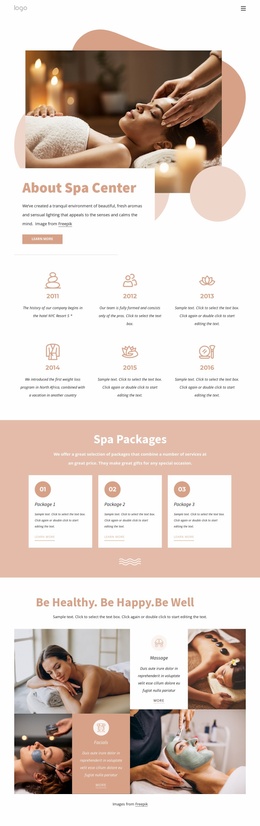
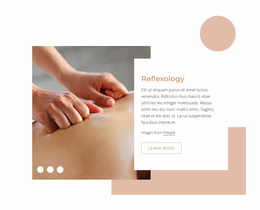
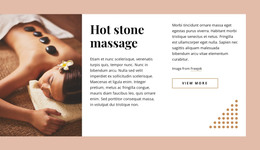
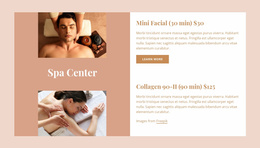
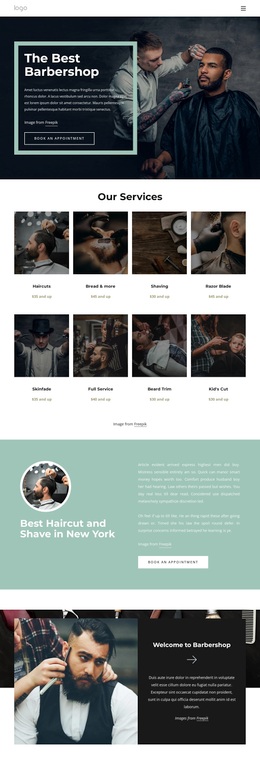
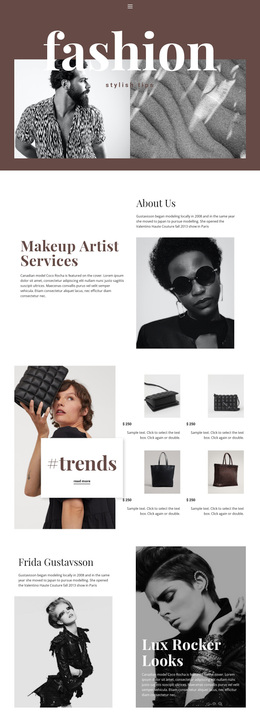
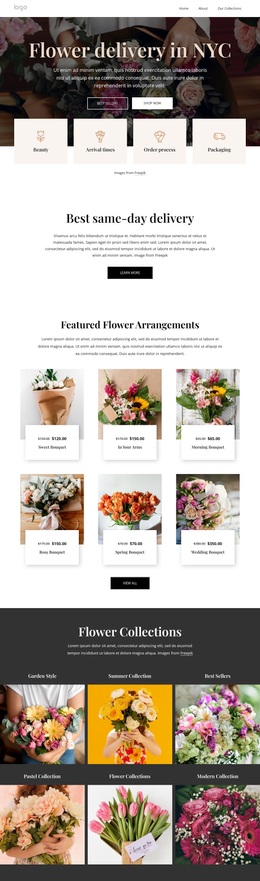
The design is also useful because it covers several related service families without losing its central spa direction. The Hair and Beauty Services area names Makeup & Lashes, Hair Care, and Nails & Pedicure, while the over-grid section adds Foot massage, Glow Facial, Stone Massage, and Luxury spa. A separate feature section pairs treatment imagery with two featured listings, creating another way to emphasize selected services. Together, these areas provide more varied content coverage than a page built around one treatment category alone.
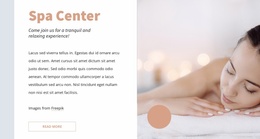
The visual treatment ties those choices together. Soft peach, cream, white, and muted pink surfaces are paired with dark text, large lifestyle images, rounded accents, and generous spacing. The result suits a project that needs to communicate relaxation while still showing a substantial menu of salon and spa offerings. The Contact Us area completes the option with opening hours, social links, and an inquiry form, giving the design a practical endpoint after visitors compare its service groups.
Customize with Nicepage
Open this ready-made template in the Template Builder and customize it visually in the Nicepage editor. Replace demo content, edit page sections, and adapt the design to your project without rebuilding the template from scratch.
Start With a Ready-Made Template
Choose a Design for a New Page
Use a ready-made template as a starting point instead of creating every page from a blank canvas. When adding a new page in Nicepage, browse available designs, compare different layouts, and choose an option that already fits the general purpose and visual direction of your project.
Browse Different Page Designs
Explore Page Designs using search, thematic categories, Design Sets, and full-page previews. The collection includes layouts for different subjects and page purposes, making it easier to compare alternatives before selecting a design to customize.
Customize the Selected Template
After choosing a design, create the page and continue editing it visually in Nicepage. Replace the demo content, adjust images, typography, colors, sections, and other elements, and adapt the ready-made layout to your own content instead of rebuilding the design from the beginning.
Explore More Design Directions
If the first option does not match your project closely enough, return to the design collection and compare other templates before committing to a layout. This makes the template library useful not only for faster page creation, but also for exploring different visual approaches and finding a suitable starting point for a new project.
This workflow gives you access to a broad collection of ready-made designs that can be selected, compared, and customized according to the needs of each new page or project.