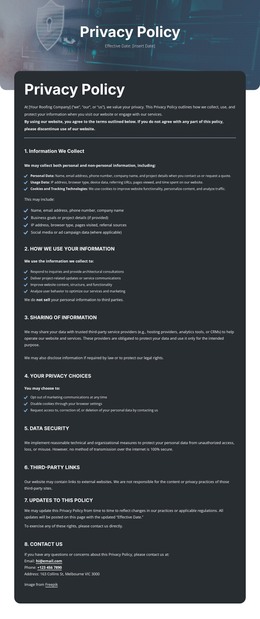
How we use your information WordPress Theme
Edit Template Offline
2. Create new page and search for id 6542707
Edit Template Online
Create Awesome Websites


Free Nicepage Builder
Keywords
Numbered Policy Content Fits a Structured WordPress Page
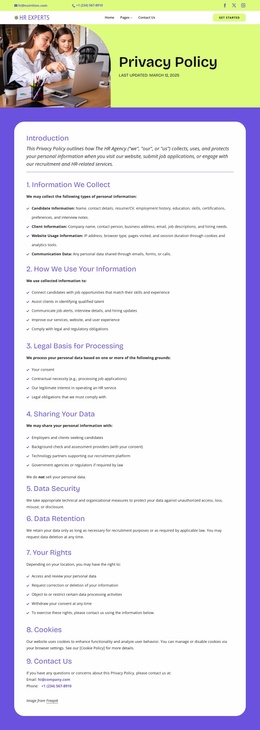
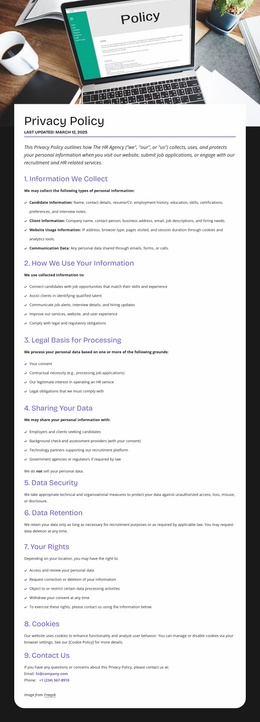
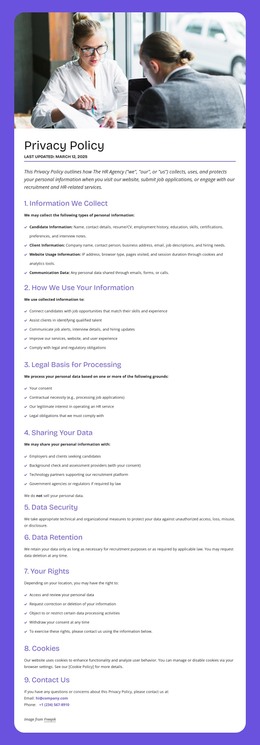
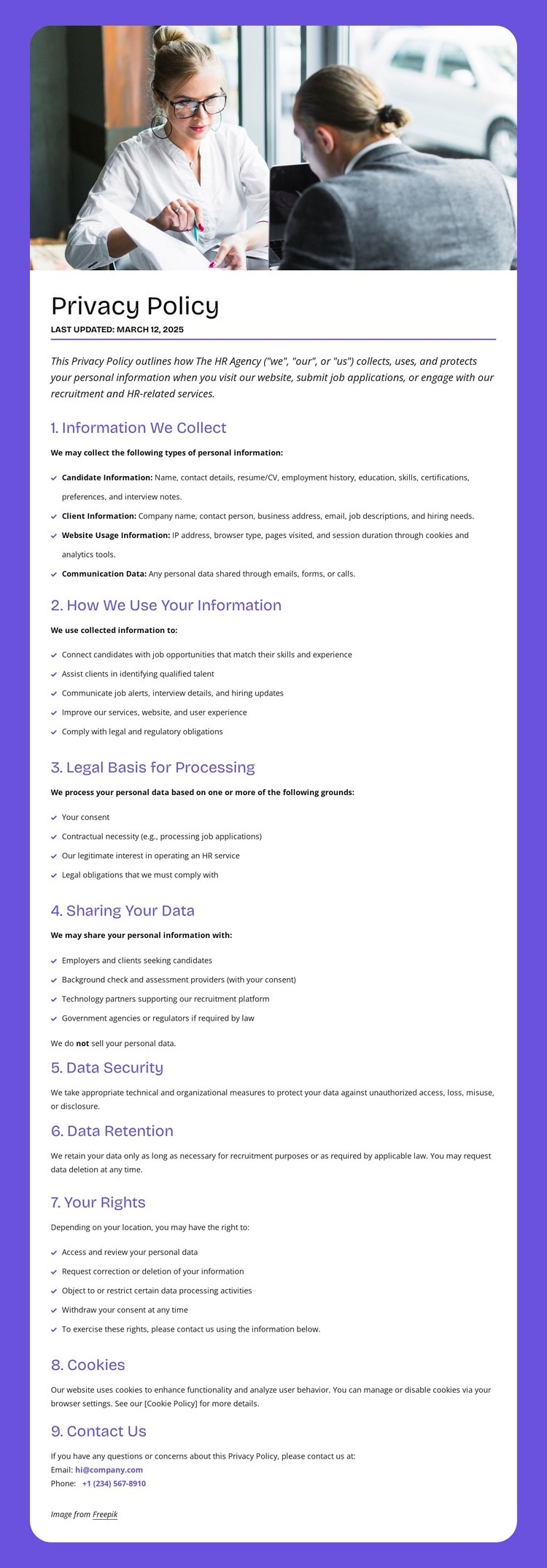
The page’s strongest WordPress-oriented value comes from the way its permanent policy content is divided into recognizable information areas. The opening image and introduction can serve as the contextual beginning of a privacy page, while the central panel carries the main explanation of candidate, client, website-usage, and communication data. Its numbered sections then connect processing grounds, data sharing, and security into one readable content sequence rather than scattering them across unrelated visual blocks.
The continuation panel provides a different group of page-oriented subjects: retention, user rights, cookies, and the final contact procedure. This distinction is useful when maintaining a content-managed site because each group has a clear editorial role, even though the design keeps them within one page. The email and telephone channels create a concrete endpoint for privacy questions, while the policy’s reference to cookies gives the page a separate compliance topic that can be reviewed and updated as needed.
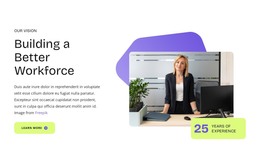
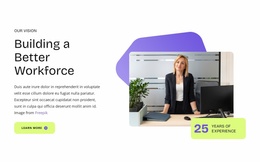
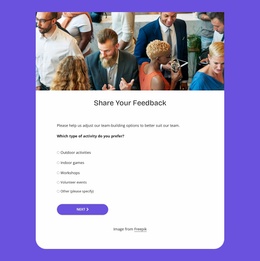
The purple frame, rounded white panels, business-meeting image, and restrained typography keep these content areas connected as one theme. The analysis does not verify blog posts, categories, or WordPress-specific elements in the template, so those should not be presented as existing components. Instead, the design supplies a stable page structure for managed privacy content while preserving a formal HR-service visual character.
Customize with Nicepage
Open this ready-made template in the WordPress Website Builder and customize it visually in the Nicepage editor. Replace demo content, edit page sections, and adapt the design to your project without rebuilding the template from scratch.
Manage and Edit This Theme in WordPress
Customize and Install the WordPress Theme
Start with this ready-made theme instead of building the WordPress design from scratch. Customize its layout, content, typography, images, sections, and other design elements visually in Nicepage editor, then export and install the WordPress Theme, Plugin, and Pages on your WordPress site. The Nicepage WordPress Plugin lets you continue working with the site after installation.
Edit the Theme Directly in WordPress
After installation, you can edit the WordPress Theme directly in WordPress with the Nicepage WordPress Plugin. Use Site Style to customize site Colors, Fonts, Header, Footer, Blog, and Post Page Templates while working within your WordPress website.
Edit WordPress Pages Visually
Use the Nicepage WordPress Plugin to edit page content directly from the WordPress admin area. Open a WordPress Page with Nicepage and visually change its text, images, sections, and other page elements while continuing to manage the Page through WordPress.
WordPress Content and Theme Integration
Use the customized theme with WordPress Pages, Posts, Blog and Post Templates, menus, widgets, and other CMS-managed content. Shared theme elements such as Colors, Fonts, Header, Footer, Blog, and Post Page Templates can be managed as part of the overall site design, while WordPress provides the CMS environment for managing site content.
This workflow combines a ready-made WordPress Theme with visual customization, direct theme editing in WordPress, and continued content management through the Nicepage WordPress Plugin.