Meet the roofing team WordPress Theme


Edit Template Offline
2. Create new page and search for id 6431817
Edit Template Online
Create Awesome Websites


Free Nicepage Builder
Keywords
Profile content and service areas give the theme clear WordPress page roles
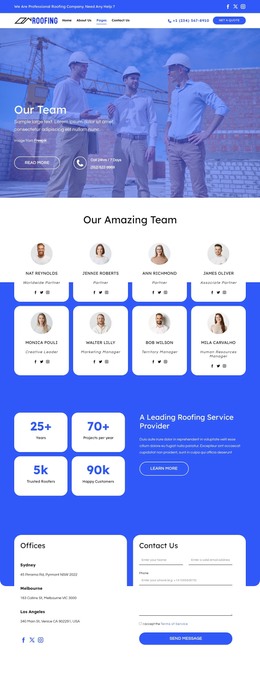
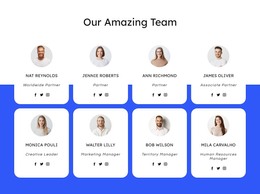
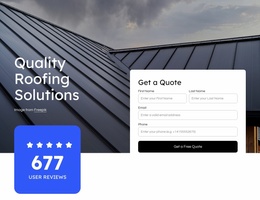
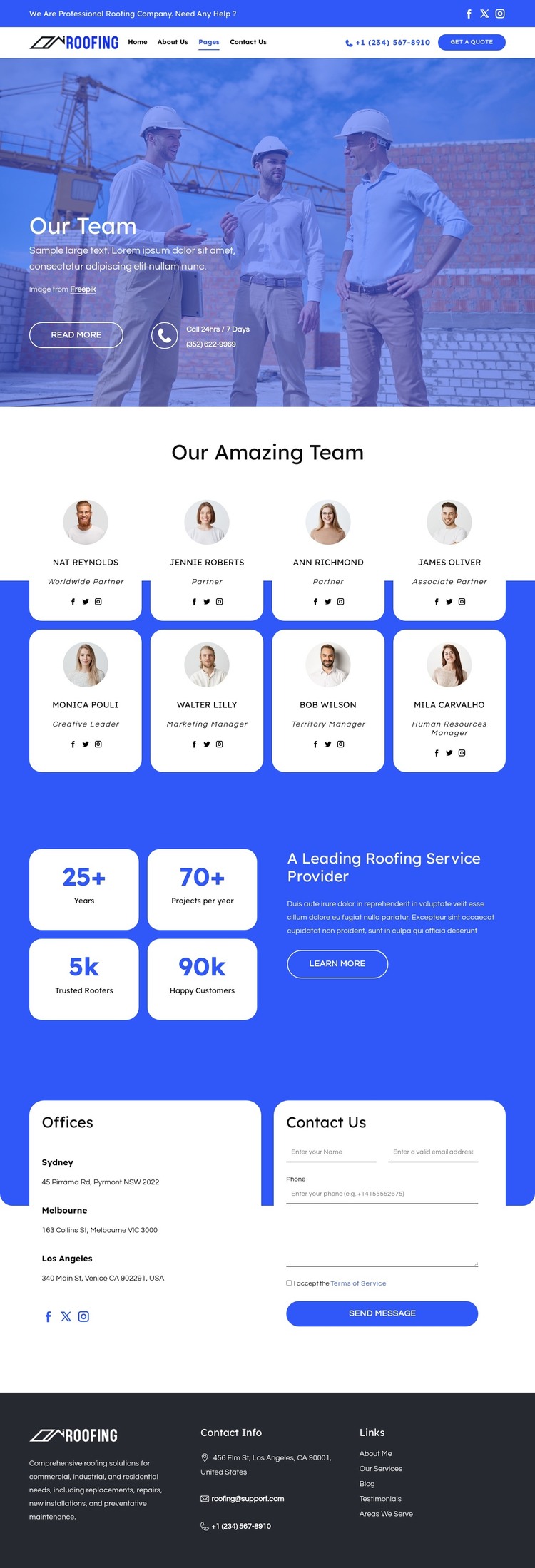
The eight profile cards create a strong page-oriented content area for a WordPress-managed roofing site. Their repeated portrait, role, and social-link pattern is distinct from the opening worksite hero, allowing the team introduction and individual profile content to remain visually connected while serving different informational purposes. The header’s navigation, phone contact, and quote action provide the shared access layer around those page sections.
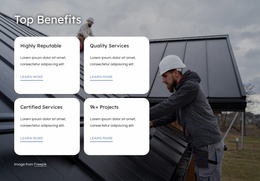
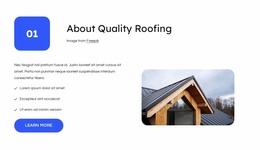
The service material gives the design another useful content relationship. Commercial, industrial, and residential roofing solutions are named alongside replacements, repairs, installations, and preventative maintenance. These are verified content themes in the template, not proof that WordPress Posts, categories, or service templates already exist. They can nevertheless guide permanent page content or future publishable sections while the visual direction remains consistent. The metrics area can support that presentation, but its displayed sample values should be replaced with independently verified information.
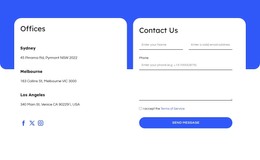
The three office listings and adjacent inquiry form create a practical contact page pattern within the same design language. Terms consent and the “Send Message” action make the response area more specific than a general footer contact. The dark footer then supplies shared company description, contact details, and links. This mapping makes the design suitable for a WordPress theme interpretation focused on page content, reusable site regions, and possible future editorial expansion, without claiming unverified CMS elements.
Customize with Nicepage
Open this ready-made template in the WordPress Website Builder and customize it visually in the Nicepage editor. Replace demo content, edit page sections, and adapt the design to your project without rebuilding the template from scratch.
Manage and Edit This Theme in WordPress
Customize and Install the WordPress Theme
Start with this ready-made theme instead of building the WordPress design from scratch. Customize its layout, content, typography, images, sections, and other design elements visually in Nicepage editor, then export and install the WordPress Theme, Plugin, and Pages on your WordPress site. The Nicepage WordPress Plugin lets you continue working with the site after installation.
Edit the Theme Directly in WordPress
After installation, you can edit the WordPress Theme directly in WordPress with the Nicepage WordPress Plugin. Use Site Style to customize site Colors, Fonts, Header, Footer, Blog, and Post Page Templates while working within your WordPress website.
Edit WordPress Pages Visually
Use the Nicepage WordPress Plugin to edit page content directly from the WordPress admin area. Open a WordPress Page with Nicepage and visually change its text, images, sections, and other page elements while continuing to manage the Page through WordPress.
WordPress Content and Theme Integration
Use the customized theme with WordPress Pages, Posts, Blog and Post Templates, menus, widgets, and other CMS-managed content. Shared theme elements such as Colors, Fonts, Header, Footer, Blog, and Post Page Templates can be managed as part of the overall site design, while WordPress provides the CMS environment for managing site content.
This workflow combines a ready-made WordPress Theme with visual customization, direct theme editing in WordPress, and continued content management through the Nicepage WordPress Plugin.