Vision and style WordPress Theme


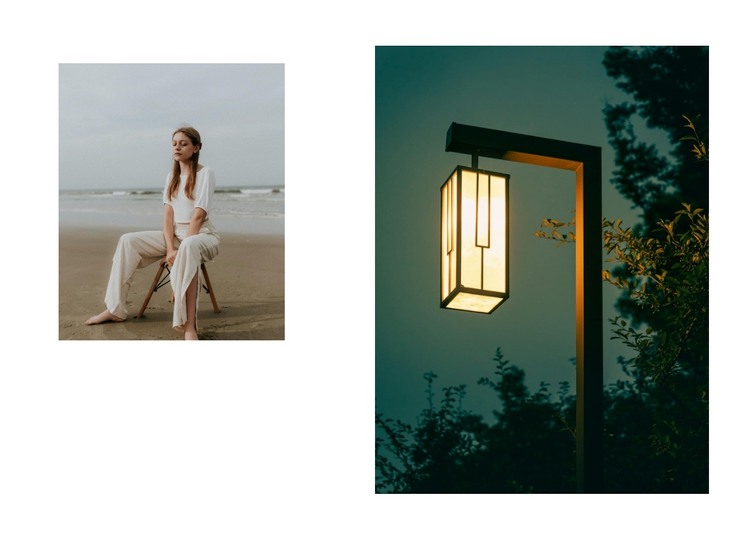
Two photographs form stable visual page content
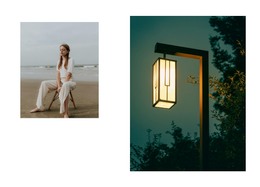
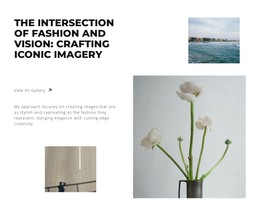
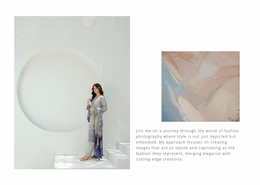
The paired images can function as stable visual content within a WordPress-managed page, especially where a section needs to present atmosphere rather than a long text record. The smaller left photograph of a seated woman near a beach provides the human subject, while the taller right photograph of an illuminated outdoor lamp against a dark background supplies a contrasting visual focus. Their relationship is fixed by the section layout, not by a visible interactive control or editorial listing.
The unequal image proportions give the content area a clear visual hierarchy. The taller right image acts as the dominant anchor, and the smaller portrait offsets it from the left. A white background, broad surrounding margins, and substantial spacing between the images make the section easy to place alongside other page content without creating a dense cluster. This can suit permanent visual material on a page while the wider WordPress project manages other content areas separately.
Because the block contains no visible heading, paragraph, button, or form, its WordPress-oriented role should remain focused on presentation rather than assumed CMS structures. It can be used as one image section within a page whose surrounding content supplies labels, navigation, or response actions. The static image-grid arrangement keeps the block’s purpose clear and reusable: it delivers a composed photographic pair that can sit between informational, portfolio, or contact-oriented sections without becoming a complete theme or site.
Customize with Nicepage
Open this ready-made template in the WordPress Website Builder and customize it visually in the Nicepage editor. Replace demo content, edit page sections, and adapt the design to your project without rebuilding the template from scratch.
Edit Template Offline
2. Create a new page or select existing
3. Click Add new block, search for id 6294341 and click enter
Edit Template Online
Create Awesome Websites


Free Nicepage Builder
Keywords
Manage and Edit This Theme in WordPress
Customize and Install the WordPress Theme
Start with this ready-made theme instead of building the WordPress design from scratch. Customize its layout, content, typography, images, sections, and other design elements visually in Nicepage editor, then export and install the WordPress Theme, Plugin, and Pages on your WordPress site. The Nicepage WordPress Plugin lets you continue working with the site after installation.
Edit the Theme Directly in WordPress
After installation, you can edit the WordPress Theme directly in WordPress with the Nicepage WordPress Plugin. Use Site Style to customize site Colors, Fonts, Header, Footer, Blog, and Post Page Templates while working within your WordPress website.
Edit WordPress Pages Visually
Use the Nicepage WordPress Plugin to edit page content directly from the WordPress admin area. Open a WordPress Page with Nicepage and visually change its text, images, sections, and other page elements while continuing to manage the Page through WordPress.
WordPress Content and Theme Integration
Use the customized theme with WordPress Pages, Posts, Blog and Post Templates, menus, widgets, and other CMS-managed content. Shared theme elements such as Colors, Fonts, Header, Footer, Blog, and Post Page Templates can be managed as part of the overall site design, while WordPress provides the CMS environment for managing site content.
This workflow combines a ready-made WordPress Theme with visual customization, direct theme editing in WordPress, and continued content management through the Nicepage WordPress Plugin.