About design agency WordPress Theme


Edit Template Offline
2. Create new page and search for id 6330502
Edit Template Online
Create Awesome Websites


Free Nicepage Builder
Keywords
Page Content and Repeated Profiles Fit a Managed Agency Site
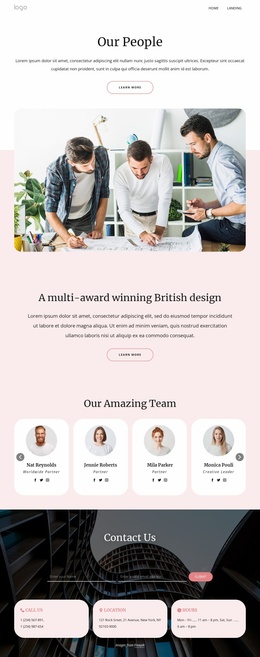
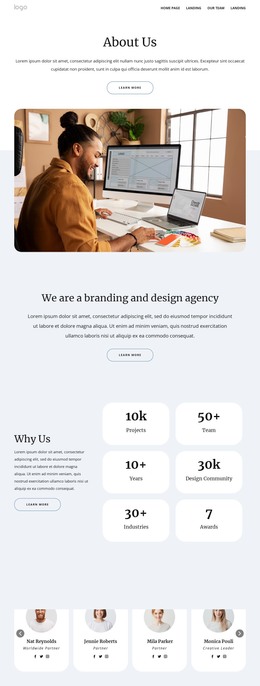
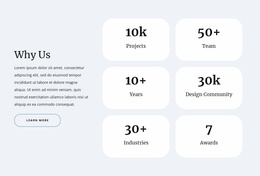
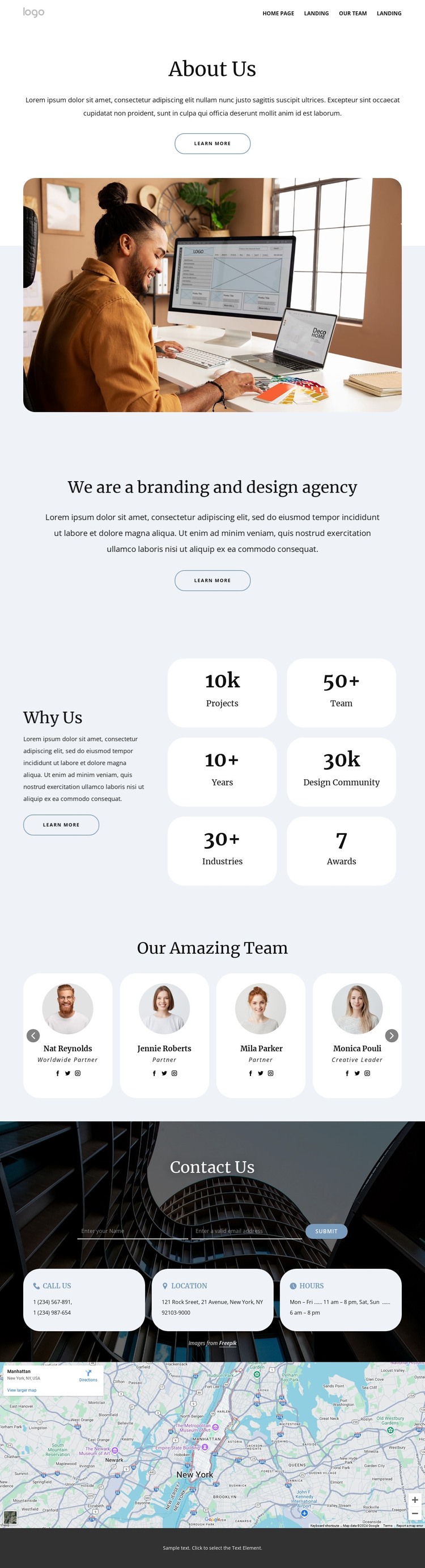
The page-oriented sections divide the agency story into content that can remain distinct while being managed within a WordPress-oriented site structure. The About Us introduction and branding-and-design statement provide permanent explanatory content, while the Why Us block presents six metric cards as a separate group of supporting information. These areas are different in scale and purpose, which makes the design easier to extend than a single uninterrupted text panel.
The team presentation offers a repeated content pattern with nine portrait cards, names, roles, social links, and browsing controls. That pattern can guide agency profile content while keeping the visual direction consistent. The contact region serves a different page role: a name-and-email form is paired with phone, location, and hours cards, and a map follows beneath it. The navigation and footer then frame those areas as parts of a shared website rather than isolated blocks.
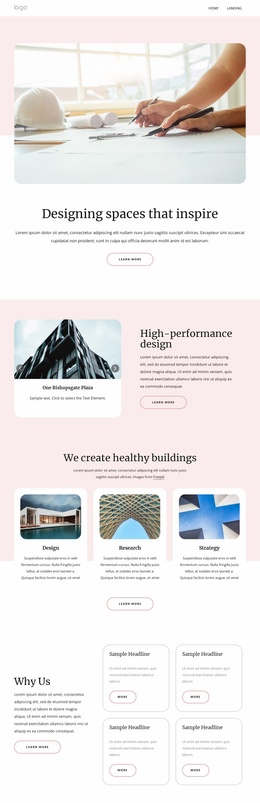
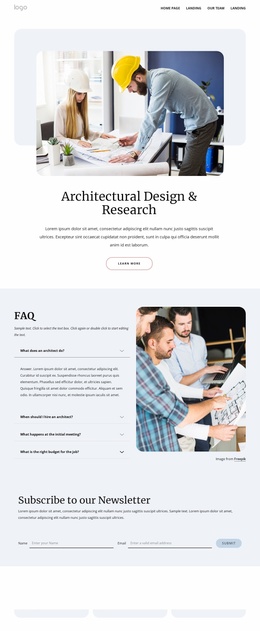
This interpretation does not require claiming that WordPress Posts, categories, or blog content already exist in the template. Instead, the verified page areas provide a sensible basis for WordPress-managed permanent content and future additions. The theme can preserve its pale surfaces, rounded cards, editorial photography, and circular portraits while agency information changes over time. Sample metrics, people, address, and schedule values remain structural examples and should be replaced with verified content.
Customize with Nicepage
Open this ready-made template in the WordPress Website Builder and customize it visually in the Nicepage editor. Replace demo content, edit page sections, and adapt the design to your project without rebuilding the template from scratch.
Manage and Edit This Theme in WordPress
Customize and Install the WordPress Theme
Start with this ready-made theme instead of building the WordPress design from scratch. Customize its layout, content, typography, images, sections, and other design elements visually in Nicepage editor, then export and install the WordPress Theme, Plugin, and Pages on your WordPress site. The Nicepage WordPress Plugin lets you continue working with the site after installation.
Edit the Theme Directly in WordPress
After installation, you can edit the WordPress Theme directly in WordPress with the Nicepage WordPress Plugin. Use Site Style to customize site Colors, Fonts, Header, Footer, Blog, and Post Page Templates while working within your WordPress website.
Edit WordPress Pages Visually
Use the Nicepage WordPress Plugin to edit page content directly from the WordPress admin area. Open a WordPress Page with Nicepage and visually change its text, images, sections, and other page elements while continuing to manage the Page through WordPress.
WordPress Content and Theme Integration
Use the customized theme with WordPress Pages, Posts, Blog and Post Templates, menus, widgets, and other CMS-managed content. Shared theme elements such as Colors, Fonts, Header, Footer, Blog, and Post Page Templates can be managed as part of the overall site design, while WordPress provides the CMS environment for managing site content.
This workflow combines a ready-made WordPress Theme with visual customization, direct theme editing in WordPress, and continued content management through the Nicepage WordPress Plugin.