A leading global consulting company WordPress Theme



Edit Template Offline
2. Create new page and search for id 5705019
Edit Template Online
Create Awesome Websites


Free Nicepage Builder
Keywords
Case Stories and Principles Create Clear WordPress Content Areas
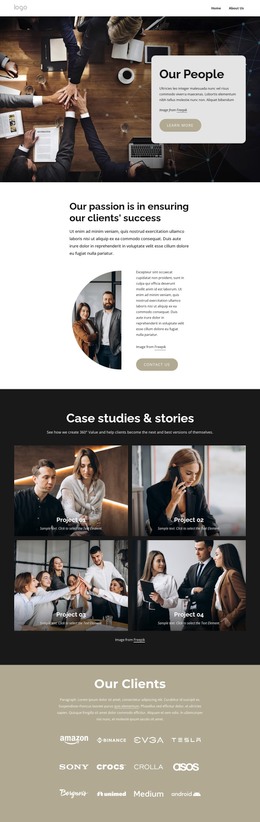
The four case study cards provide a useful page-oriented content area for a consulting theme because each item already has a visual image, label, summary, and more link. They can be understood as recurring project-story content without claiming that WordPress posts or categories are present in the source design. The six principles offer a different content relationship: their two-column arrangement is suited to stable explanatory material that defines the company’s approach, while the case cards focus on individual stories and examples.
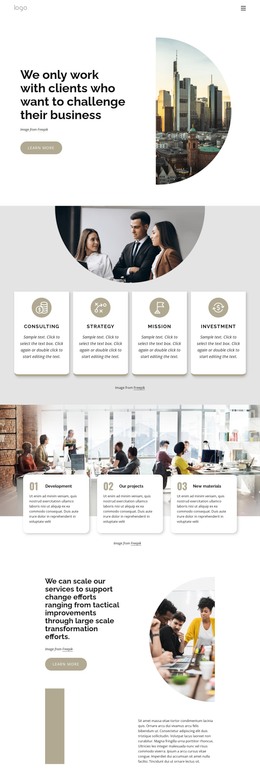
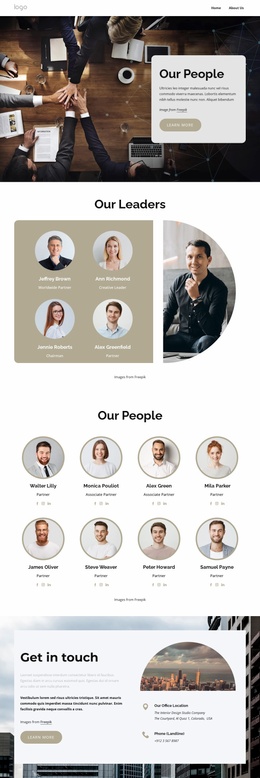
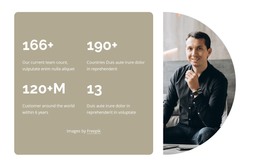
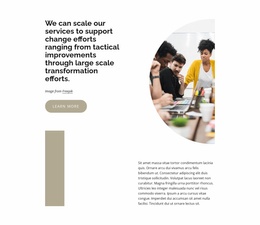
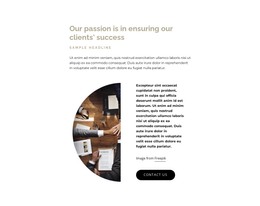
Other sections broaden the theme’s content map. The advisory-services panel gives the offering a focused introduction, and the centered company-help block creates space for capability-oriented information. The project and critical-challenges sections add method and problem-solving context through contrasting image compositions, colored backgrounds, and overlapping text panels. These areas can remain part of one visual system as permanent page content is revised or expanded in a WordPress-managed project. The final get-in-touch section supplies a clear contact region with an action, office location, and phone detail. Rather than treating the design as a generic CMS wrapper, its value lies in how these specific content areas separate stories, principles, services, challenges, and contact information. That separation gives the theme a practical structure for maintaining consulting content while preserving its editorial visual character.
Customize with Nicepage
Open this ready-made template in the WordPress Website Builder and customize it visually in the Nicepage editor. Replace demo content, edit page sections, and adapt the design to your project without rebuilding the template from scratch.
Manage and Edit This Theme in WordPress
Customize and Install the WordPress Theme
Start with this ready-made theme instead of building the WordPress design from scratch. Customize its layout, content, typography, images, sections, and other design elements visually in Nicepage editor, then export and install the WordPress Theme, Plugin, and Pages on your WordPress site. The Nicepage WordPress Plugin lets you continue working with the site after installation.
Edit the Theme Directly in WordPress
After installation, you can edit the WordPress Theme directly in WordPress with the Nicepage WordPress Plugin. Use Site Style to customize site Colors, Fonts, Header, Footer, Blog, and Post Page Templates while working within your WordPress website.
Edit WordPress Pages Visually
Use the Nicepage WordPress Plugin to edit page content directly from the WordPress admin area. Open a WordPress Page with Nicepage and visually change its text, images, sections, and other page elements while continuing to manage the Page through WordPress.
WordPress Content and Theme Integration
Use the customized theme with WordPress Pages, Posts, Blog and Post Templates, menus, widgets, and other CMS-managed content. Shared theme elements such as Colors, Fonts, Header, Footer, Blog, and Post Page Templates can be managed as part of the overall site design, while WordPress provides the CMS environment for managing site content.
This workflow combines a ready-made WordPress Theme with visual customization, direct theme editing in WordPress, and continued content management through the Nicepage WordPress Plugin.