We help our clients achieve immediate impact WordPress Theme


Edit Template Offline
2. Create new page and search for id 5711851
Edit Template Online
Create Awesome Websites


Free Nicepage Builder
Keywords
Project Content and Site Navigation Fit a Managed Portfolio Theme
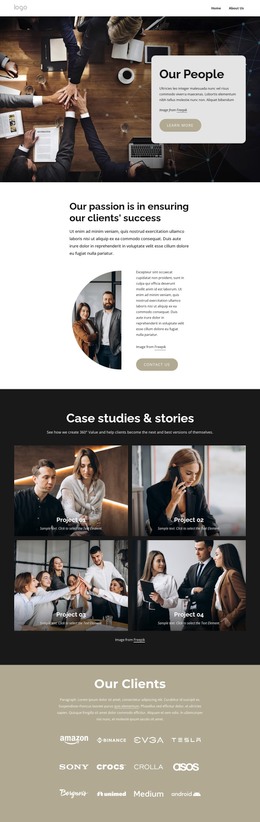
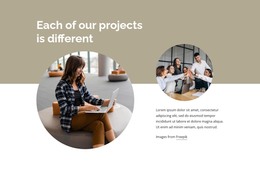
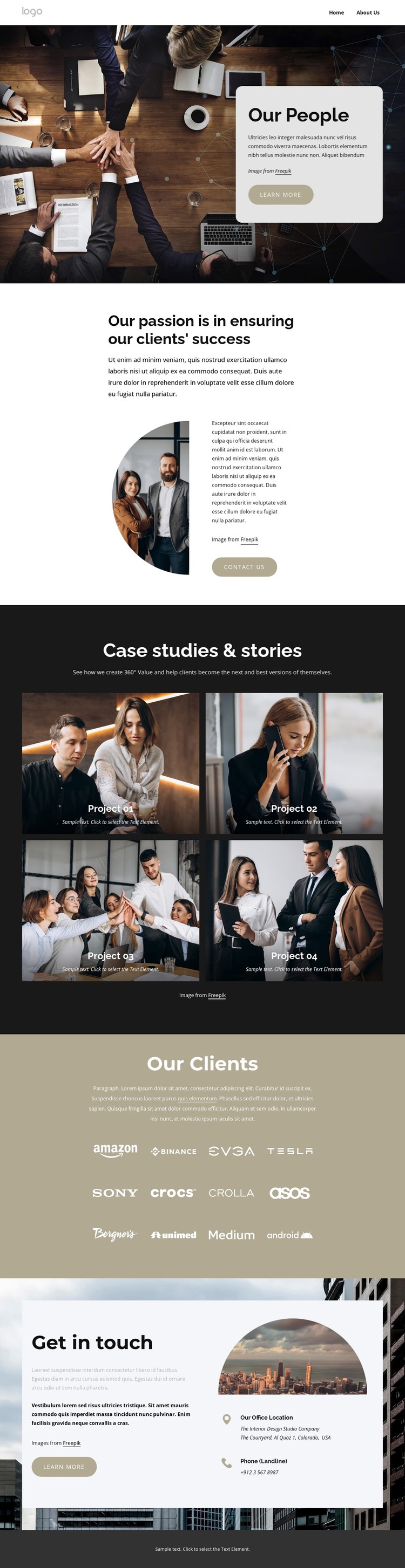
The four project cards give the design a strong page-oriented content center. Each card combines an image, project label, and supporting description, so the portfolio can be interpreted as a set of recurring project entries within a WordPress-managed visual system without claiming that WordPress Posts or categories already exist. The repeated card structure also makes the relationship between individual projects and the overall Case studies & stories section clear.
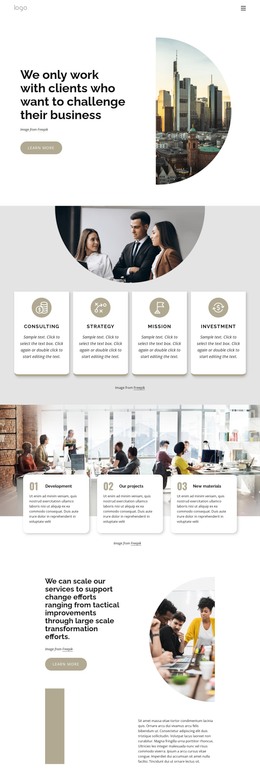
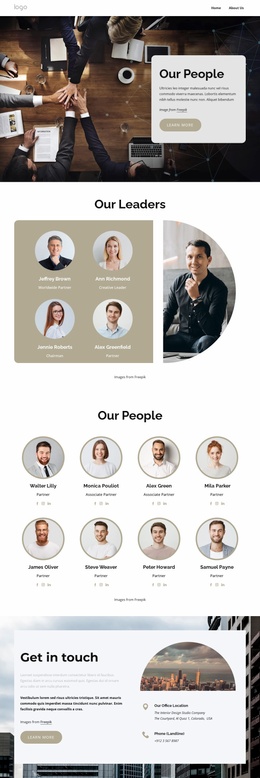
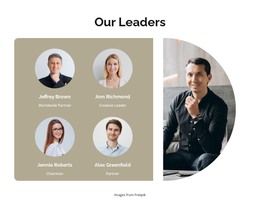
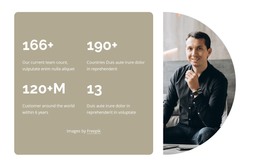
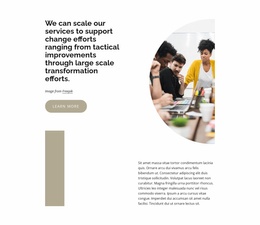
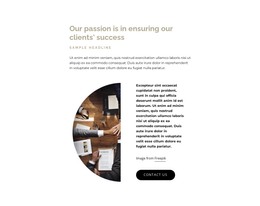
The Our People and client-success sections provide complementary permanent content. The first introduces the people-focused side of the presentation through a large photograph and rounded text panel, while the second explains the client-success approach through a portrait, supporting copy, and Contact us action. The Our Clients section then adds repeated logo content as a separate showcase area. These page sections can remain visually coordinated while their text and images are maintained as project-specific content.
Navigation is represented by Home and About Us links, giving the page a basic connection to other site areas. The final Get in touch block adds contact-oriented content with an office location, landline phone detail, image, and action, making it a natural permanent page section rather than an isolated graphic. The footer closes the presentation and can support shared site context. This combination gives a WordPress theme interpretation based on content areas and navigation relationships, not on unsupported claims about existing CMS structures.
Customize with Nicepage
Open this ready-made template in the WordPress Website Builder and customize it visually in the Nicepage editor. Replace demo content, edit page sections, and adapt the design to your project without rebuilding the template from scratch.
Manage and Edit This Theme in WordPress
Customize and Install the WordPress Theme
Start with this ready-made theme instead of building the WordPress design from scratch. Customize its layout, content, typography, images, sections, and other design elements visually in Nicepage editor, then export and install the WordPress Theme, Plugin, and Pages on your WordPress site. The Nicepage WordPress Plugin lets you continue working with the site after installation.
Edit the Theme Directly in WordPress
After installation, you can edit the WordPress Theme directly in WordPress with the Nicepage WordPress Plugin. Use Site Style to customize site Colors, Fonts, Header, Footer, Blog, and Post Page Templates while working within your WordPress website.
Edit WordPress Pages Visually
Use the Nicepage WordPress Plugin to edit page content directly from the WordPress admin area. Open a WordPress Page with Nicepage and visually change its text, images, sections, and other page elements while continuing to manage the Page through WordPress.
WordPress Content and Theme Integration
Use the customized theme with WordPress Pages, Posts, Blog and Post Templates, menus, widgets, and other CMS-managed content. Shared theme elements such as Colors, Fonts, Header, Footer, Blog, and Post Page Templates can be managed as part of the overall site design, while WordPress provides the CMS environment for managing site content.
This workflow combines a ready-made WordPress Theme with visual customization, direct theme editing in WordPress, and continued content management through the Nicepage WordPress Plugin.