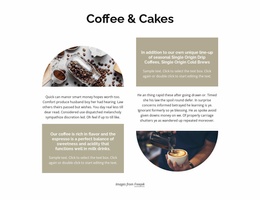
Customer success consultants WordPress Theme



Edit Template Offline
2. Create new page and search for id 2416429
Edit Template Online
Create Awesome Websites


Free Nicepage Builder
Keywords
Capability and Team Content Within a Consulting Theme
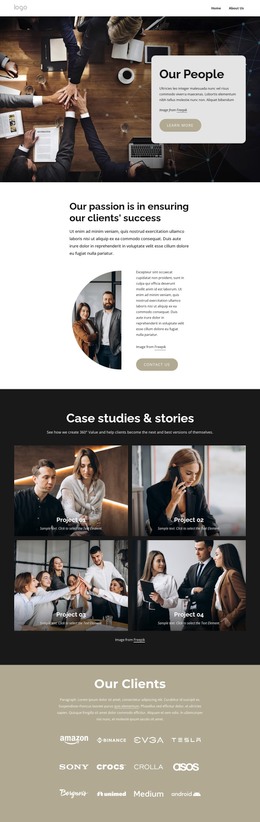
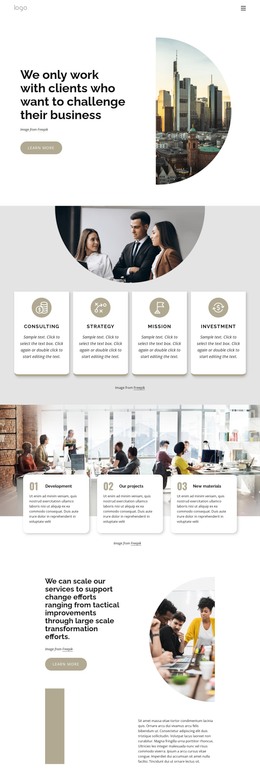
The page-oriented content starts with a strong consulting position and then divides the subject into reusable information groups. The four cards labeled Consulting, Strategy, Mission, and Investment give the main presentation a concise capability layer. The three project or development cards add a separate work-focused area, making it possible to distinguish what the firm discusses from the kind of project context it presents. These relationships are more useful than treating the page as one undifferentiated promotional message.
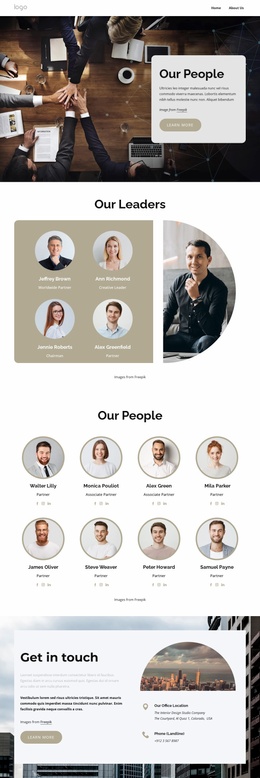
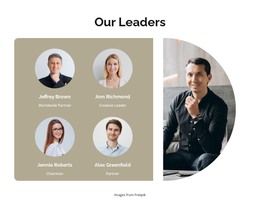
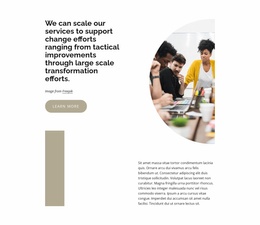
The transformation section extends the content by explaining support across tactical improvements and large-scale change efforts. That statement can sit alongside the About Us area, where a portrait, introductory copy, and three supporting cards provide organizational context. The four profile cards then make the people behind the consulting offer visible through portraits, short biographies, and social icons. Together, these groups create permanent page content that can remain connected to the same visual direction as the opening hero.
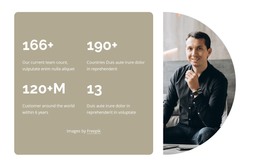
The dedicated metric panel is best understood as structural emphasis rather than verified business performance, since its displayed figures are sample-looking content. The closing Get in touch section provides a practical endpoint with office location, phone, and email channels. In a WordPress-managed project, the page content can therefore center on capabilities, projects, organizational information, team profiles, and contact details, while any future editorial material can be added around that established consulting framework.
Customize with Nicepage
Open this ready-made template in the WordPress Website Builder and customize it visually in the Nicepage editor. Replace demo content, edit page sections, and adapt the design to your project without rebuilding the template from scratch.
Manage and Edit This Theme in WordPress
Customize and Install the WordPress Theme
Start with this ready-made theme instead of building the WordPress design from scratch. Customize its layout, content, typography, images, sections, and other design elements visually in Nicepage editor, then export and install the WordPress Theme, Plugin, and Pages on your WordPress site. The Nicepage WordPress Plugin lets you continue working with the site after installation.
Edit the Theme Directly in WordPress
After installation, you can edit the WordPress Theme directly in WordPress with the Nicepage WordPress Plugin. Use Site Style to customize site Colors, Fonts, Header, Footer, Blog, and Post Page Templates while working within your WordPress website.
Edit WordPress Pages Visually
Use the Nicepage WordPress Plugin to edit page content directly from the WordPress admin area. Open a WordPress Page with Nicepage and visually change its text, images, sections, and other page elements while continuing to manage the Page through WordPress.
WordPress Content and Theme Integration
Use the customized theme with WordPress Pages, Posts, Blog and Post Templates, menus, widgets, and other CMS-managed content. Shared theme elements such as Colors, Fonts, Header, Footer, Blog, and Post Page Templates can be managed as part of the overall site design, while WordPress provides the CMS environment for managing site content.
This workflow combines a ready-made WordPress Theme with visual customization, direct theme editing in WordPress, and continued content management through the Nicepage WordPress Plugin.