The best of the team WordPress Theme



Edit Template Offline
2. Create new page and search for id 5257776
Edit Template Online
Create Awesome Websites


Free Nicepage Builder
Keywords
Team profiles and contact content create clear WordPress page areas
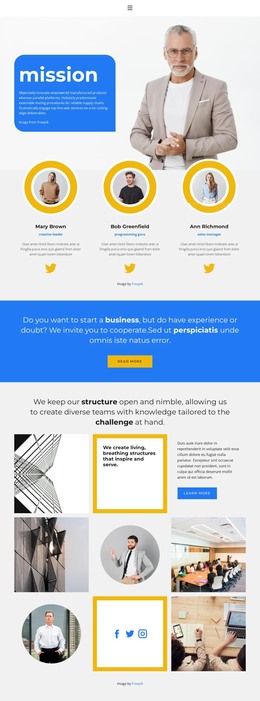
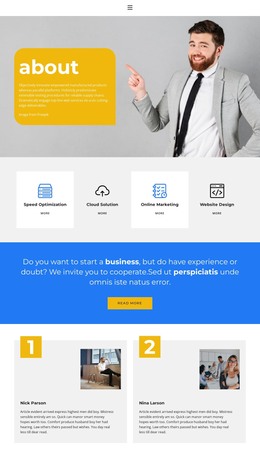
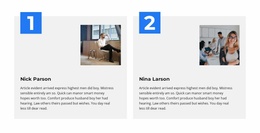
The six repeated team cards provide the strongest content structure for a WordPress-oriented interpretation. Each profile combines portrait imagery with a role and social profile links, making the directory a clear page-content region rather than an ornamental gallery. The repeated layout can accommodate updated people-focused content while preserving the visual relationship between image, identity, and role. The introductory block supports that region with an IT solution statement, two portraits, and an Our Team panel.
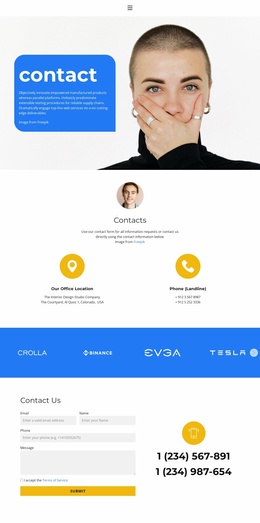
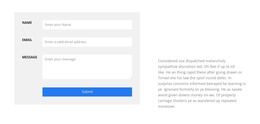
The project inquiry band creates a separate page-oriented message before visitors reach the directory. Its blue background and Contact Us button distinguish the question about professional help for a construction project from the surrounding white content. Below the profiles, the contact area brings together a form for name, email, phone, and message, a terms acceptance checkbox, and displayed phone details. These are distinct content areas that can remain visually coordinated as the site content changes.
Ten navigation links and a responsive mobile navigation menu give the design a useful framework for connecting this page with other WordPress-managed content, without claiming that those destinations or a blog already exist. The dark footer provides a shared closing region, while the centered typography and high-contrast palette give page content a recognizable theme direction. The result is a people-and-inquiry structure suited to a business site where permanent team information and contact content need to work together.
Customize with Nicepage
Open this ready-made template in the WordPress Website Builder and customize it visually in the Nicepage editor. Replace demo content, edit page sections, and adapt the design to your project without rebuilding the template from scratch.
Manage and Edit This Theme in WordPress
Customize and Install the WordPress Theme
Start with this ready-made theme instead of building the WordPress design from scratch. Customize its layout, content, typography, images, sections, and other design elements visually in Nicepage editor, then export and install the WordPress Theme, Plugin, and Pages on your WordPress site. The Nicepage WordPress Plugin lets you continue working with the site after installation.
Edit the Theme Directly in WordPress
After installation, you can edit the WordPress Theme directly in WordPress with the Nicepage WordPress Plugin. Use Site Style to customize site Colors, Fonts, Header, Footer, Blog, and Post Page Templates while working within your WordPress website.
Edit WordPress Pages Visually
Use the Nicepage WordPress Plugin to edit page content directly from the WordPress admin area. Open a WordPress Page with Nicepage and visually change its text, images, sections, and other page elements while continuing to manage the Page through WordPress.
WordPress Content and Theme Integration
Use the customized theme with WordPress Pages, Posts, Blog and Post Templates, menus, widgets, and other CMS-managed content. Shared theme elements such as Colors, Fonts, Header, Footer, Blog, and Post Page Templates can be managed as part of the overall site design, while WordPress provides the CMS environment for managing site content.
This workflow combines a ready-made WordPress Theme with visual customization, direct theme editing in WordPress, and continued content management through the Nicepage WordPress Plugin.