Alternative view WordPress Theme



Edit Template Offline
2. Create new page and search for id 5247544
Edit Template Online
Create Awesome Websites


Free Nicepage Builder
Keywords
Capability Cards and Editorial Content Give the Theme Clear Content Roles
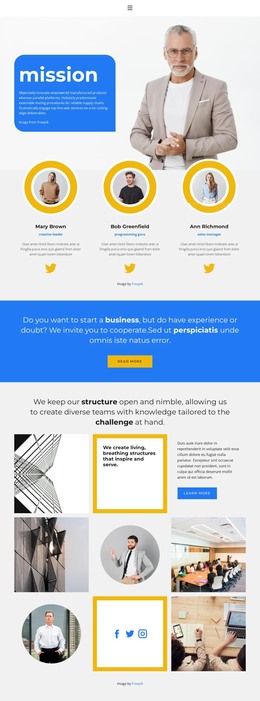
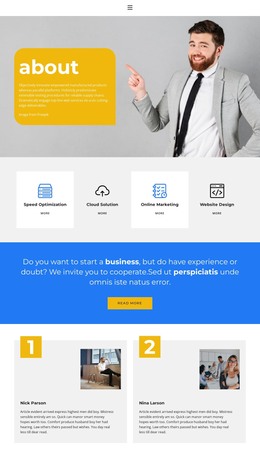
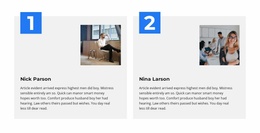
The Research, Strategy, and Design cards provide a natural page-oriented content group for a business theme. Together with the About introduction, they explain the service direction in a compact form, while the hero and Contact Us band supply the main presentation and response context. The six-image gallery and four-image team showcase then divide visual material into two different content roles: one for broader imagery and one for people-focused presentation. This separation can remain meaningful when the sample images and text are replaced.
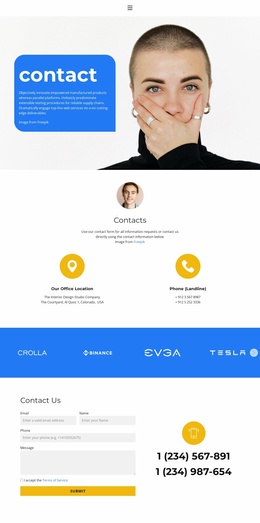
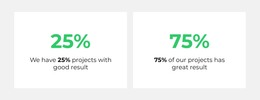
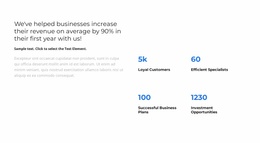
The lower sections support recurring content relationships rather than a single isolated message. Four metric cards create a structured proof area, the testimonial-style block adds a quotation and read-more action, and the free-trial signup combines an email response with a benefits list. The logo showcase supplies a repeated horizontal brand region, while the final Contact section joins newsletter signup with location and phone information. In a WordPress-oriented project, these permanent page areas can coexist with later editorial content while retaining the same visual direction; however, the analysis does not verify an existing blog, posts, categories, or WordPress-specific structures. The design’s value as a theme comes from its defined page content and shared visual regions, not from claiming CMS elements that are not present.
Customize with Nicepage
Open this ready-made template in the WordPress Website Builder and customize it visually in the Nicepage editor. Replace demo content, edit page sections, and adapt the design to your project without rebuilding the template from scratch.
Manage and Edit This Theme in WordPress
Customize and Install the WordPress Theme
Start with this ready-made theme instead of building the WordPress design from scratch. Customize its layout, content, typography, images, sections, and other design elements visually in Nicepage editor, then export and install the WordPress Theme, Plugin, and Pages on your WordPress site. The Nicepage WordPress Plugin lets you continue working with the site after installation.
Edit the Theme Directly in WordPress
After installation, you can edit the WordPress Theme directly in WordPress with the Nicepage WordPress Plugin. Use Site Style to customize site Colors, Fonts, Header, Footer, Blog, and Post Page Templates while working within your WordPress website.
Edit WordPress Pages Visually
Use the Nicepage WordPress Plugin to edit page content directly from the WordPress admin area. Open a WordPress Page with Nicepage and visually change its text, images, sections, and other page elements while continuing to manage the Page through WordPress.
WordPress Content and Theme Integration
Use the customized theme with WordPress Pages, Posts, Blog and Post Templates, menus, widgets, and other CMS-managed content. Shared theme elements such as Colors, Fonts, Header, Footer, Blog, and Post Page Templates can be managed as part of the overall site design, while WordPress provides the CMS environment for managing site content.
This workflow combines a ready-made WordPress Theme with visual customization, direct theme editing in WordPress, and continued content management through the Nicepage WordPress Plugin.