Women relaxation WordPress Theme


Paired Photographs Form Stable WordPress Page Content
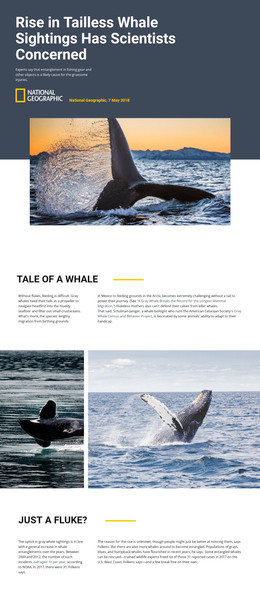
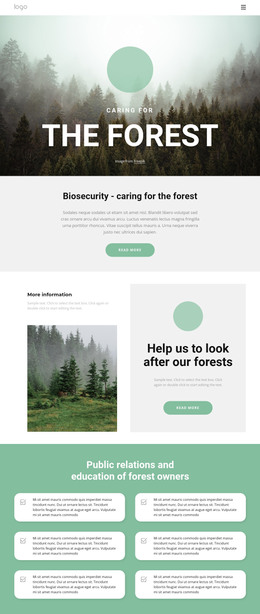
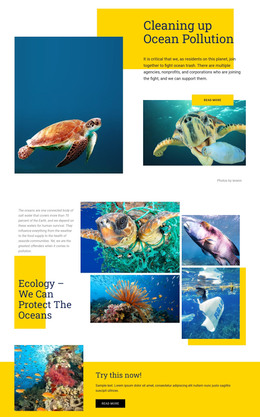
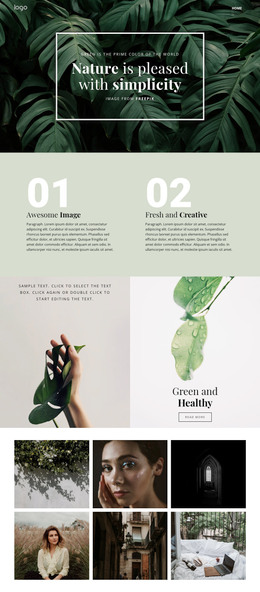
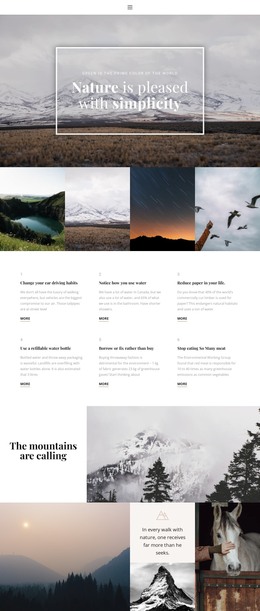
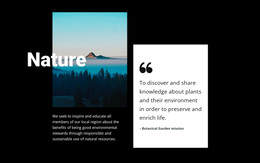
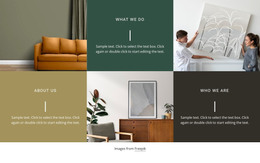
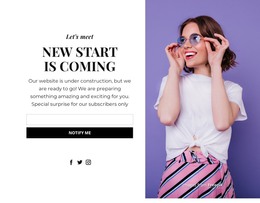
The two image panels provide a clearly bounded visual section that can sit within a WordPress-managed page. The left region combines a reclining person with botanical line art, and the right region presents a flower held in front of a mirror. Their equal widths and full-height, edge-to-edge arrangement make the block read as one coordinated gallery rather than two unrelated images. Monochrome and desaturated teal treatment reinforces the relationship while preserving a distinct subject in each panel.
For WordPress-oriented page content, this block is suited to a stable visual role that supports surrounding copy without attempting to carry that copy itself. A page can place explanatory text before or after the gallery, while the paired photographs provide an atmospheric pause or visual expression of a broader nature-focused theme. Because the block is static and contains no visible controls, its content remains easy to understand as a fixed image display rather than an editorial feed, interactive gallery, or changing post list.
The botanical overlay gives the section a recognizable visual detail, while the flower-and-mirror image creates contrast on the opposite side. In a broader WordPress project, those relationships can remain part of permanent page content as other areas handle headings, navigation, or regularly updated material. The section therefore contributes a focused image pattern to the page without being mistaken for a complete theme or site.
Customize with Nicepage
Open this ready-made template in the WordPress Website Builder and customize it visually in the Nicepage editor. Replace demo content, edit page sections, and adapt the design to your project without rebuilding the template from scratch.
Edit Template Offline
2. Create a new page or select existing
3. Click Add new block, search for id 52110 and click enter
Edit Template Online
Create Awesome Websites


Free Nicepage Builder
Keywords
Manage and Edit This Theme in WordPress
Customize and Install the WordPress Theme
Start with this ready-made theme instead of building the WordPress design from scratch. Customize its layout, content, typography, images, sections, and other design elements visually in Nicepage editor, then export and install the WordPress Theme, Plugin, and Pages on your WordPress site. The Nicepage WordPress Plugin lets you continue working with the site after installation.
Edit the Theme Directly in WordPress
After installation, you can edit the WordPress Theme directly in WordPress with the Nicepage WordPress Plugin. Use Site Style to customize site Colors, Fonts, Header, Footer, Blog, and Post Page Templates while working within your WordPress website.
Edit WordPress Pages Visually
Use the Nicepage WordPress Plugin to edit page content directly from the WordPress admin area. Open a WordPress Page with Nicepage and visually change its text, images, sections, and other page elements while continuing to manage the Page through WordPress.
WordPress Content and Theme Integration
Use the customized theme with WordPress Pages, Posts, Blog and Post Templates, menus, widgets, and other CMS-managed content. Shared theme elements such as Colors, Fonts, Header, Footer, Blog, and Post Page Templates can be managed as part of the overall site design, while WordPress provides the CMS environment for managing site content.
This workflow combines a ready-made WordPress Theme with visual customization, direct theme editing in WordPress, and continued content management through the Nicepage WordPress Plugin.