Above the clouds and peaks WordPress Theme


Stable Page Content With Image and Statement in Balance
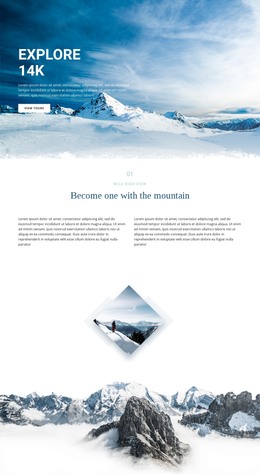
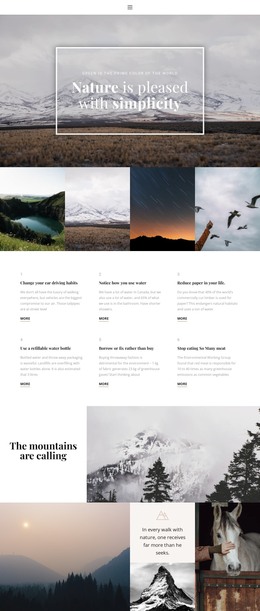
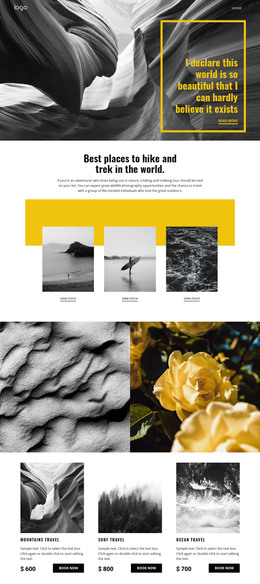
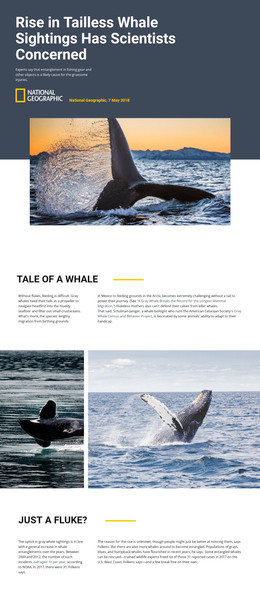
The block reads as stable thematic page content because its message and visual arrangement are concentrated in one self-contained region. A full-width mountain-and-cloud image provides the background, and the centered heading supplies the readable content layer. The phrase “I declare this world is so beautiful that I can hardly believe it exists” is displayed in bold white type, with the darker central image treatment helping the text contrast against the cool blue-gray scene. The lower-central placement keeps the statement prominent without removing the landscape from view.
In a WordPress-oriented project, this section could remain part of a permanent page while other content areas address navigation, detailed information, galleries, or contact needs. Its usefulness comes from being a focused publishable content area rather than from behaving like a complete theme. The static structure also makes its role straightforward: one image-backed statement can be retained as a visual marker or thematic introduction while the surrounding page changes independently.
The narrow content model helps distinguish this block from a dense listing or editorial feed. There are no repeated cards, controls, or verified submission elements competing with the heading. That gives the section a dependable visual function within a broader managed site, where the CMS environment can contain other page content and this block continues to provide its specific combination of atmospheric imagery, centered alignment, and concise written expression.
Customize with Nicepage
Open this ready-made template in the WordPress Website Builder and customize it visually in the Nicepage editor. Replace demo content, edit page sections, and adapt the design to your project without rebuilding the template from scratch.
Edit Template Offline
2. Create a new page or select existing
3. Click Add new block, search for id 896900 and click enter
Edit Template Online
Create Awesome Websites


Free Nicepage Builder
Keywords
Manage and Edit This Theme in WordPress
Customize and Install the WordPress Theme
Start with this ready-made theme instead of building the WordPress design from scratch. Customize its layout, content, typography, images, sections, and other design elements visually in Nicepage editor, then export and install the WordPress Theme, Plugin, and Pages on your WordPress site. The Nicepage WordPress Plugin lets you continue working with the site after installation.
Edit the Theme Directly in WordPress
After installation, you can edit the WordPress Theme directly in WordPress with the Nicepage WordPress Plugin. Use Site Style to customize site Colors, Fonts, Header, Footer, Blog, and Post Page Templates while working within your WordPress website.
Edit WordPress Pages Visually
Use the Nicepage WordPress Plugin to edit page content directly from the WordPress admin area. Open a WordPress Page with Nicepage and visually change its text, images, sections, and other page elements while continuing to manage the Page through WordPress.
WordPress Content and Theme Integration
Use the customized theme with WordPress Pages, Posts, Blog and Post Templates, menus, widgets, and other CMS-managed content. Shared theme elements such as Colors, Fonts, Header, Footer, Blog, and Post Page Templates can be managed as part of the overall site design, while WordPress provides the CMS environment for managing site content.
This workflow combines a ready-made WordPress Theme with visual customization, direct theme editing in WordPress, and continued content management through the Nicepage WordPress Plugin.