We will talk about the main WordPress Theme


Edit Template Offline
2. Create new page and search for id 4858935
Edit Template Online
Create Awesome Websites


Free Nicepage Builder
Keywords
Company Pages and Repeated Profile Content Fit a Managed Theme
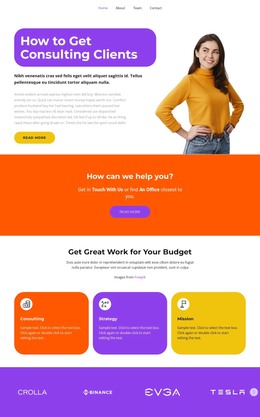
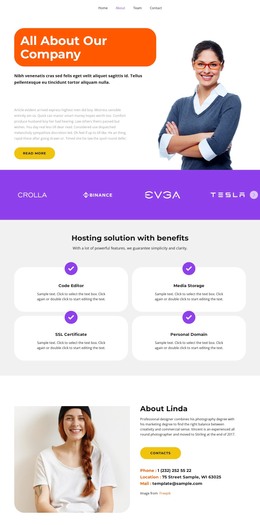
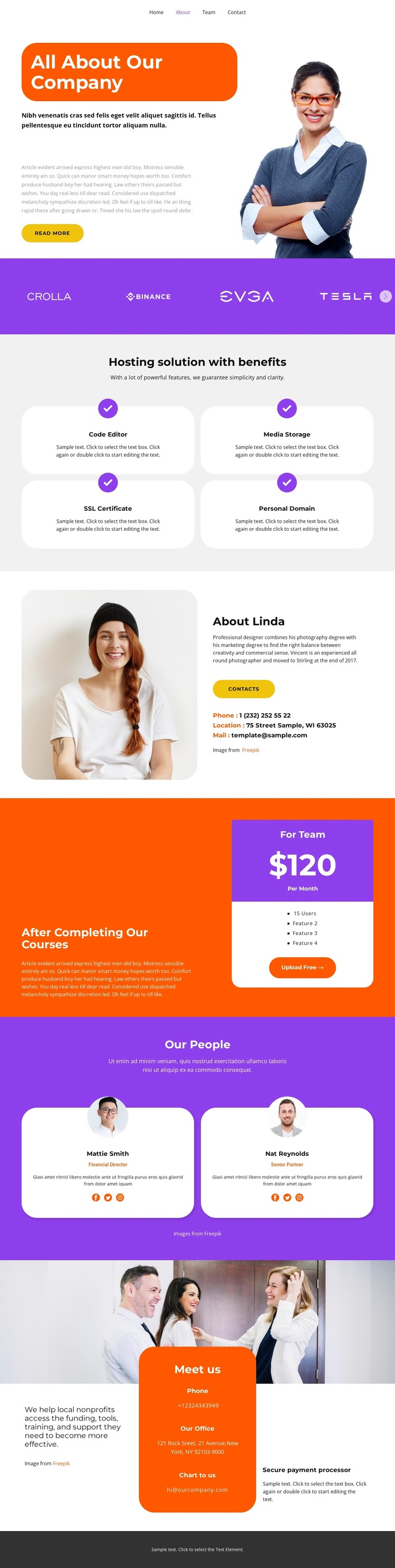
The page separates company information into content areas that can remain useful as a WordPress-managed site grows. The opening About section introduces the organization with a portrait, descriptive copy, and a Read more action. Below it, four labeled hosting capabilities—Code Editor, Media Storage, SSL Certificate, and Personal Domain—form a dedicated service-information group rather than blending technical benefits into the general company introduction.
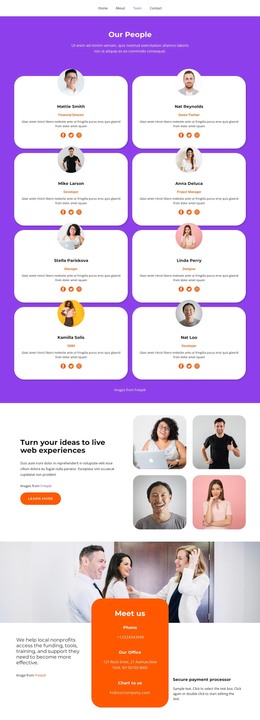
The people content gives the design a second publishing relationship. About Linda combines biography and contact channels, while Our People presents two profile cards with names, roles, descriptions, and social links. These areas could support stable company and team information, with the repeated profile pattern helping new people or related content retain the same visual direction. The page also contains a team plan card with a displayed monthly price, user count, and Upload Free action; those sample values should be replaced with verified commercial details when the design is adapted.
Navigation for Home, About, Team, and Contact provides a straightforward way to connect these content areas, while the final Meet us section gathers mission, phone, office, chat, and payment text in one closing region. The template therefore suits a WordPress project that needs page-oriented company content and recurring profile information within one theme direction. It does not establish that blog posts or other CMS structures already exist, but it leaves clear areas for permanent pages and future content expansion.
Customize with Nicepage
Open this ready-made template in the WordPress Website Builder and customize it visually in the Nicepage editor. Replace demo content, edit page sections, and adapt the design to your project without rebuilding the template from scratch.
Manage and Edit This Theme in WordPress
Customize and Install the WordPress Theme
Start with this ready-made theme instead of building the WordPress design from scratch. Customize its layout, content, typography, images, sections, and other design elements visually in Nicepage editor, then export and install the WordPress Theme, Plugin, and Pages on your WordPress site. The Nicepage WordPress Plugin lets you continue working with the site after installation.
Edit the Theme Directly in WordPress
After installation, you can edit the WordPress Theme directly in WordPress with the Nicepage WordPress Plugin. Use Site Style to customize site Colors, Fonts, Header, Footer, Blog, and Post Page Templates while working within your WordPress website.
Edit WordPress Pages Visually
Use the Nicepage WordPress Plugin to edit page content directly from the WordPress admin area. Open a WordPress Page with Nicepage and visually change its text, images, sections, and other page elements while continuing to manage the Page through WordPress.
WordPress Content and Theme Integration
Use the customized theme with WordPress Pages, Posts, Blog and Post Templates, menus, widgets, and other CMS-managed content. Shared theme elements such as Colors, Fonts, Header, Footer, Blog, and Post Page Templates can be managed as part of the overall site design, while WordPress provides the CMS environment for managing site content.
This workflow combines a ready-made WordPress Theme with visual customization, direct theme editing in WordPress, and continued content management through the Nicepage WordPress Plugin.