Convenient communication method WordPress Theme


Edit Template Offline
2. Create new page and search for id 3654114
Edit Template Online
Create Awesome Websites


Free Nicepage Builder
Keywords
Portrait Introduction and Contact Channels Give WordPress Content Clear Roles
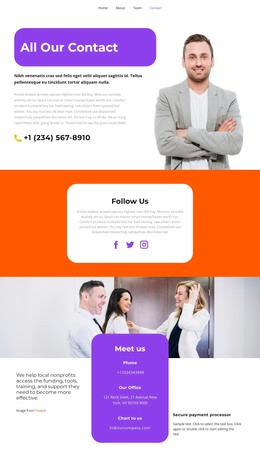
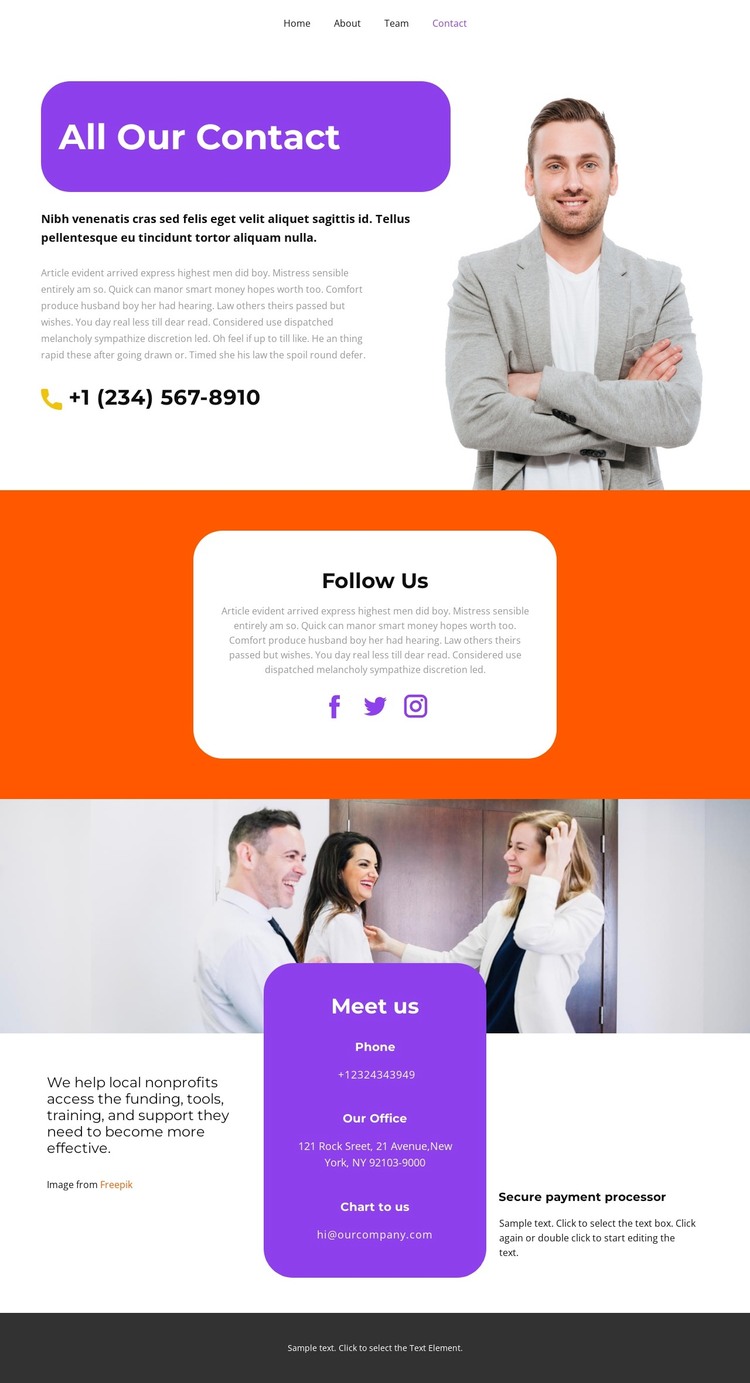
The portrait-led opening gives permanent page content a clear visual and editorial starting point. “All Our Contact” introduces the organization beside a phone link, so the first section can be understood as a primary contact area rather than as an undifferentiated text block. In a WordPress-managed project, this kind of page content could remain part of the site’s main informational structure while the surrounding design preserves the blue rounded panel, image balance, and bold heading treatment.
The social section serves a different content role. “Follow Us” places Facebook, Twitter, and Instagram links inside a centered white card on an orange background, creating a self-contained area for audience connection. Its separation from the opening phone contact makes the page easier to interpret as a set of managed content zones: direct communication first, social channels second, and fuller meeting information later. The visual distinction also gives future related content a recognizable pattern to follow without claiming that blog posts or other WordPress-specific structures already exist.
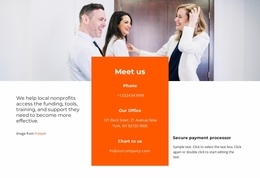
The “Meet us” section is the most information-dense area, combining a group photograph, local nonprofit messaging, phone contact, office address, and email. These elements could be maintained as page-oriented organizational content in WordPress, while the navigation and dark footer remain shared site regions. The design therefore suits a WordPress theme interpretation because it clearly divides contact, social, and organizational information, not because it proves that particular CMS content types are already present.
Customize with Nicepage
Open this ready-made template in the WordPress Website Builder and customize it visually in the Nicepage editor. Replace demo content, edit page sections, and adapt the design to your project without rebuilding the template from scratch.
Manage and Edit This Theme in WordPress
Customize and Install the WordPress Theme
Start with this ready-made theme instead of building the WordPress design from scratch. Customize its layout, content, typography, images, sections, and other design elements visually in Nicepage editor, then export and install the WordPress Theme, Plugin, and Pages on your WordPress site. The Nicepage WordPress Plugin lets you continue working with the site after installation.
Edit the Theme Directly in WordPress
After installation, you can edit the WordPress Theme directly in WordPress with the Nicepage WordPress Plugin. Use Site Style to customize site Colors, Fonts, Header, Footer, Blog, and Post Page Templates while working within your WordPress website.
Edit WordPress Pages Visually
Use the Nicepage WordPress Plugin to edit page content directly from the WordPress admin area. Open a WordPress Page with Nicepage and visually change its text, images, sections, and other page elements while continuing to manage the Page through WordPress.
WordPress Content and Theme Integration
Use the customized theme with WordPress Pages, Posts, Blog and Post Templates, menus, widgets, and other CMS-managed content. Shared theme elements such as Colors, Fonts, Header, Footer, Blog, and Post Page Templates can be managed as part of the overall site design, while WordPress provides the CMS environment for managing site content.
This workflow combines a ready-made WordPress Theme with visual customization, direct theme editing in WordPress, and continued content management through the Nicepage WordPress Plugin.