Successful development WordPress Theme


Edit Template Offline
2. Create new page and search for id 4815433
Edit Template Online
Create Awesome Websites


Free Nicepage Builder
Keywords
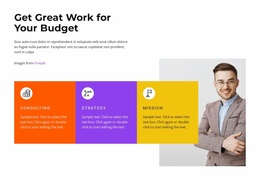
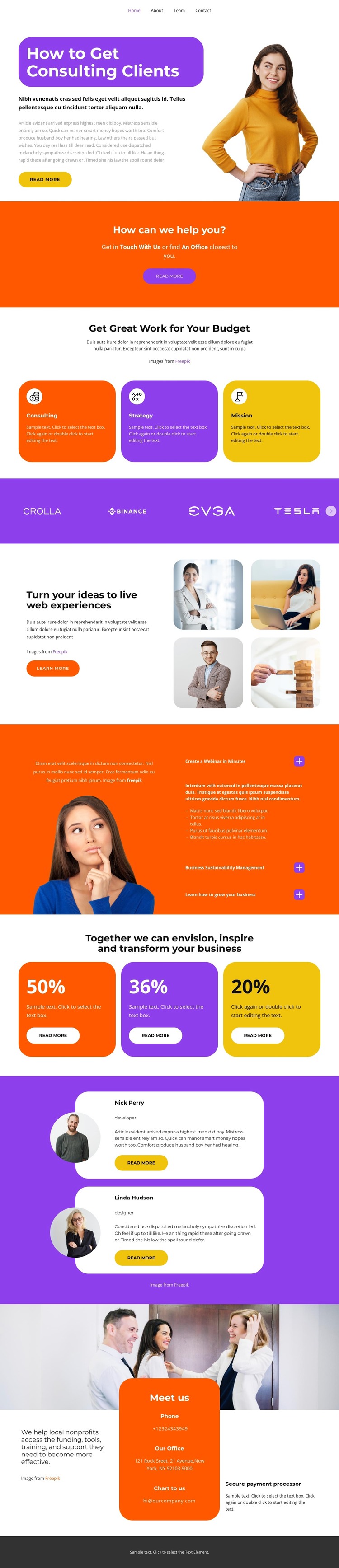
Service cards and testimonials divide the consulting content
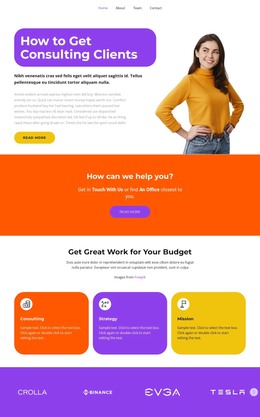
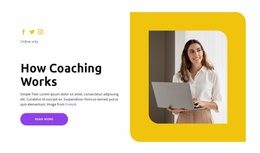
The Consulting, Strategy, and Planning cards create three clear content subjects that can translate naturally into permanent business pages or organized page sections in a WordPress-managed project. The hero gives the theme a strong page-oriented starting point: “How to Get Consulting Clients” is supported by a consultant portrait, explanatory text, and a Read More button. The separate orange prompt immediately afterward can introduce a consultation message without being confused with the service-card group.
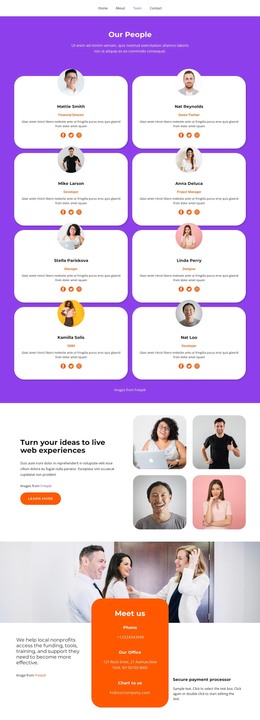
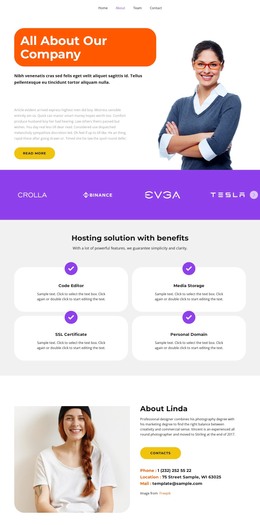
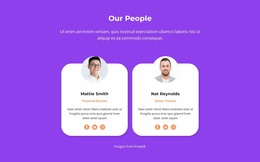
The remaining sections provide different kinds of content rather than repeating one layout. A purple brand strip offers a compact credibility region, and the split block about turning ideas into live web experiences pairs a Learn More action with four business images. The orange information panel can hold company or approach content, while the two overlapping testimonial cards create a recognizable area for client-feedback content. Their names and testimonial wording are sample evidence of structure, not independently verified customer records.
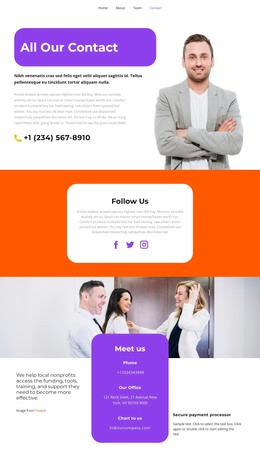
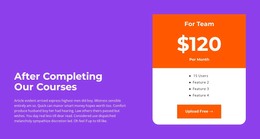
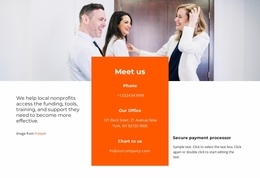
The three colored percentage cards similarly show where displayed outcome themes could sit, but the sample figures should be replaced with verified project information. The Meet us section gives the page a practical closing content area by combining a business image with office and contact details. In a WordPress theme context, these distinct areas can support page content and future editorial additions while preserving the orange-and-purple visual direction. The available analysis confirms this page’s structure, not existing WordPress Posts or a completed blog system.
Customize with Nicepage
Open this ready-made template in the WordPress Website Builder and customize it visually in the Nicepage editor. Replace demo content, edit page sections, and adapt the design to your project without rebuilding the template from scratch.
Manage and Edit This Theme in WordPress
Customize and Install the WordPress Theme
Start with this ready-made theme instead of building the WordPress design from scratch. Customize its layout, content, typography, images, sections, and other design elements visually in Nicepage editor, then export and install the WordPress Theme, Plugin, and Pages on your WordPress site. The Nicepage WordPress Plugin lets you continue working with the site after installation.
Edit the Theme Directly in WordPress
After installation, you can edit the WordPress Theme directly in WordPress with the Nicepage WordPress Plugin. Use Site Style to customize site Colors, Fonts, Header, Footer, Blog, and Post Page Templates while working within your WordPress website.
Edit WordPress Pages Visually
Use the Nicepage WordPress Plugin to edit page content directly from the WordPress admin area. Open a WordPress Page with Nicepage and visually change its text, images, sections, and other page elements while continuing to manage the Page through WordPress.
WordPress Content and Theme Integration
Use the customized theme with WordPress Pages, Posts, Blog and Post Templates, menus, widgets, and other CMS-managed content. Shared theme elements such as Colors, Fonts, Header, Footer, Blog, and Post Page Templates can be managed as part of the overall site design, while WordPress provides the CMS environment for managing site content.
This workflow combines a ready-made WordPress Theme with visual customization, direct theme editing in WordPress, and continued content management through the Nicepage WordPress Plugin.