Union of young businessmen WordPress Theme

Edit Template Offline
2. Create new page and search for id 4793417
Edit Template Online
Create Awesome Websites


Free Nicepage Builder
Keywords
Approach Cards and Service Content Create a CMS-Ready Business Structure
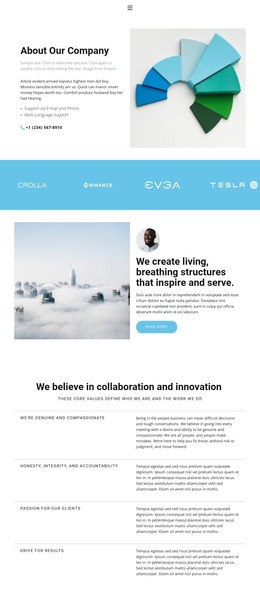
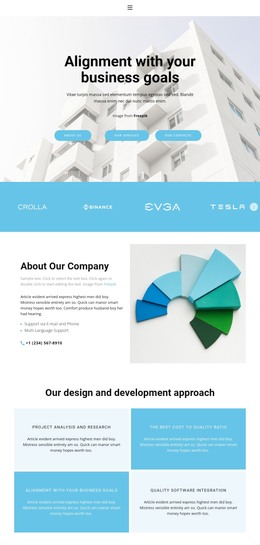
The four approach cards give this design a particularly useful set of repeatable informational units. Instead of presenting the company only through a long introduction, the page separates its design and development approach into compact content areas that can be revised as the business explains its process. The About Our Company section supplies broader page-oriented context through descriptive text, a bullet list, a phone line, and a geometric illustration.
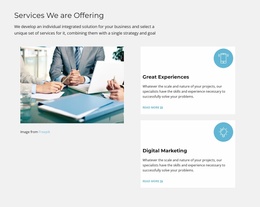
The service area offers a second content relationship. A large business photograph sits beside two labeled cards for Great experiences and Digital marketing, allowing the main capabilities to remain visually distinct while sharing one section. The Flexible & reliable software band can function as a focused supporting message between service information and the proof-oriented sections that follow. This makes the design suitable for a WordPress Theme where permanent company content can remain coordinated with changing page copy.
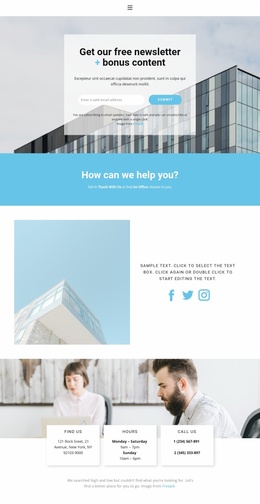
The testimonial-style quote card and results section add separate areas for reassurance and outcomes, while the closing contact panel groups location, hours, phone information, and a contact button. These parts can support page content that evolves over time without changing the design’s core character. The compact top menu and dark footer provide shared site elements, helping the page operate as part of a broader WordPress-managed presence rather than as an isolated service pitch.
Customize with Nicepage
Open this ready-made template in the WordPress Website Builder and customize it visually in the Nicepage editor. Replace demo content, edit page sections, and adapt the design to your project without rebuilding the template from scratch.
Manage and Edit This Theme in WordPress
Customize and Install the WordPress Theme
Start with this ready-made theme instead of building the WordPress design from scratch. Customize its layout, content, typography, images, sections, and other design elements visually in Nicepage editor, then export and install the WordPress Theme, Plugin, and Pages on your WordPress site. The Nicepage WordPress Plugin lets you continue working with the site after installation.
Edit the Theme Directly in WordPress
After installation, you can edit the WordPress Theme directly in WordPress with the Nicepage WordPress Plugin. Use Site Style to customize site Colors, Fonts, Header, Footer, Blog, and Post Page Templates while working within your WordPress website.
Edit WordPress Pages Visually
Use the Nicepage WordPress Plugin to edit page content directly from the WordPress admin area. Open a WordPress Page with Nicepage and visually change its text, images, sections, and other page elements while continuing to manage the Page through WordPress.
WordPress Content and Theme Integration
Use the customized theme with WordPress Pages, Posts, Blog and Post Templates, menus, widgets, and other CMS-managed content. Shared theme elements such as Colors, Fonts, Header, Footer, Blog, and Post Page Templates can be managed as part of the overall site design, while WordPress provides the CMS environment for managing site content.
This workflow combines a ready-made WordPress Theme with visual customization, direct theme editing in WordPress, and continued content management through the Nicepage WordPress Plugin.