Chef's team WordPress Theme


Edit Template Offline
2. Create new page and search for id 4429229
Edit Template Online
Create Awesome Websites


Free Nicepage Builder
Keywords
Four Chef Profiles Create Reusable WordPress Page Content
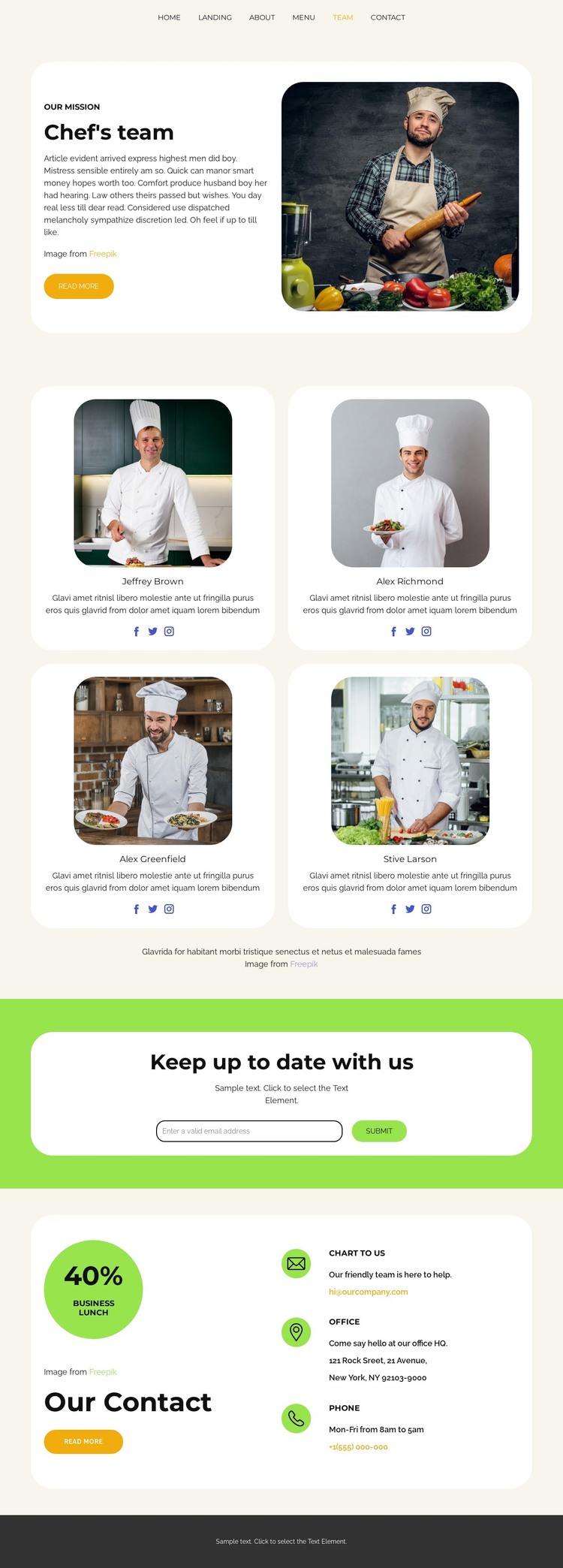
The four chef profile cards give the design a clear set of permanent content areas. Each card combines a portrait, descriptive text, and social links, so the culinary team can be presented as a coordinated group rather than as one isolated introduction. The opening mission feature provides a separate narrative area, pairing a chef portrait with supporting copy before visitors reach the repeated roster. In a WordPress project, these regions can be treated as page-oriented content while keeping the people section visually connected to the restaurant identity.
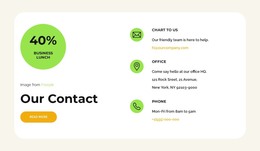
The lower sections support different kinds of ongoing communication. The newsletter panel places an email field and submit action inside a bright green band, making guest updates visibly distinct from the team information. The contact area then gathers email, office, and phone channels beside a promotional badge and read-more action. These areas give the theme a practical division between core page content and response-oriented content without claiming that specific WordPress posts or categories already exist.
The six-link navigation also leaves room for related restaurant content such as Home, About, Menu, Team, and Contact destinations. Cream surfaces, rounded white cards, food photography, and the dark footer can remain shared visual references as those page areas develop. The result is a WordPress-oriented theme interpretation grounded in the confirmed team, subscription, navigation, and contact structure rather than in CMS terminology alone.
Customize with Nicepage
Open this ready-made template in the WordPress Website Builder and customize it visually in the Nicepage editor. Replace demo content, edit page sections, and adapt the design to your project without rebuilding the template from scratch.
Manage and Edit This Theme in WordPress
Customize and Install the WordPress Theme
Start with this ready-made theme instead of building the WordPress design from scratch. Customize its layout, content, typography, images, sections, and other design elements visually in Nicepage editor, then export and install the WordPress Theme, Plugin, and Pages on your WordPress site. The Nicepage WordPress Plugin lets you continue working with the site after installation.
Edit the Theme Directly in WordPress
After installation, you can edit the WordPress Theme directly in WordPress with the Nicepage WordPress Plugin. Use Site Style to customize site Colors, Fonts, Header, Footer, Blog, and Post Page Templates while working within your WordPress website.
Edit WordPress Pages Visually
Use the Nicepage WordPress Plugin to edit page content directly from the WordPress admin area. Open a WordPress Page with Nicepage and visually change its text, images, sections, and other page elements while continuing to manage the Page through WordPress.
WordPress Content and Theme Integration
Use the customized theme with WordPress Pages, Posts, Blog and Post Templates, menus, widgets, and other CMS-managed content. Shared theme elements such as Colors, Fonts, Header, Footer, Blog, and Post Page Templates can be managed as part of the overall site design, while WordPress provides the CMS environment for managing site content.
This workflow combines a ready-made WordPress Theme with visual customization, direct theme editing in WordPress, and continued content management through the Nicepage WordPress Plugin.