List of work areas WordPress Theme


Four Card Topics Form Stable WordPress Page Content
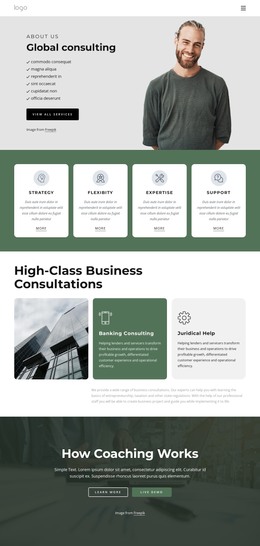
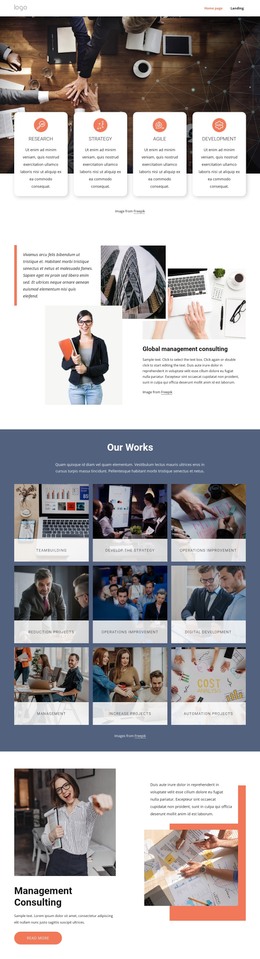
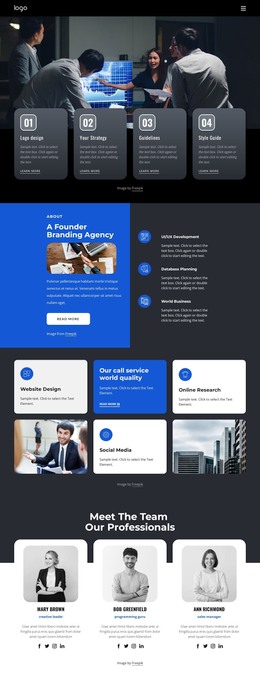
The four repeated cards give this section a clear page-content role within a WordPress-managed project. Pre-Group Meetings, Professional Therapist, Definition and Benefits, and New Training Group each present one topic through the same compact pattern: a circular icon, a title, and a supporting paragraph area. Because the items share one structure and occupy two columns across two rows, the section can communicate several related areas without becoming a long undifferentiated text passage. The sample supporting copy can be replaced with the final wording for the page while the established card relationships remain intact.
The full-width aerial city image adds a broad visual setting, while alternating light gray and white card backgrounds create a readable content layer above the black-and-white photograph. Muted sage icons give the four topics a shared visual marker, and the centered spacing keeps the group distinct from the rest of the page. In a WordPress-oriented site, this block can serve as stable services, features, or informational content within a broader page managed through the CMS. Other page sections can provide introductions, detailed explanations, navigation, or contact content around it. The section therefore fits a publishable page-content role without being treated as a complete WordPress Theme.
Customize with Nicepage
Open this ready-made template in the WordPress Website Builder and customize it visually in the Nicepage editor. Replace demo content, edit page sections, and adapt the design to your project without rebuilding the template from scratch.
Edit Template Offline
2. Create a new page or select existing
3. Click Add new block, search for id 389750 and click enter
Edit Template Online
Create Awesome Websites


Free Nicepage Builder
Keywords
Manage and Edit This Theme in WordPress
Customize and Install the WordPress Theme
Start with this ready-made theme instead of building the WordPress design from scratch. Customize its layout, content, typography, images, sections, and other design elements visually in Nicepage editor, then export and install the WordPress Theme, Plugin, and Pages on your WordPress site. The Nicepage WordPress Plugin lets you continue working with the site after installation.
Edit the Theme Directly in WordPress
After installation, you can edit the WordPress Theme directly in WordPress with the Nicepage WordPress Plugin. Use Site Style to customize site Colors, Fonts, Header, Footer, Blog, and Post Page Templates while working within your WordPress website.
Edit WordPress Pages Visually
Use the Nicepage WordPress Plugin to edit page content directly from the WordPress admin area. Open a WordPress Page with Nicepage and visually change its text, images, sections, and other page elements while continuing to manage the Page through WordPress.
WordPress Content and Theme Integration
Use the customized theme with WordPress Pages, Posts, Blog and Post Templates, menus, widgets, and other CMS-managed content. Shared theme elements such as Colors, Fonts, Header, Footer, Blog, and Post Page Templates can be managed as part of the overall site design, while WordPress provides the CMS environment for managing site content.
This workflow combines a ready-made WordPress Theme with visual customization, direct theme editing in WordPress, and continued content management through the Nicepage WordPress Plugin.