Scandinavian interior ideas WordPress Theme


Alternating Topic Pairs Give WordPress Pages Stable Interior Content
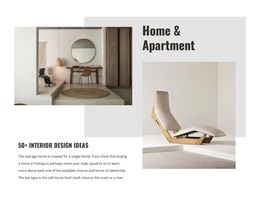
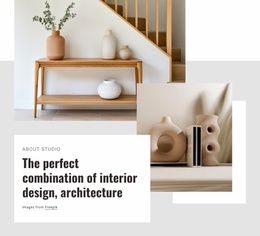
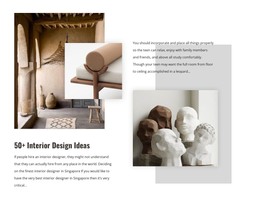
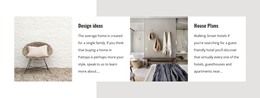
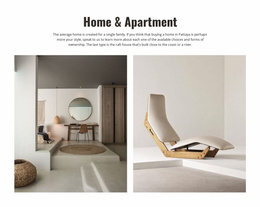
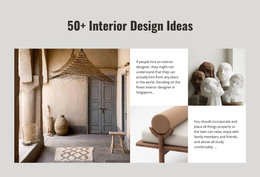
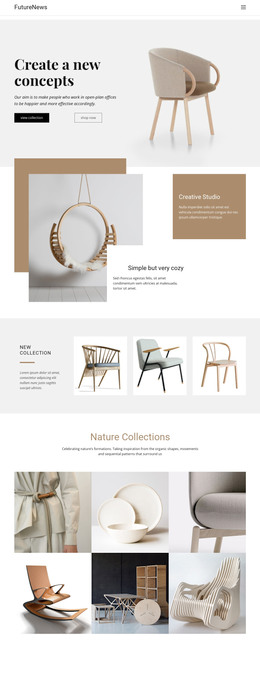
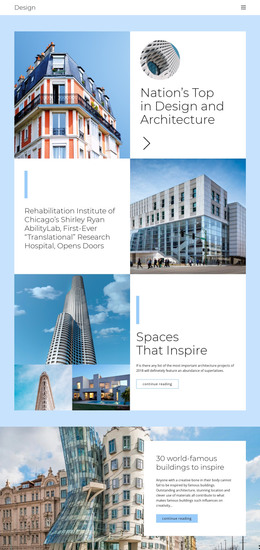
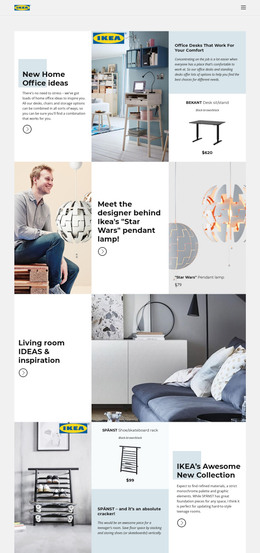
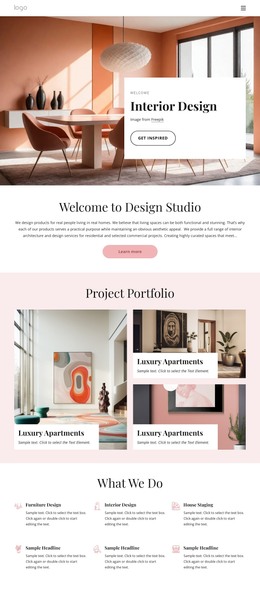
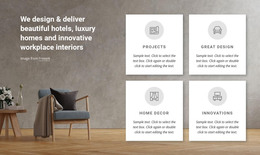
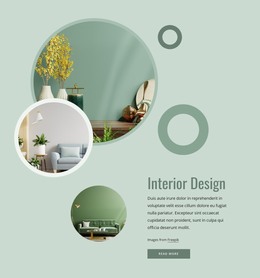
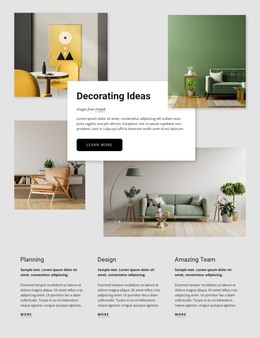
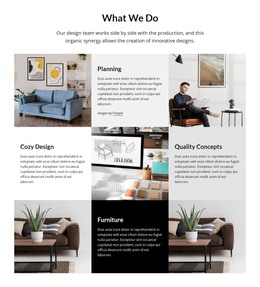
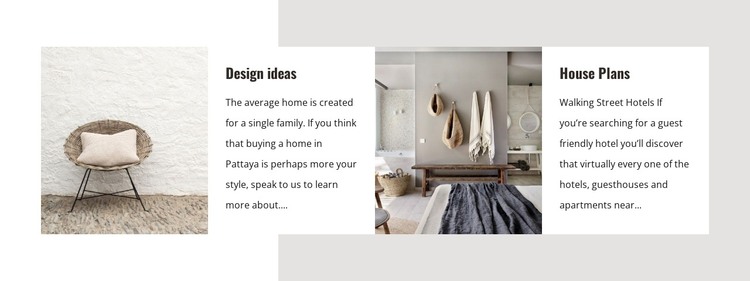
The repeated image-and-text pattern makes this section suitable for permanent, page-oriented content in a WordPress-managed site. One white panel is labeled “Design ideas” and the other “House Plans,” with a photographic panel immediately beside each topic. That pairing gives readers a visual reference before or alongside the supporting paragraph, while the four-column row keeps both subjects visible as one coordinated section.
The first paragraph discusses homes in Pattaya; the second mentions hotels, guesthouses, and apartments near Walking Street. These supplied references shape the block as interior and home-planning content, but the section’s more durable value lies in its organization: two labeled subjects, two images, and two explanatory text areas can be edited as related page content. The static interaction also suits information that should remain open and readable rather than being hidden behind controls.
For a WordPress-oriented page, the block can hold a stable design-and-planning section while other CMS-managed content grows around it. The pale gray background gives the row a defined place in the page, and the white panels create clear boundaries for the labels and paragraphs. Because the image and text widths are balanced, the section can introduce visual variety without becoming a separate property catalogue or complete page. It contributes a focused content area, while the surrounding WordPress project supplies the broader page and site context.
Customize with Nicepage
Open this ready-made template in the WordPress Website Builder and customize it visually in the Nicepage editor. Replace demo content, edit page sections, and adapt the design to your project without rebuilding the template from scratch.
Edit Template Offline
2. Create a new page or select existing
3. Click Add new block, search for id 40973 and click enter
Edit Template Online
Create Awesome Websites


Free Nicepage Builder
Keywords
Manage and Edit This Theme in WordPress
Customize and Install the WordPress Theme
Start with this ready-made theme instead of building the WordPress design from scratch. Customize its layout, content, typography, images, sections, and other design elements visually in Nicepage editor, then export and install the WordPress Theme, Plugin, and Pages on your WordPress site. The Nicepage WordPress Plugin lets you continue working with the site after installation.
Edit the Theme Directly in WordPress
After installation, you can edit the WordPress Theme directly in WordPress with the Nicepage WordPress Plugin. Use Site Style to customize site Colors, Fonts, Header, Footer, Blog, and Post Page Templates while working within your WordPress website.
Edit WordPress Pages Visually
Use the Nicepage WordPress Plugin to edit page content directly from the WordPress admin area. Open a WordPress Page with Nicepage and visually change its text, images, sections, and other page elements while continuing to manage the Page through WordPress.
WordPress Content and Theme Integration
Use the customized theme with WordPress Pages, Posts, Blog and Post Templates, menus, widgets, and other CMS-managed content. Shared theme elements such as Colors, Fonts, Header, Footer, Blog, and Post Page Templates can be managed as part of the overall site design, while WordPress provides the CMS environment for managing site content.
This workflow combines a ready-made WordPress Theme with visual customization, direct theme editing in WordPress, and continued content management through the Nicepage WordPress Plugin.