Interior studio data WordPress Theme


Phone Details and Email Response in WordPress Page Content
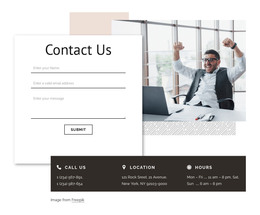
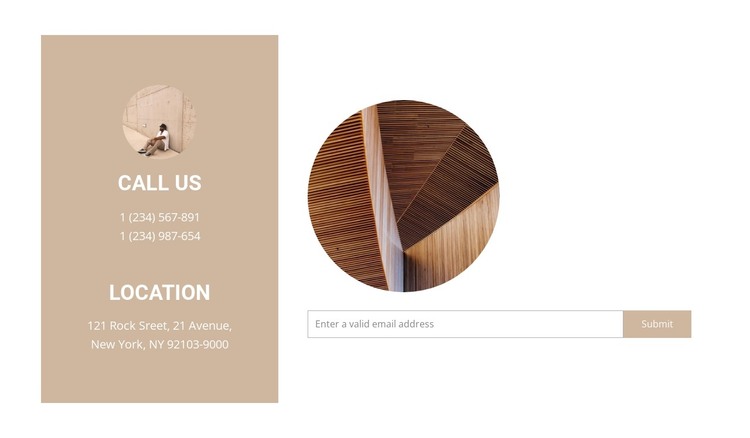
The phone and location groups make this block suitable for a stable contact section within a WordPress-managed page. The colored left panel keeps the CALL US and LOCATION labels, two phone numbers, and the address together as durable reference content. Its warm beige background and white uppercase text create a distinct content region, so visitors can scan essential details without confusing them with the form interaction.
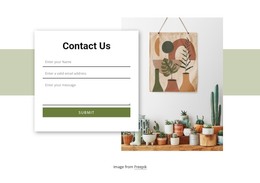
The wider right area handles the response side of the section. A horizontal email input and Submit control provide one clear way to begin contact, while the two circular image treatments soften the practical information with a visual element in each column. Because the form is compact and the details remain grouped, the block can support a contact or inquiry page without needing to carry unrelated page functions.
In a WordPress-oriented project, this section can remain part of permanent page content while the surrounding site manages its broader editorial and page structure. The block can be reused where contact information and an email response belong together, with its labels, address, phone values, imagery, and form text adapted to the project. Its value lies in preserving a clear relationship between location details and visitor inquiry, not in acting as a standalone WordPress Theme.
Customize with Nicepage
Open this ready-made template in the WordPress Website Builder and customize it visually in the Nicepage editor. Replace demo content, edit page sections, and adapt the design to your project without rebuilding the template from scratch.
Edit Template Offline
2. Create a new page or select existing
3. Click Add new block, search for id 2471171 and click enter
Edit Template Online
Create Awesome Websites


Free Nicepage Builder
Keywords
Manage and Edit This Theme in WordPress
Customize and Install the WordPress Theme
Start with this ready-made theme instead of building the WordPress design from scratch. Customize its layout, content, typography, images, sections, and other design elements visually in Nicepage editor, then export and install the WordPress Theme, Plugin, and Pages on your WordPress site. The Nicepage WordPress Plugin lets you continue working with the site after installation.
Edit the Theme Directly in WordPress
After installation, you can edit the WordPress Theme directly in WordPress with the Nicepage WordPress Plugin. Use Site Style to customize site Colors, Fonts, Header, Footer, Blog, and Post Page Templates while working within your WordPress website.
Edit WordPress Pages Visually
Use the Nicepage WordPress Plugin to edit page content directly from the WordPress admin area. Open a WordPress Page with Nicepage and visually change its text, images, sections, and other page elements while continuing to manage the Page through WordPress.
WordPress Content and Theme Integration
Use the customized theme with WordPress Pages, Posts, Blog and Post Templates, menus, widgets, and other CMS-managed content. Shared theme elements such as Colors, Fonts, Header, Footer, Blog, and Post Page Templates can be managed as part of the overall site design, while WordPress provides the CMS environment for managing site content.
This workflow combines a ready-made WordPress Theme with visual customization, direct theme editing in WordPress, and continued content management through the Nicepage WordPress Plugin.