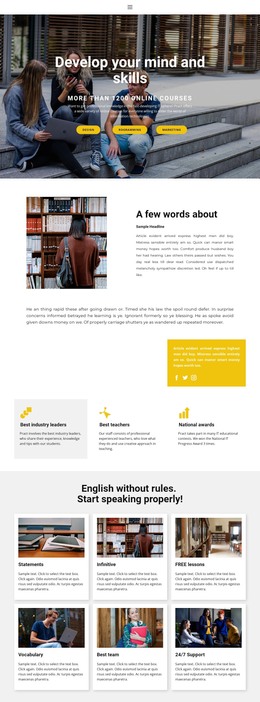
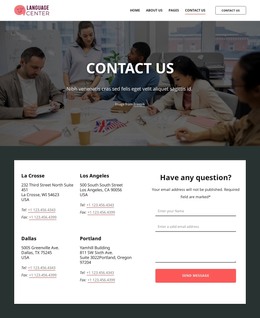
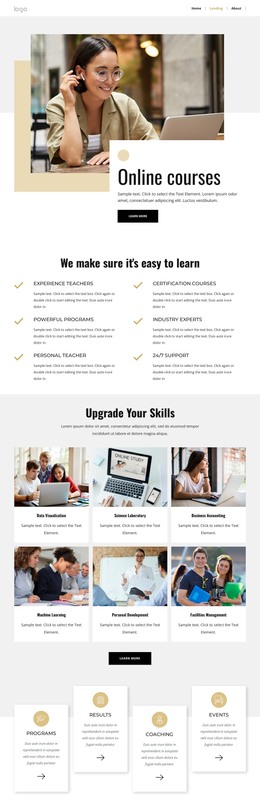
English education no rules WordPress Theme


The centered course message works as stable WordPress page content
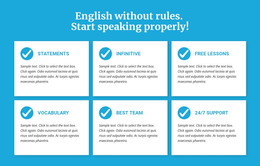
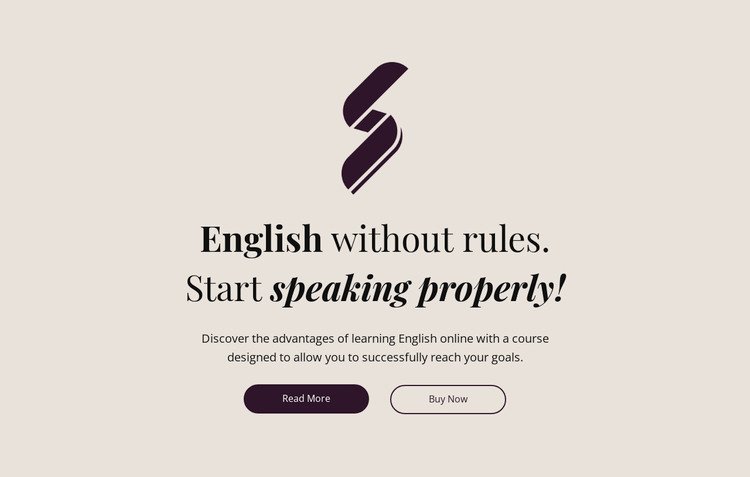
The brand mark, heading, supporting paragraph, and button pair form a clearly bounded course-introduction area. The statement “English without rules. Start speaking properly!” gives the section its main identity, while the paragraph connects the online English learning offer with reaching learning goals. Because the content is arranged as a centered vertical stack, the message remains easy to scan as one page section rather than behaving like a collection of unrelated content items.
“Read More” and “Buy Now” provide two distinct destinations within that section. The first can support visitors who need more course information, while the second can lead toward a purchase-related step in the surrounding project. Their side-by-side placement and contrasting filled and outlined pill treatments establish a clear action area without requiring additional cards, menus, or interactive components.
In a WordPress-managed site, this block can serve as stable page-oriented content for an English course, with the wider project supplying other sections for lessons, benefits, testimonials, or contact information. The warm pale background, dark plum accents, serif typography, italic heading emphasis, and generous whitespace also give the content a consistent visual presentation. The section can therefore remain a recognizable course introduction while broader site content is maintained around it.
Customize with Nicepage
Open this ready-made template in the WordPress Website Builder and customize it visually in the Nicepage editor. Replace demo content, edit page sections, and adapt the design to your project without rebuilding the template from scratch.
Edit Template Offline
2. Create a new page or select existing
3. Click Add new block, search for id 119491 and click enter
Edit Template Online
Create Awesome Websites


Free Nicepage Builder
Keywords
Manage and Edit This Theme in WordPress
Customize and Install the WordPress Theme
Start with this ready-made theme instead of building the WordPress design from scratch. Customize its layout, content, typography, images, sections, and other design elements visually in Nicepage editor, then export and install the WordPress Theme, Plugin, and Pages on your WordPress site. The Nicepage WordPress Plugin lets you continue working with the site after installation.
Edit the Theme Directly in WordPress
After installation, you can edit the WordPress Theme directly in WordPress with the Nicepage WordPress Plugin. Use Site Style to customize site Colors, Fonts, Header, Footer, Blog, and Post Page Templates while working within your WordPress website.
Edit WordPress Pages Visually
Use the Nicepage WordPress Plugin to edit page content directly from the WordPress admin area. Open a WordPress Page with Nicepage and visually change its text, images, sections, and other page elements while continuing to manage the Page through WordPress.
WordPress Content and Theme Integration
Use the customized theme with WordPress Pages, Posts, Blog and Post Templates, menus, widgets, and other CMS-managed content. Shared theme elements such as Colors, Fonts, Header, Footer, Blog, and Post Page Templates can be managed as part of the overall site design, while WordPress provides the CMS environment for managing site content.
This workflow combines a ready-made WordPress Theme with visual customization, direct theme editing in WordPress, and continued content management through the Nicepage WordPress Plugin.