Online English Learning WordPress Theme


Stable Learning Content Fits a WordPress-Managed Page Region
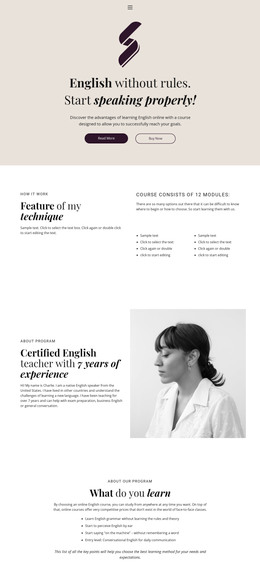
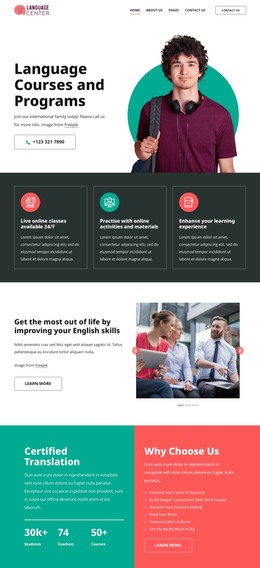
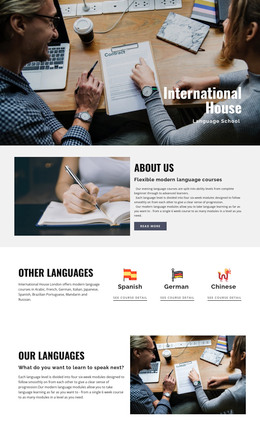
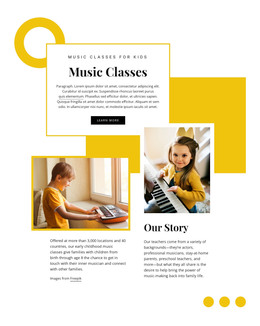
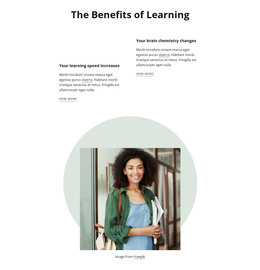
The heading and supporting paragraph give this block the character of lasting page content rather than a time-sensitive listing. Online Language Learning states the subject directly, and the paragraph develops it by referring to online English resources and adult English learners. The tall portrait on the left adds a strong visual anchor, while the smaller language-learning image above the text on the right creates a second content cue. White frames and turquoise contrast keep both image regions connected to the same page section.
Within a WordPress-managed site, this arrangement can serve as a reusable educational content area while the wider project manages other pages and publishing needs around it. The section could introduce a subject before more detailed resources, course information, or contact content, but those surrounding roles are not part of this block. Its value in this context comes from the stable relationship between subject heading, contextual imagery, and explanatory copy. The visual treatment can remain consistent with the surrounding theme or be adapted for the page, while the block itself continues to function as one bounded language-learning section rather than as a complete theme.
Customize with Nicepage
Open this ready-made template in the WordPress Website Builder and customize it visually in the Nicepage editor. Replace demo content, edit page sections, and adapt the design to your project without rebuilding the template from scratch.
Edit Template Offline
2. Create a new page or select existing
3. Click Add new block, search for id 74603 and click enter
Edit Template Online
Create Awesome Websites


Free Nicepage Builder
Keywords
Manage and Edit This Theme in WordPress
Customize and Install the WordPress Theme
Start with this ready-made theme instead of building the WordPress design from scratch. Customize its layout, content, typography, images, sections, and other design elements visually in Nicepage editor, then export and install the WordPress Theme, Plugin, and Pages on your WordPress site. The Nicepage WordPress Plugin lets you continue working with the site after installation.
Edit the Theme Directly in WordPress
After installation, you can edit the WordPress Theme directly in WordPress with the Nicepage WordPress Plugin. Use Site Style to customize site Colors, Fonts, Header, Footer, Blog, and Post Page Templates while working within your WordPress website.
Edit WordPress Pages Visually
Use the Nicepage WordPress Plugin to edit page content directly from the WordPress admin area. Open a WordPress Page with Nicepage and visually change its text, images, sections, and other page elements while continuing to manage the Page through WordPress.
WordPress Content and Theme Integration
Use the customized theme with WordPress Pages, Posts, Blog and Post Templates, menus, widgets, and other CMS-managed content. Shared theme elements such as Colors, Fonts, Header, Footer, Blog, and Post Page Templates can be managed as part of the overall site design, while WordPress provides the CMS environment for managing site content.
This workflow combines a ready-made WordPress Theme with visual customization, direct theme editing in WordPress, and continued content management through the Nicepage WordPress Plugin.