Seamless living starts here Template


Edit Template Offline
2. Create new page and search for id 6542072
Edit Template Online
Create Awesome Websites


Free Nicepage Builder
Keywords
A Smart-Home Story Built Around Human-Centered Technology
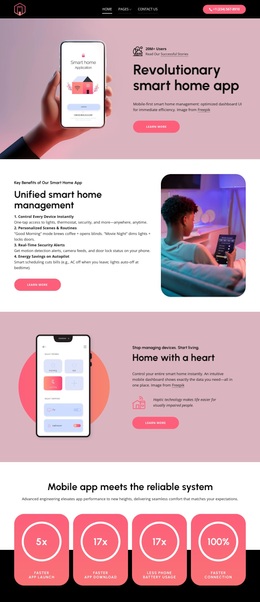
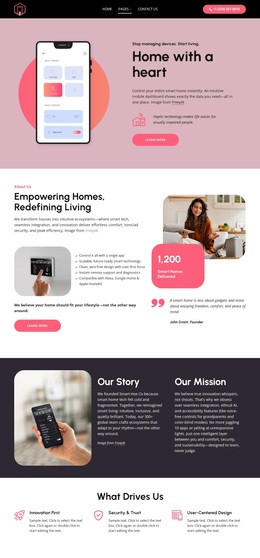
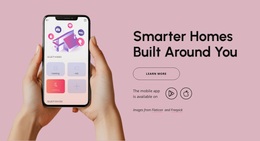
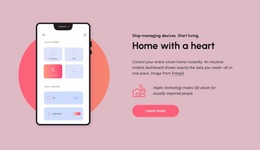
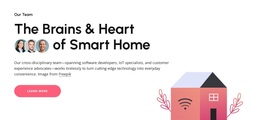
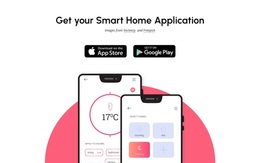
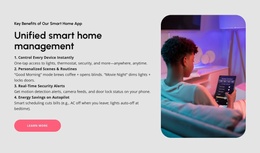
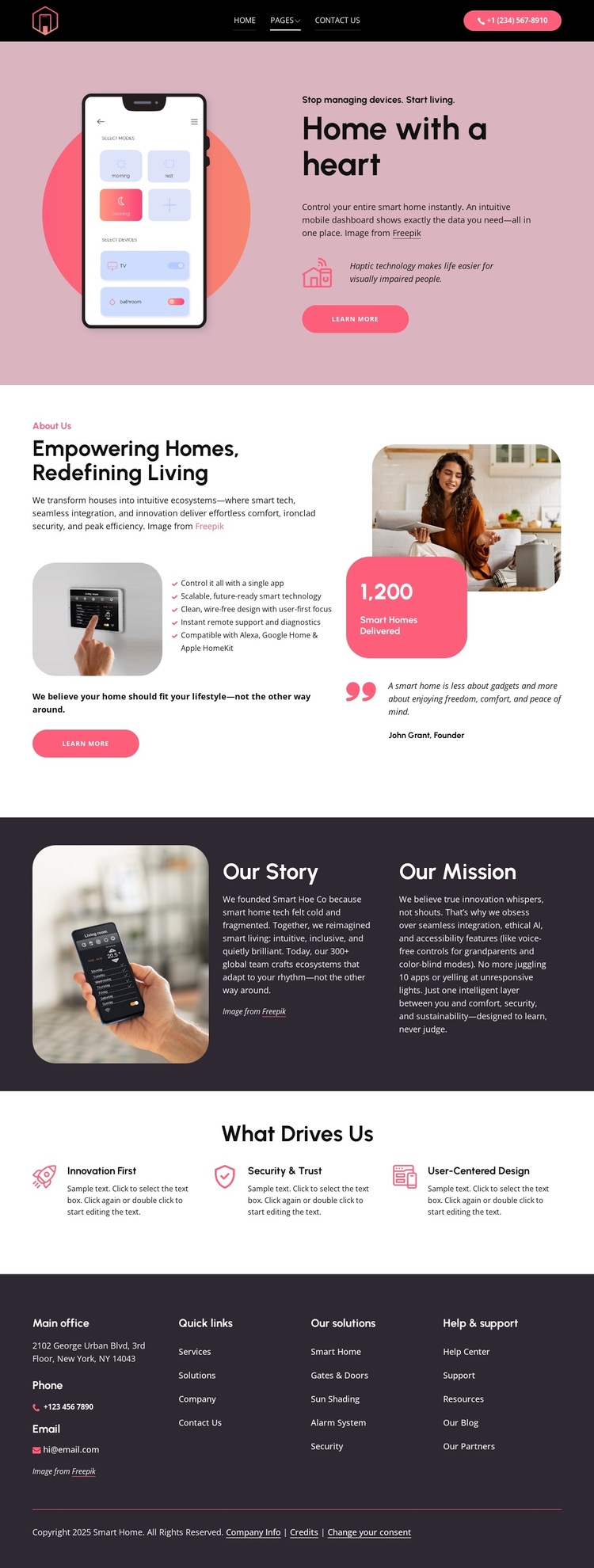
The smart-home app image and the “Home with a heart” opening make the design distinctive because technology is introduced through everyday living rather than through specifications alone. The page also identifies accessibility details, including voice-free controls and color-blind modes, which gives the subject a more inclusive direction. These choices make the template suitable for a company that wants connected-home technology to feel understandable and people-focused.
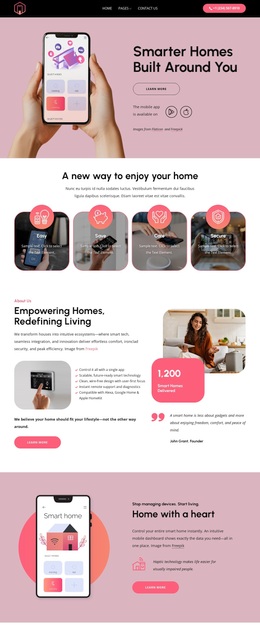
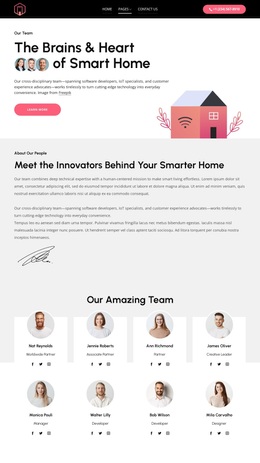
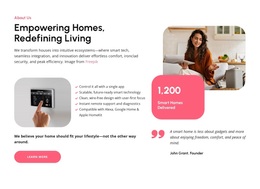
The company overview expands that direction through a practical range of categories: Smart Home, Gates & Doors, Sun Shading, Alarm System, and Security. Instead of presenting one narrow service, the design shows how several aspects of the home can belong to one coordinated offering. Imagery, the Founder label for John Grant, and a quote add a personal layer, while the three value cards—Innovation First, Security & Trust, and User-Centered Design—explain the principles behind the offering.
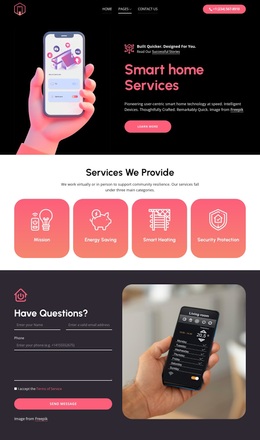
The dark charcoal framing, blush and coral accents, rounded imagery, and pill-shaped buttons reinforce the same balance between technology and warmth. A structured footer with contact channels and support resources gives the design practical completeness. Together, the app-led introduction, accessible feature emphasis, broad capability coverage, founder perspective, and values create a clear option for smart-home projects that need to communicate trust as well as innovation.
Customize with Nicepage
Open this ready-made template in the Template Builder and customize it visually in the Nicepage editor. Replace demo content, edit page sections, and adapt the design to your project without rebuilding the template from scratch.
Start With a Ready-Made Template
Choose a Design for a New Page
Use a ready-made template as a starting point instead of creating every page from a blank canvas. When adding a new page in Nicepage, browse available designs, compare different layouts, and choose an option that already fits the general purpose and visual direction of your project.
Browse Different Page Designs
Explore Page Designs using search, thematic categories, Design Sets, and full-page previews. The collection includes layouts for different subjects and page purposes, making it easier to compare alternatives before selecting a design to customize.
Customize the Selected Template
After choosing a design, create the page and continue editing it visually in Nicepage. Replace the demo content, adjust images, typography, colors, sections, and other elements, and adapt the ready-made layout to your own content instead of rebuilding the design from the beginning.
Explore More Design Directions
If the first option does not match your project closely enough, return to the design collection and compare other templates before committing to a layout. This makes the template library useful not only for faster page creation, but also for exploring different visual approaches and finding a suitable starting point for a new project.
This workflow gives you access to a broad collection of ready-made designs that can be selected, compared, and customized according to the needs of each new page or project.

Design Set (23)
-

-
-
-
-
-
-
-
-
-
-
Free Website Builder SoftwareDownload
-
-
-