Powerful hosting Template



Edit Template Offline
2. Create new page and search for id 6509298
Edit Template Online
Create Awesome Websites


Free Nicepage Builder
Keywords
Four Hosting Categories Give the Design a Distinctive Service Story
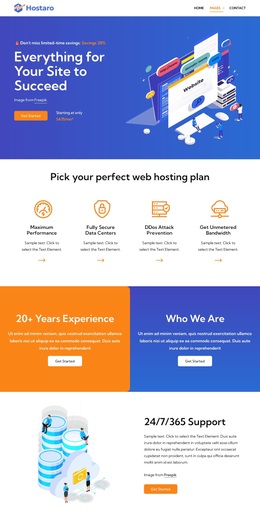
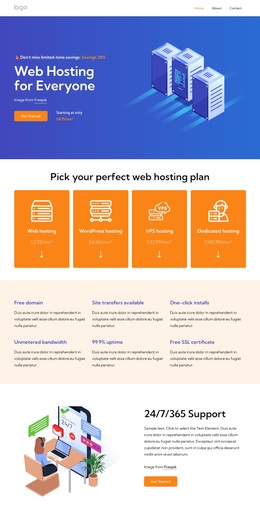
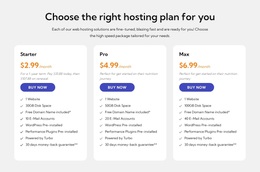
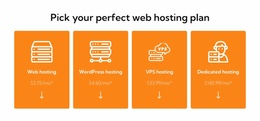
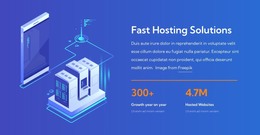
The design brings several hosting decisions into one visual narrative. The hero introduces the goal of helping a site succeed, then four feature cards give the message concrete support through performance, secure data centers, DDoS prevention, and unmetered bandwidth. Later, the pricing area distinguishes web, WordPress, VPS, and dedicated hosting, so the page can speak to visitors with different infrastructure requirements instead of centering on only one offer.
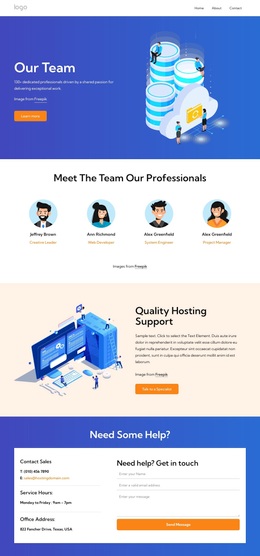
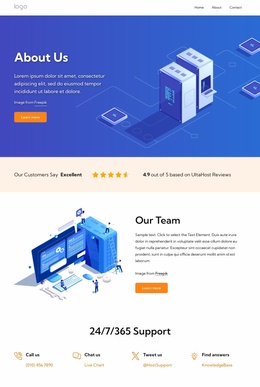
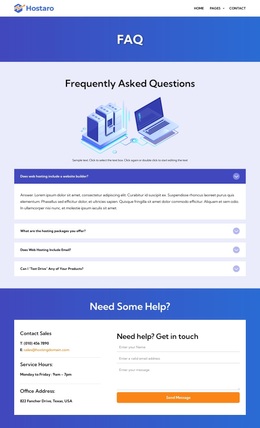
Its technical content is another reason to consider this particular option. The dedicated-server section lists Debian, Ubuntu, CentOS, Red Hat, AlmaLinux, and Fedora as operating system choices. That subject sits alongside a broader set of customer-facing sections: a company introduction, 24/7/365 support, testimonials, FAQs, support channels, and two different contact forms. The result is a design that connects infrastructure detail with reassurance and assistance.
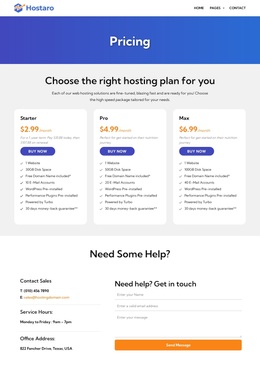
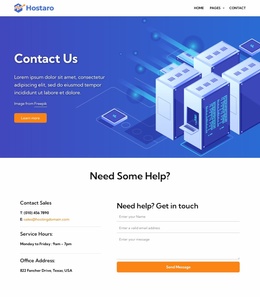
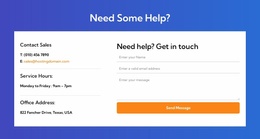
The bright gradient bands and rounded white cards also make the content easy to distinguish by role. Promotional areas carry the strongest visual emphasis, while white sections provide space for feature, FAQ, and technical information. A trial-oriented form and a later sales-and-support form give the page practical closing points. For a hosting project that needs plan coverage, technical options, proof, questions, and contact paths in one coherent direction, these relationships make the layout a more specific choice than a generic technology template.
Customize with Nicepage
Open this ready-made template in the Template Builder and customize it visually in the Nicepage editor. Replace demo content, edit page sections, and adapt the design to your project without rebuilding the template from scratch.
Start With a Ready-Made Template
Choose a Design for a New Page
Use a ready-made template as a starting point instead of creating every page from a blank canvas. When adding a new page in Nicepage, browse available designs, compare different layouts, and choose an option that already fits the general purpose and visual direction of your project.
Browse Different Page Designs
Explore Page Designs using search, thematic categories, Design Sets, and full-page previews. The collection includes layouts for different subjects and page purposes, making it easier to compare alternatives before selecting a design to customize.
Customize the Selected Template
After choosing a design, create the page and continue editing it visually in Nicepage. Replace the demo content, adjust images, typography, colors, sections, and other elements, and adapt the ready-made layout to your own content instead of rebuilding the design from the beginning.
Explore More Design Directions
If the first option does not match your project closely enough, return to the design collection and compare other templates before committing to a layout. This makes the template library useful not only for faster page creation, but also for exploring different visual approaches and finding a suitable starting point for a new project.
This workflow gives you access to a broad collection of ready-made designs that can be selected, compared, and customized according to the needs of each new page or project.