Flexible pricing plans Template


Edit Template Offline
2. Create new page and search for id 6542047
Edit Template Online
Create Awesome Websites


Free Nicepage Builder
Keywords
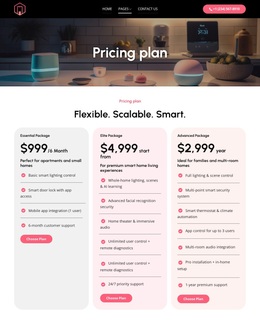
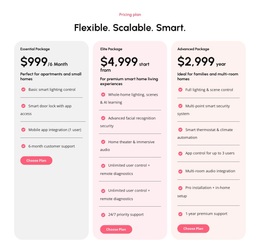
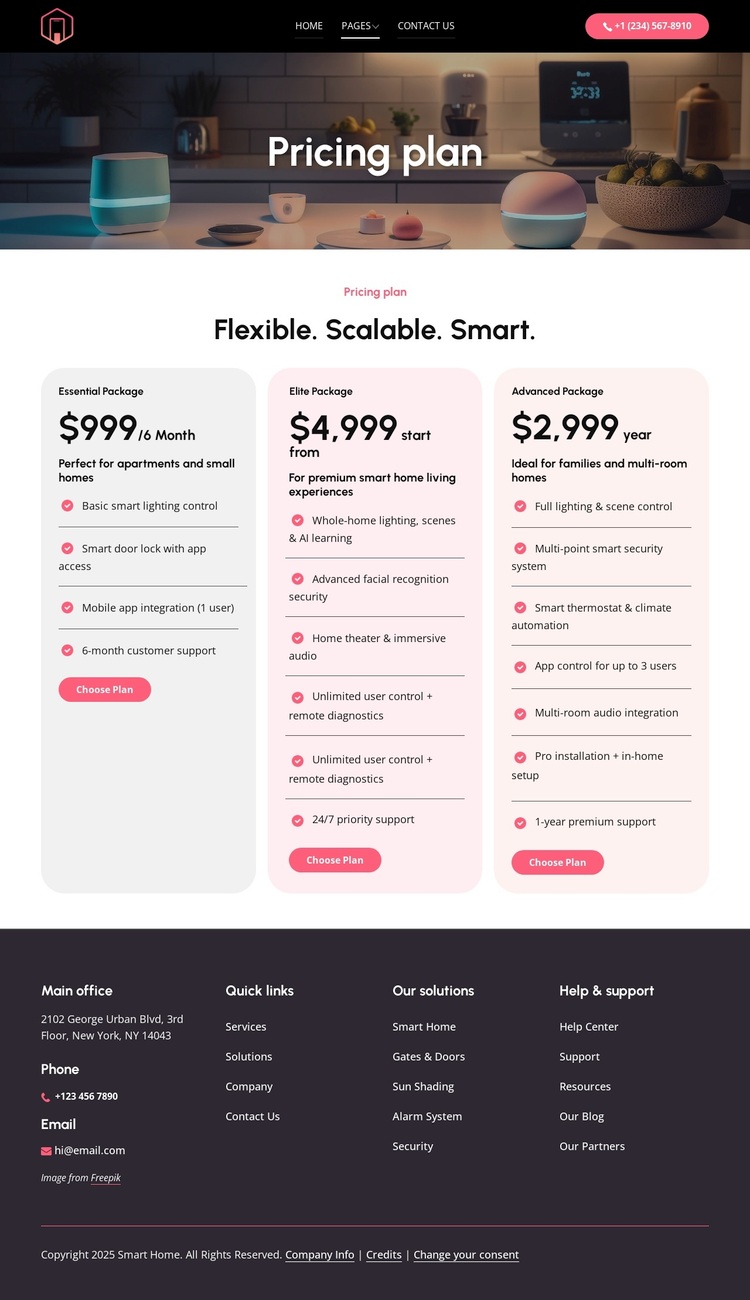
Three smart-home packages make the design easy to compare and select
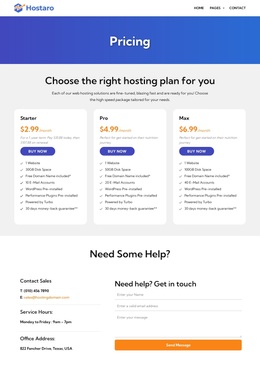
The most distinctive choice in this design is its decision to make the package comparison the central visual and informational event. Essential, Advanced, and Elite appear as three repeated rounded cards, but their contents separate the intended options through prices, audience guidance, feature lists, and Choose Plan actions. This is more specific than a generic service layout because the page is organized around evaluating levels of one smart-home offer.
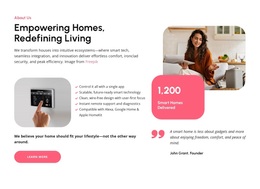
The package features also give the design useful content coverage. Visitors can see references to lighting control, smart locks and app access, security, climate automation, audio, installation, and support rather than encountering only a price and a short label. The photographic introduction reinforces the residential smart-home context, while the dark header and footer frame the lighter cards and pink action accents with a restrained contrast system.
The design is a useful option for projects that need a focused pricing page with both comparison and assistance routes. Home, Pages, Contact Us, and the phone action support orientation, while the footer adds solution categories, help links, phone, email, and office information. The sample prices and contact details demonstrate structure only; they should not be treated as verified commercial facts without replacement or confirmation.
Customize with Nicepage
Open this ready-made template in the Template Builder and customize it visually in the Nicepage editor. Replace demo content, edit page sections, and adapt the design to your project without rebuilding the template from scratch.
Start With a Ready-Made Template
Choose a Design for a New Page
Use a ready-made template as a starting point instead of creating every page from a blank canvas. When adding a new page in Nicepage, browse available designs, compare different layouts, and choose an option that already fits the general purpose and visual direction of your project.
Browse Different Page Designs
Explore Page Designs using search, thematic categories, Design Sets, and full-page previews. The collection includes layouts for different subjects and page purposes, making it easier to compare alternatives before selecting a design to customize.
Customize the Selected Template
After choosing a design, create the page and continue editing it visually in Nicepage. Replace the demo content, adjust images, typography, colors, sections, and other elements, and adapt the ready-made layout to your own content instead of rebuilding the design from the beginning.
Explore More Design Directions
If the first option does not match your project closely enough, return to the design collection and compare other templates before committing to a layout. This makes the template library useful not only for faster page creation, but also for exploring different visual approaches and finding a suitable starting point for a new project.
This workflow gives you access to a broad collection of ready-made designs that can be selected, compared, and customized according to the needs of each new page or project.

Design Set (23)
-

-
-
-
-
-
-
-
-
-
-
Free Website Builder SoftwareDownload
-
-
-