Elegant solutions in business Template


Edit Template Offline
2. Create new page and search for id 12619
Edit Template Online
Create Awesome Websites


Free Nicepage Builder
Keywords
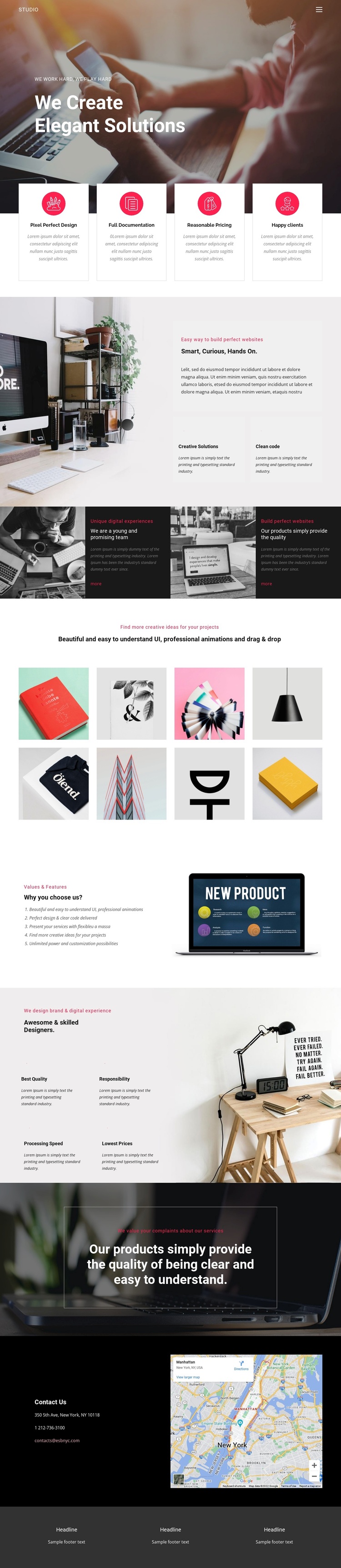
Eight Portfolio Images Anchor the Studio’s Design Direction
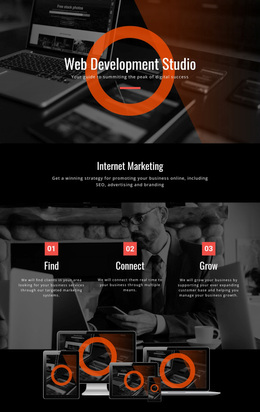
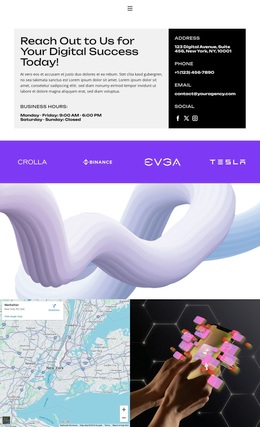
The eight-image showcase is the clearest reason to consider this design for a digital or creative studio project. It gives visual work a substantial place in the page rather than treating the portfolio as a small afterthought. The gallery follows statements about the team and products, so its role is reinforced by the surrounding content: visitors first encounter the studio’s approach, then see a compact collection of product and design imagery.
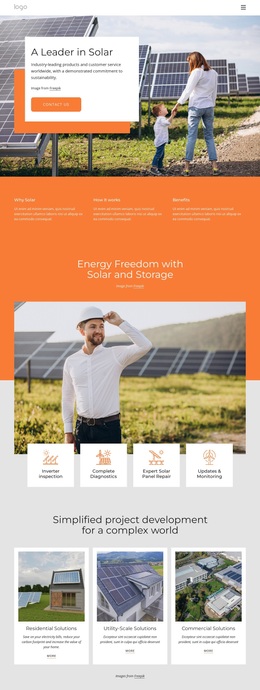
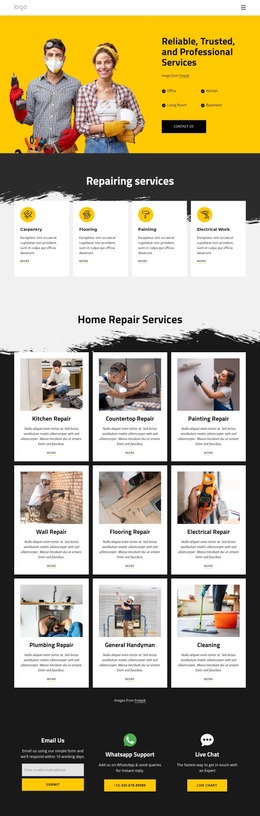
The opening and middle sections broaden that visual choice with a useful content range. A large hero introduces the studio promise, four capability cards summarize practical areas such as design and documentation, and the split section adds the “Smart, Curious, Hands On” perspective. Alternating image and dark text panels create a more editorial rhythm, while the values list and designer capability section provide room for quality, responsibility, processing speed, and related statements.
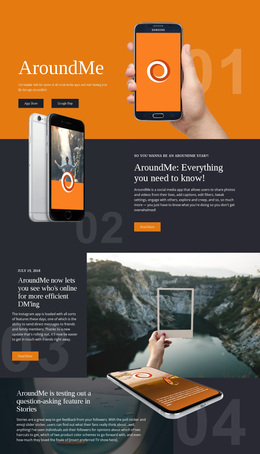
The design is therefore a suitable option when imagery should carry substantial meaning without removing explanatory content. Warm photography, mostly monochrome surfaces, white type, red accents, and generous spacing establish a recognizable direction that can support creative services or product-focused work. The closing quality statement, mapped contact area, mobile navigation, and three-column footer also give the selected layout a practical endpoint instead of leaving the portfolio disconnected from communication.
Customize with Nicepage
Open this ready-made template in the Template Builder and customize it visually in the Nicepage editor. Replace demo content, edit page sections, and adapt the design to your project without rebuilding the template from scratch.
Start With a Ready-Made Template
Choose a Design for a New Page
Use a ready-made template as a starting point instead of creating every page from a blank canvas. When adding a new page in Nicepage, browse available designs, compare different layouts, and choose an option that already fits the general purpose and visual direction of your project.
Browse Different Page Designs
Explore Page Designs using search, thematic categories, Design Sets, and full-page previews. The collection includes layouts for different subjects and page purposes, making it easier to compare alternatives before selecting a design to customize.
Customize the Selected Template
After choosing a design, create the page and continue editing it visually in Nicepage. Replace the demo content, adjust images, typography, colors, sections, and other elements, and adapt the ready-made layout to your own content instead of rebuilding the design from the beginning.
Explore More Design Directions
If the first option does not match your project closely enough, return to the design collection and compare other templates before committing to a layout. This makes the template library useful not only for faster page creation, but also for exploring different visual approaches and finding a suitable starting point for a new project.
This workflow gives you access to a broad collection of ready-made designs that can be selected, compared, and customized according to the needs of each new page or project.