Home with heart Website Template


A Distinct Product Section for a Broader Smart-Home Project
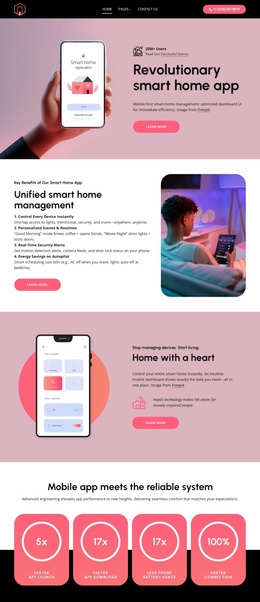
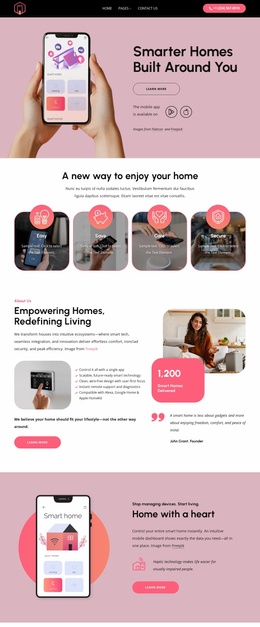
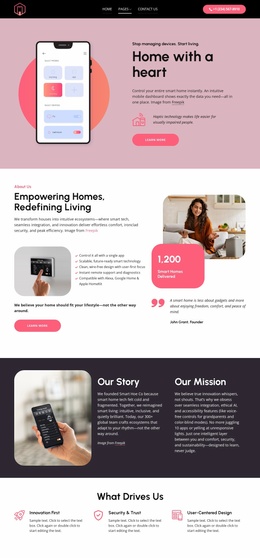
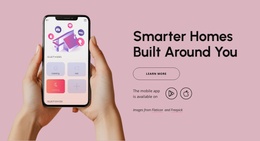
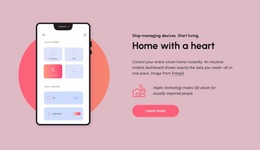
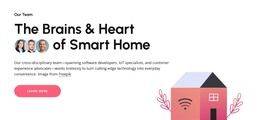
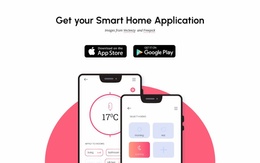
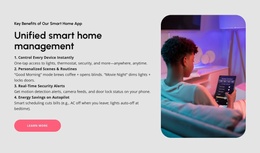
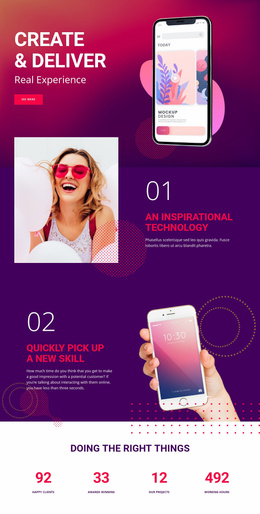
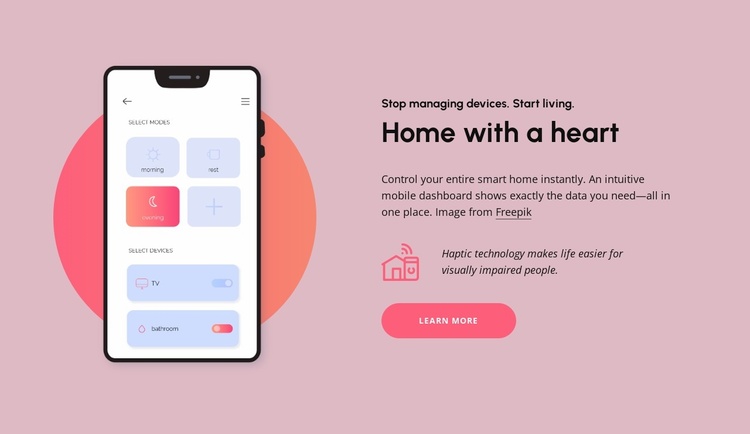
The block defines one stable content area for a larger smart-home website: a product introduction supported by a phone interface image and a concise explanatory column. The dashboard image gives the section a concrete subject, while the copy explains that users can control an entire smart home through an intuitive mobile dashboard. The separate haptic-technology statement adds an accessibility-focused feature detail, and the Learn more button provides a clear route into related information.
Its internal logic is reusable because the image and message perform complementary jobs. The left side establishes the product context visually; the right side moves from the “Stop managing devices. Start living.” eyebrow to the “Home with a heart” heading, description, feature note, and action. In a broader website project, other sections could cover device categories, technical details, demonstrations, support, or contact content without asking this block to carry those functions.
The soft pink background, coral circular image accent, bold black type, pink line icon, and rounded button also offer visual cues that can coordinate with related sections. Reusing those cues elsewhere would help the product area feel connected to the surrounding project, while the block itself remains one focused section. Its static interaction makes it suitable for a dependable introduction that visitors can scan before choosing whether to follow the Learn more path.
Customize with Nicepage
Open this ready-made template in the Website Template Builder and customize it visually in the Nicepage editor. Replace demo content, edit page sections, and adapt the design to your project without rebuilding the template from scratch.
Edit Template Offline
2. Create a new page or select existing
3. Click Add new block, search for id 6538936 and click enter
Edit Template Online
Create Awesome Websites


Free Nicepage Builder
Keywords
Build a Complete Website From This Template
Customize the Website Visually
Use this ready-made website template as a starting point for your project and adapt its pages visually in Nicepage. Change content, images, typography, navigation, sections, and other design elements while keeping the website together as a single editable project.
Manage Website Pages in One Project
Use the Pages panel to open, add, duplicate, and manage the pages of your website. Work on individual pages while keeping navigation and the overall site structure accessible from the same project, making it easier to develop a complete website instead of managing separate page files.
Expand the Website With Matching Designs
When you need additional pages or sections, use Page Design Sets to find Page and Block Designs created in the same visual style. Design Sets group matching designs together, making it easier to expand the website with new content while maintaining a consistent look across its pages and sections.
Organize Larger Multi-Page Websites
As the website grows, use Page Folders to organize related pages and keep larger multi-page projects easier to navigate in the editor. This is especially useful for websites with separate service pages, company information, contacts, landing pages, and other content areas.
This workflow makes the template a practical foundation for building and expanding a complete website while managing its pages, content, and visual design within one Nicepage project.

Design Set (23)
-

-
-
-
-
-
-
-
-
-
-
Customize Any TemplateDownload
-
-
-