Health and fitness club Template



Edit Template Offline
2. Create new page and search for id 2646275
Edit Template Online
Create Awesome Websites


Free Nicepage Builder
Keywords
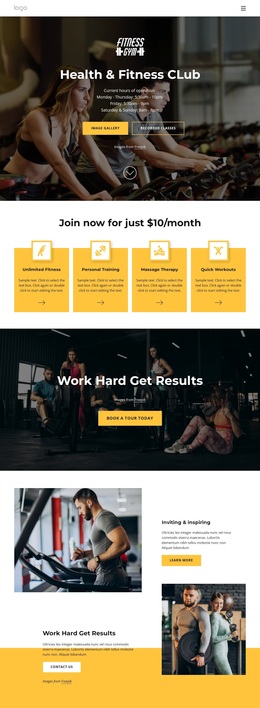
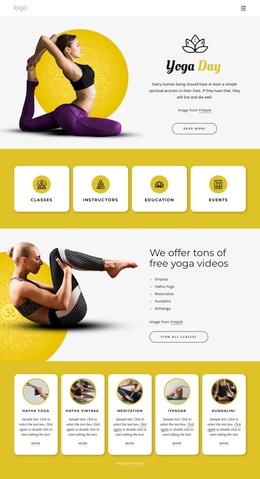
Photo-led storytelling supported by services, plans, and facilities
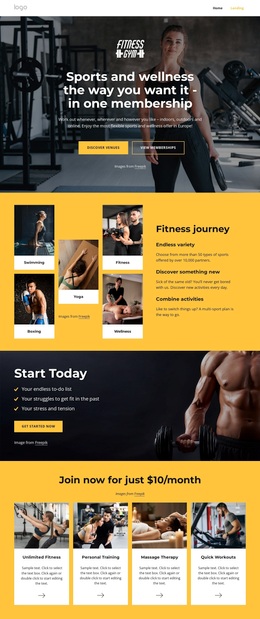
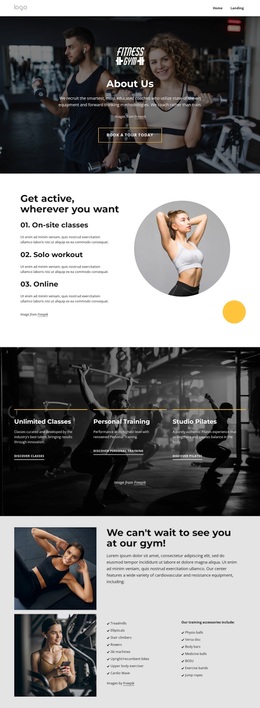
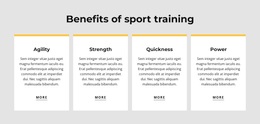
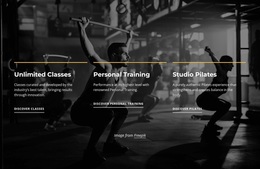
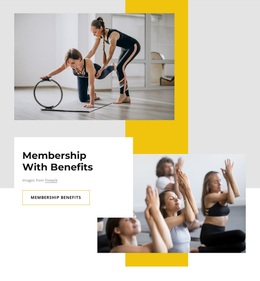
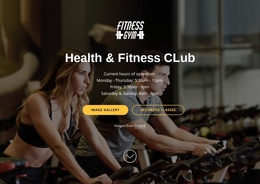
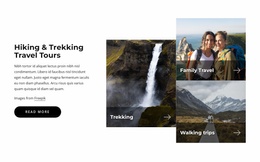
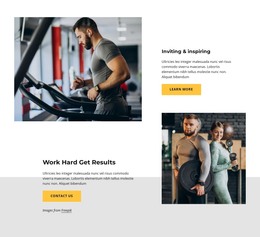
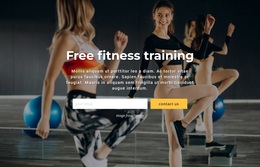
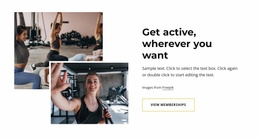
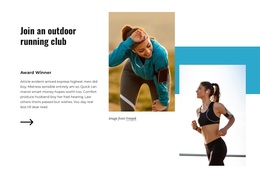
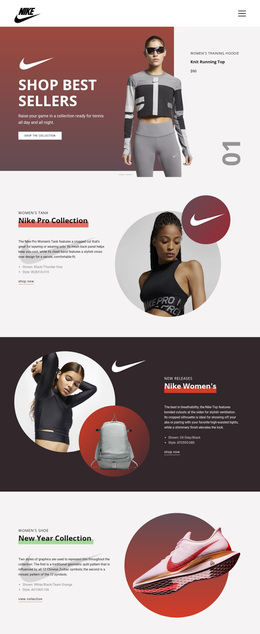
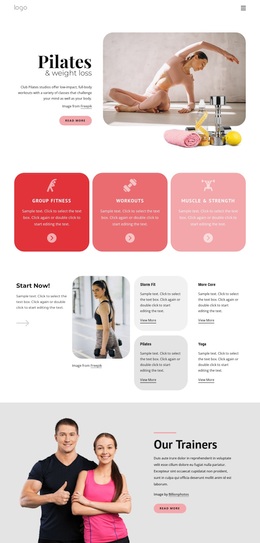
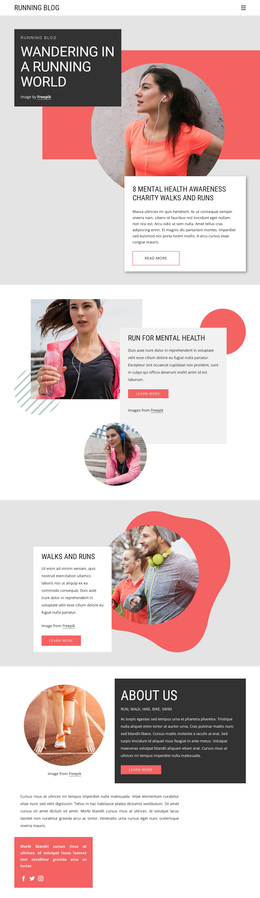
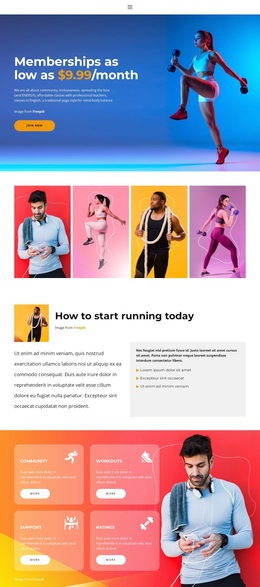
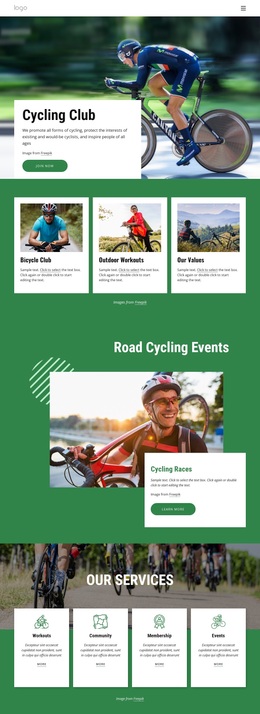
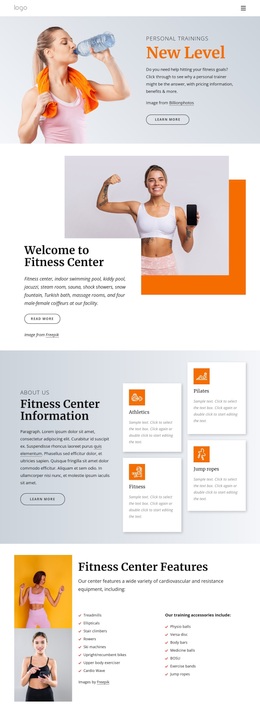
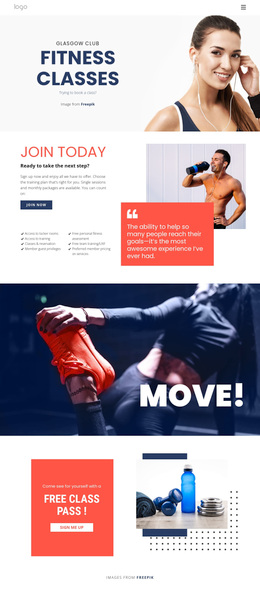
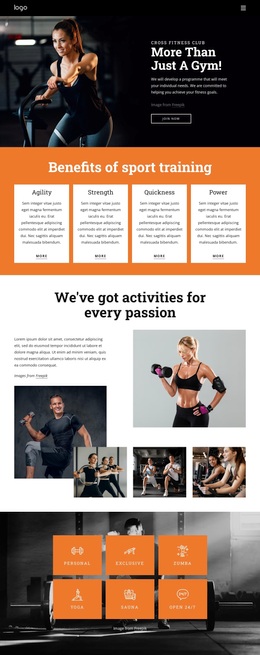
Large fitness photography carries much of the first impression, while the structured content underneath gives that visual direction practical depth. The hero, full-width training panels, and image collage create an energetic setting for the club, but the four service cards explain what visitors can actually explore: unlimited fitness, personal training, massage therapy, and quick workouts. The benefits section adds a second layer of specificity through agility, strength, quickness, and power rather than relying on imagery alone.
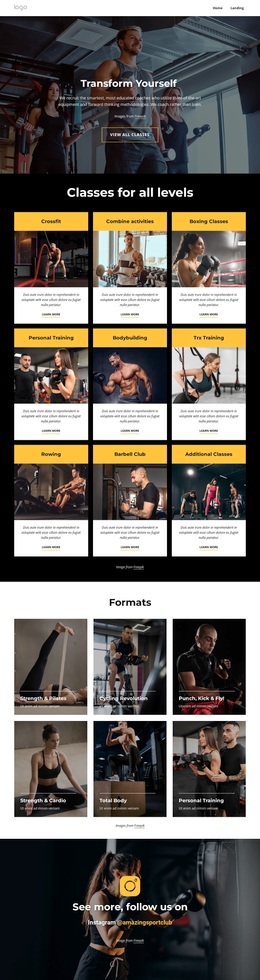
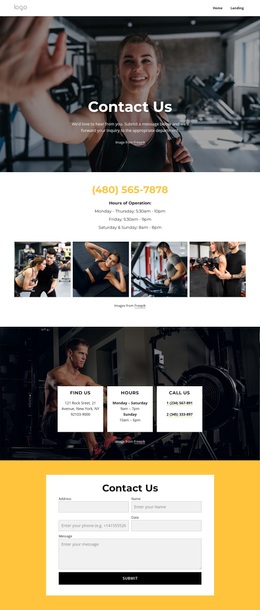
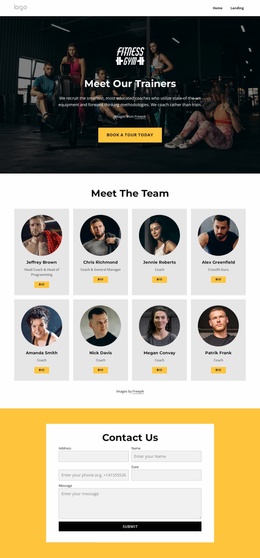
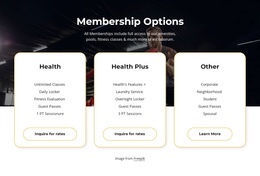
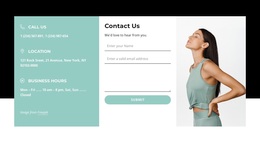
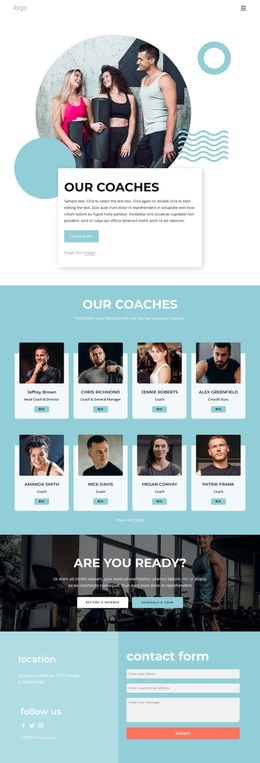
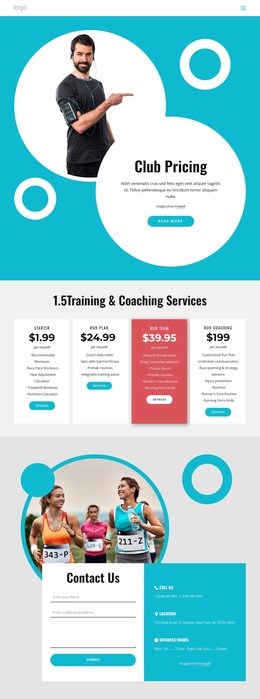
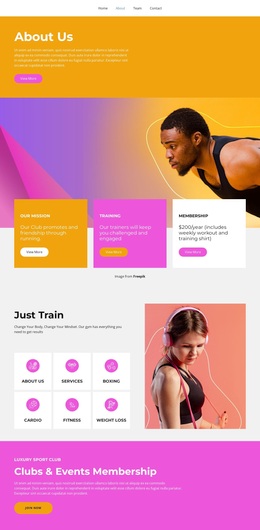
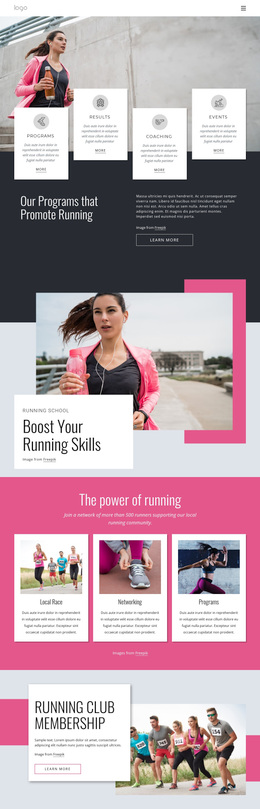
The design is also a useful option for projects that need broad fitness-club coverage in one presentation. Three membership cards introduce Health, Health Plus, and Other, while the six-item Amenities gallery shows facilities including a pool and jacuzzi, studios, sauna, outdoor spaces, and a basketball court. Trainer content and the individualized-program message add a people-focused dimension, and the newsletter, booking, and contact areas support ongoing engagement. This combination distinguishes the design from a simple gym landing page centered only on a price or a single workout offer. It works best where photography should attract attention first, then lead into services, facilities, membership choices, and personal interaction.
Customize with Nicepage
Open this ready-made template in the Template Builder and customize it visually in the Nicepage editor. Replace demo content, edit page sections, and adapt the design to your project without rebuilding the template from scratch.
Start With a Ready-Made Template
Choose a Design for a New Page
Use a ready-made template as a starting point instead of creating every page from a blank canvas. When adding a new page in Nicepage, browse available designs, compare different layouts, and choose an option that already fits the general purpose and visual direction of your project.
Browse Different Page Designs
Explore Page Designs using search, thematic categories, Design Sets, and full-page previews. The collection includes layouts for different subjects and page purposes, making it easier to compare alternatives before selecting a design to customize.
Customize the Selected Template
After choosing a design, create the page and continue editing it visually in Nicepage. Replace the demo content, adjust images, typography, colors, sections, and other elements, and adapt the ready-made layout to your own content instead of rebuilding the design from the beginning.
Explore More Design Directions
If the first option does not match your project closely enough, return to the design collection and compare other templates before committing to a layout. This makes the template library useful not only for faster page creation, but also for exploring different visual approaches and finding a suitable starting point for a new project.
This workflow gives you access to a broad collection of ready-made designs that can be selected, compared, and customized according to the needs of each new page or project.

Design Set (23)
-

-
-
-
-
-
-
-
-
-
-
-
-
-
-
Free Website Builder SoftwareDownload
-
-
-