Working hourse and contact form Template


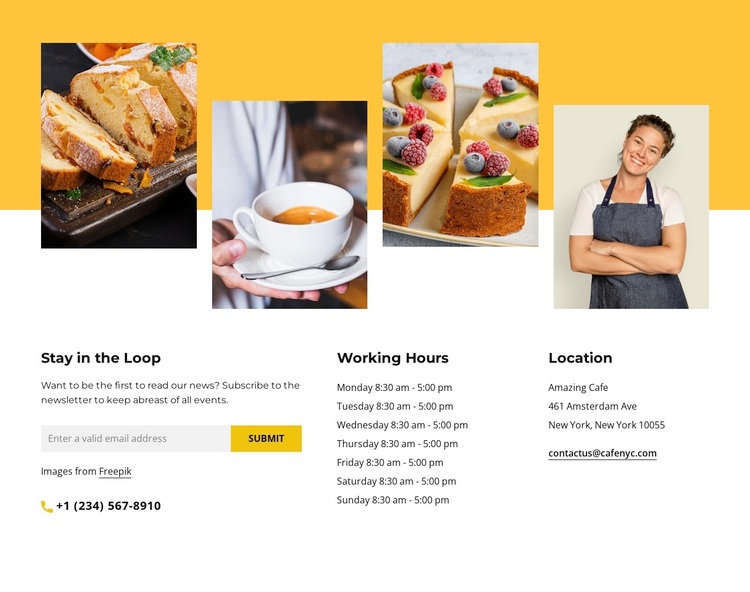
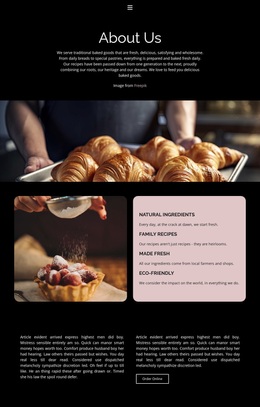
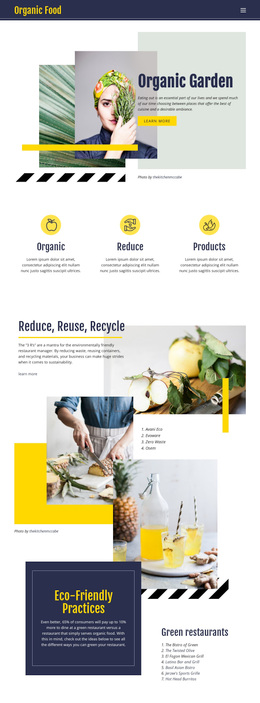
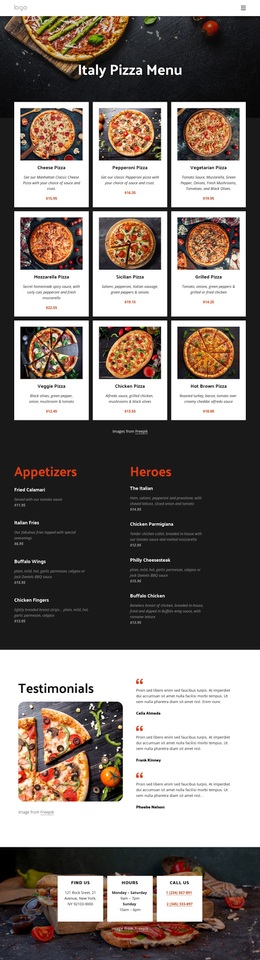
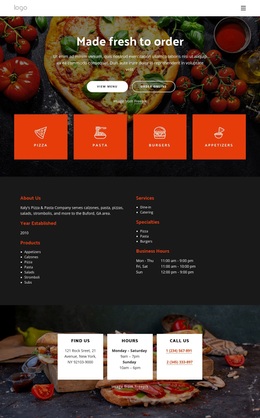
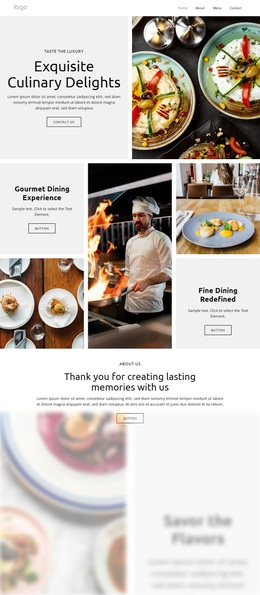
A Staggered Food Collage With Three Practical Information Groups
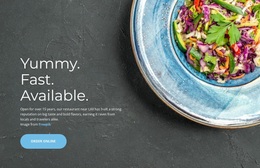
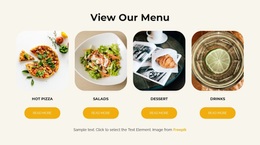
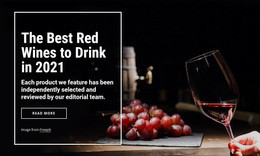
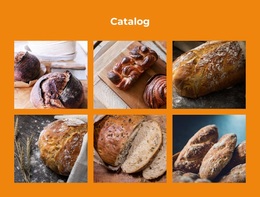
The choice of this block rests on the way it combines visual presence with several contact-oriented needs. Four portrait food and cafe images are arranged with alternating vertical positions across a warm yellow-backed band, giving the section more visual character than a plain row of contact details. The collage can establish a food-focused setting while leaving the information below easy to scan.
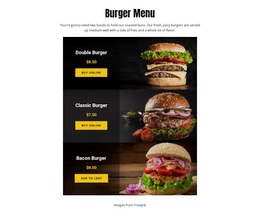
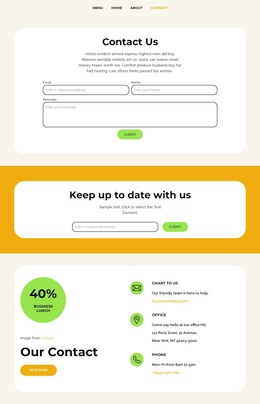
The white lower region adds useful content coverage without becoming crowded. Stay in the Loop pairs a newsletter message with an email subscription form and phone link, so visitors can both request updates and identify a direct contact route. Working Hours lists every day from Monday through Sunday in its own centered column. Location then groups an address and email link as a separate practical reference. The three-column alignment makes these different kinds of information distinct while keeping them visibly related.
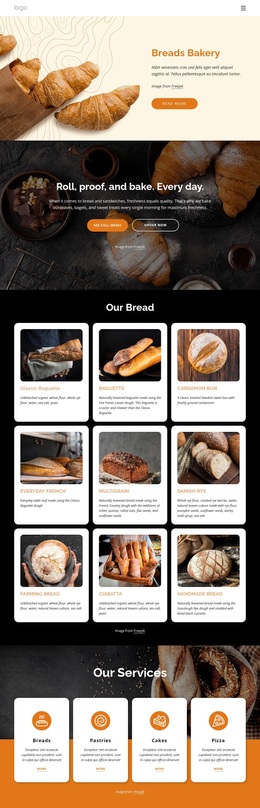
Among ready-made section alternatives, this design is particularly suited to a project that needs a closing contact area with more than one purpose. It can support newsletter collection, availability checking, and location or email discovery without adding separate blocks for each task. The images also prevent the lower information row from feeling detached from the page theme. Neighboring content can handle menus, introductions, or detailed offers, while this block remains the selected design option for bringing visual context and essential contact information together.
Customize with Nicepage
Open this ready-made template in the Template Builder and customize it visually in the Nicepage editor. Replace demo content, edit page sections, and adapt the design to your project without rebuilding the template from scratch.
Edit Template Offline
2. Create a new page or select existing
3. Click Add new block, search for id 2650695 and click enter
Edit Template Online
Create Awesome Websites


Free Nicepage Builder
Keywords
Start With a Ready-Made Template
Choose a Design for a New Page
Use a ready-made template as a starting point instead of creating every page from a blank canvas. When adding a new page in Nicepage, browse available designs, compare different layouts, and choose an option that already fits the general purpose and visual direction of your project.
Browse Different Page Designs
Explore Page Designs using search, thematic categories, Design Sets, and full-page previews. The collection includes layouts for different subjects and page purposes, making it easier to compare alternatives before selecting a design to customize.
Customize the Selected Template
After choosing a design, create the page and continue editing it visually in Nicepage. Replace the demo content, adjust images, typography, colors, sections, and other elements, and adapt the ready-made layout to your own content instead of rebuilding the design from the beginning.
Explore More Design Directions
If the first option does not match your project closely enough, return to the design collection and compare other templates before committing to a layout. This makes the template library useful not only for faster page creation, but also for exploring different visual approaches and finding a suitable starting point for a new project.
This workflow gives you access to a broad collection of ready-made designs that can be selected, compared, and customized according to the needs of each new page or project.

Design Set (23)
-

-
-
-
-
-
-
-
-
-
-
-
-
-
-
Free Website Builder SoftwareDownload
-
-
-