Sports every day Template



Edit Template Offline
2. Create new page and search for id 3964143
Edit Template Online
Create Awesome Websites


Free Nicepage Builder
Keywords
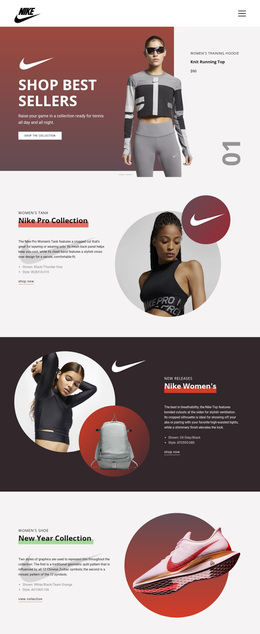
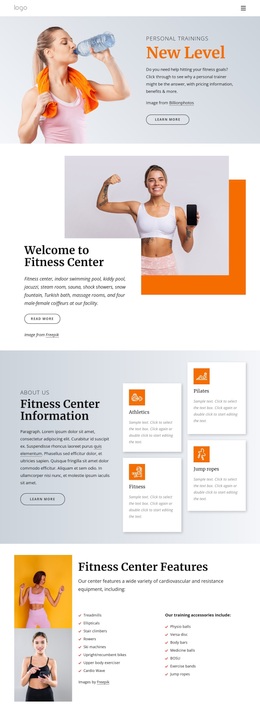
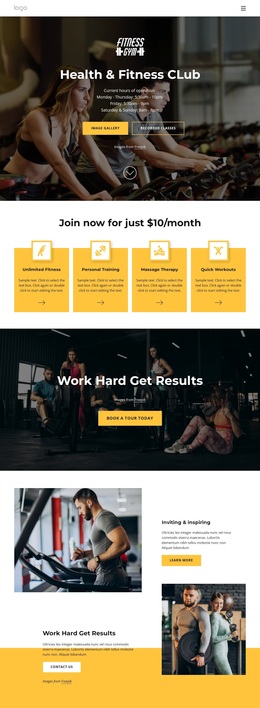
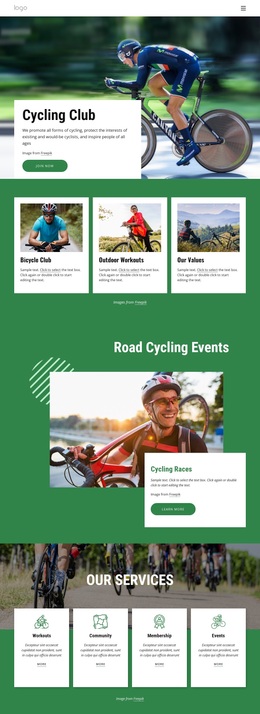
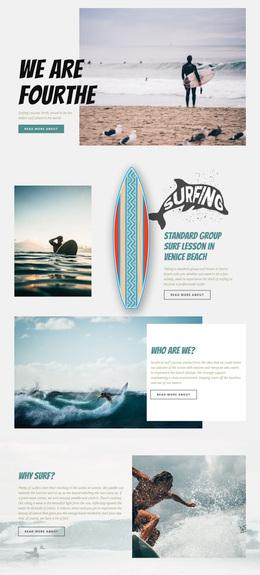
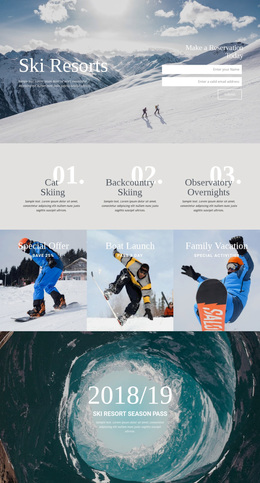
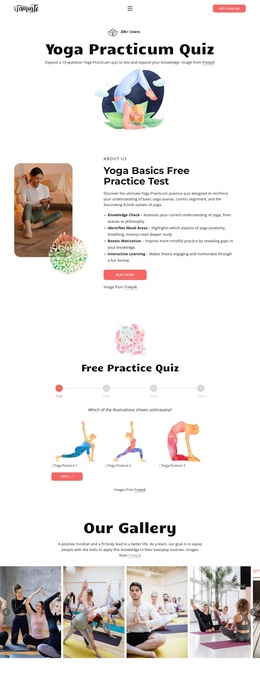
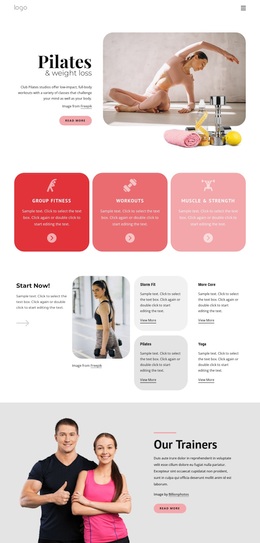
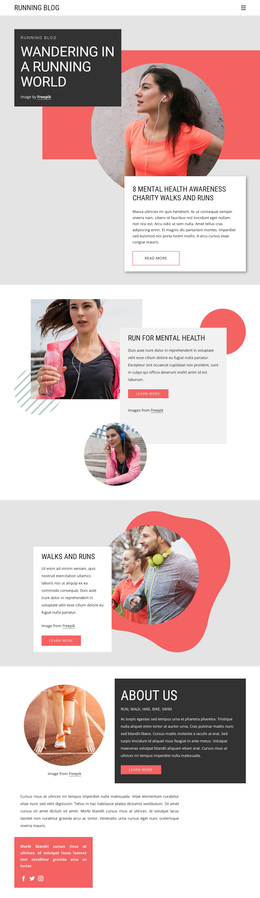
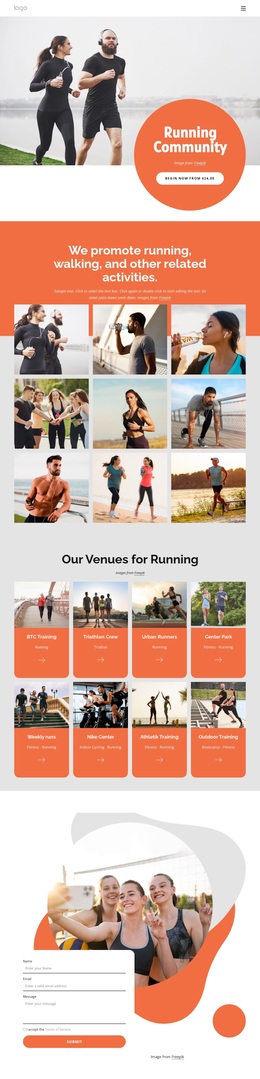
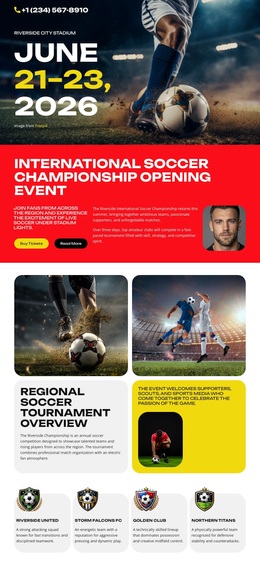
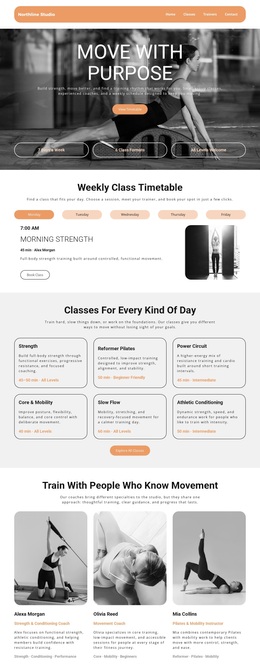
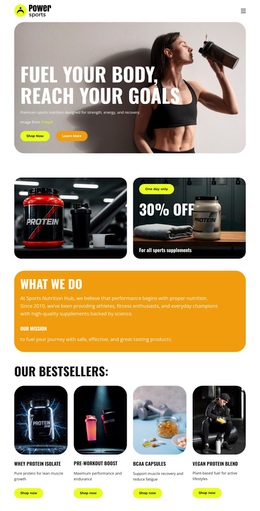
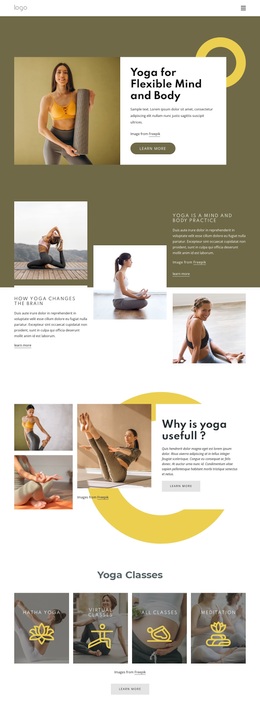
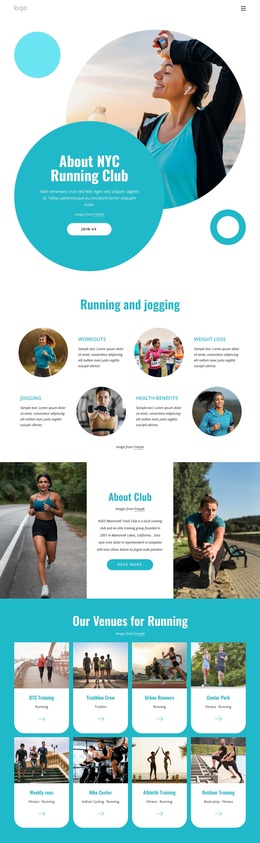
Colorful imagery and varied participation content define the design choice
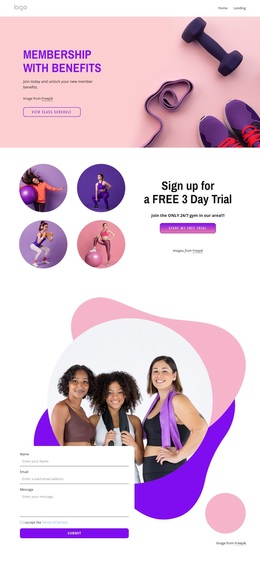
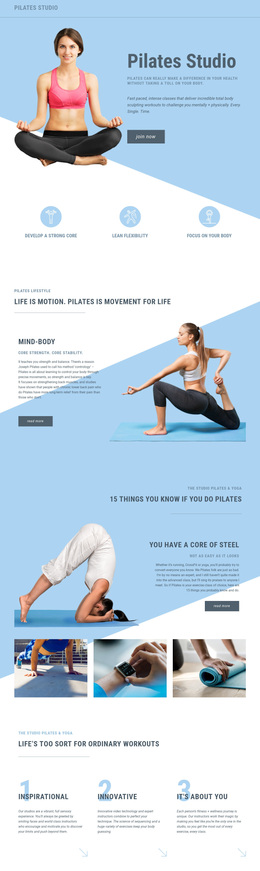
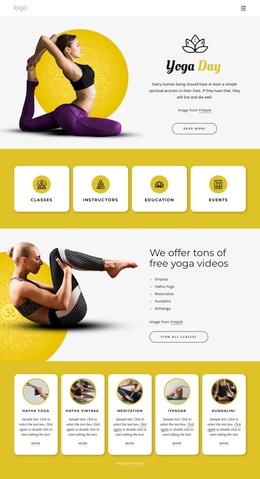
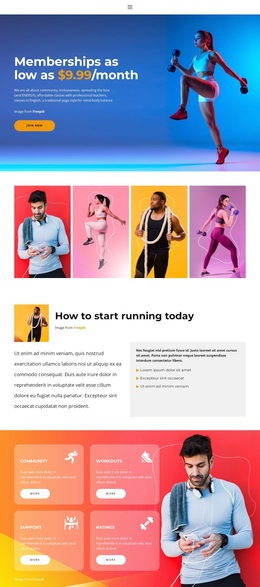
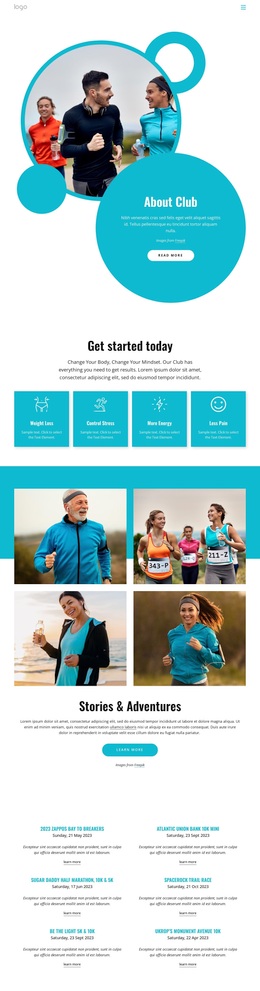
Large fitness photographs carry much of the page's identity, beginning with the hero membership promotion and continuing through a four-image gallery, split image-text sections, and full-width image backgrounds. The saturated blue, orange, purple, pink, and cyan treatments make the design more energetic than a restrained editorial layout, while bold sans-serif headings and rounded buttons keep the promotional message easy to locate.
The content coverage also makes this design distinctive. The four feature cards identify Community, Workouts, Support, and Ratings, so the club is presented through both activity and belonging. The later list of On-site classes, Solo workout, and Online adds practical participation variety, while the Clubs & Events Membership banner broadens the concept beyond individual exercise. A wellness statement and Benefits of sport training section provide additional tone and context before the final inquiry form.
This option suits a project that needs membership promotion to coexist with imagery, community language, class formats, and a direct contact route. The four-image gallery is especially important as a selection reason because it establishes the visual subject before the page asks visitors to consider the club. The design is less suited to a text-heavy information model; its strongest effect comes from the relationship between colorful photography, short promotional blocks, repeated Join Now actions, and clearly separated activity choices.
Customize with Nicepage
Open this ready-made template in the Template Builder and customize it visually in the Nicepage editor. Replace demo content, edit page sections, and adapt the design to your project without rebuilding the template from scratch.
Start With a Ready-Made Template
Choose a Design for a New Page
Use a ready-made template as a starting point instead of creating every page from a blank canvas. When adding a new page in Nicepage, browse available designs, compare different layouts, and choose an option that already fits the general purpose and visual direction of your project.
Browse Different Page Designs
Explore Page Designs using search, thematic categories, Design Sets, and full-page previews. The collection includes layouts for different subjects and page purposes, making it easier to compare alternatives before selecting a design to customize.
Customize the Selected Template
After choosing a design, create the page and continue editing it visually in Nicepage. Replace the demo content, adjust images, typography, colors, sections, and other elements, and adapt the ready-made layout to your own content instead of rebuilding the design from the beginning.
Explore More Design Directions
If the first option does not match your project closely enough, return to the design collection and compare other templates before committing to a layout. This makes the template library useful not only for faster page creation, but also for exploring different visual approaches and finding a suitable starting point for a new project.
This workflow gives you access to a broad collection of ready-made designs that can be selected, compared, and customized according to the needs of each new page or project.