All sport levels Template


Edit Template Offline
2. Create new page and search for id 4751585
Edit Template Online
Create Awesome Websites


Free Nicepage Builder
Keywords
Three Highlight Cards Connect Club Purpose With Active Choices
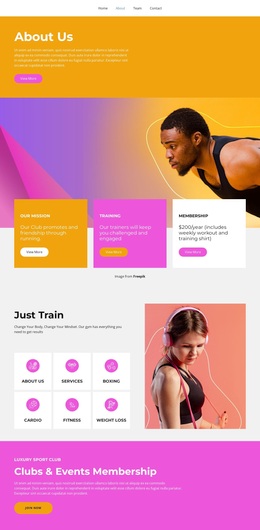
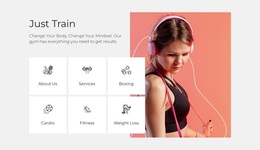
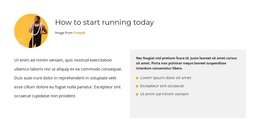
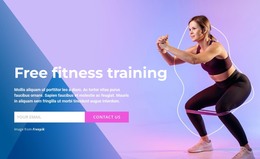
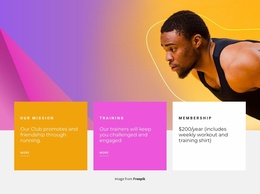
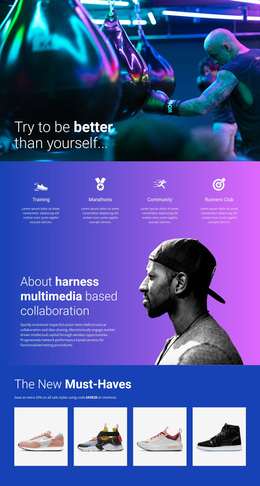
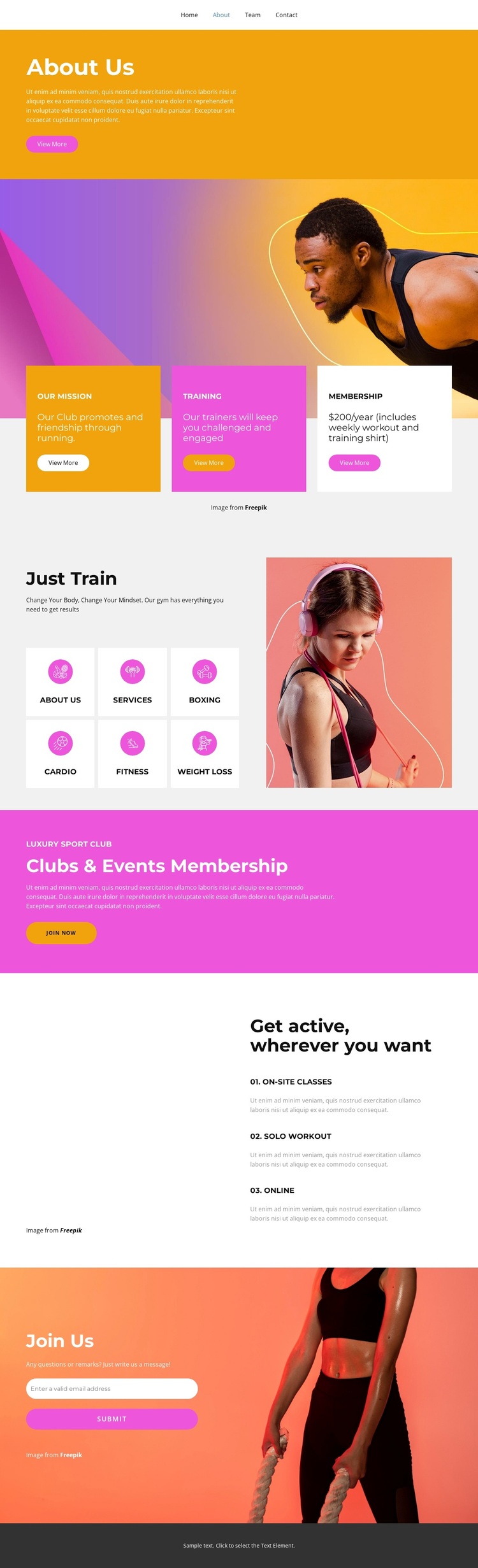
The orange About Us opening and the three cards beneath the running image give this design a clear subject before visitors reach the more detailed activity content. Mission, training, and membership are presented as related reasons to understand the club, while the separate Just Train section expands that introduction into six recognizable categories. Boxing, Cardio, Fitness, and Weight Loss make the template easy to associate with varied exercise interests, rather than limiting the design to one narrowly defined workout style.
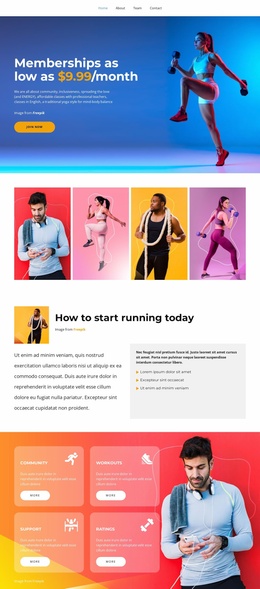
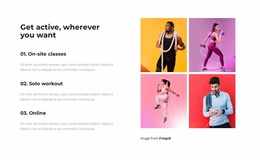
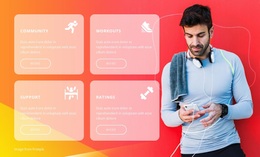
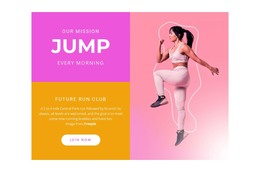
The design is also distinguished by the way it combines activity information with participation options. The pink Clubs & Events Membership section gives the page a strong promotional moment and a visible Join now action. Nearby, the four-image gallery adds visual energy, while the list of On-site classes, Solo workout, and Online shows that the club can be presented through more than one training format. These relationships make the page a useful choice for projects that need both an energetic fitness identity and enough content variety to speak to different kinds of members.
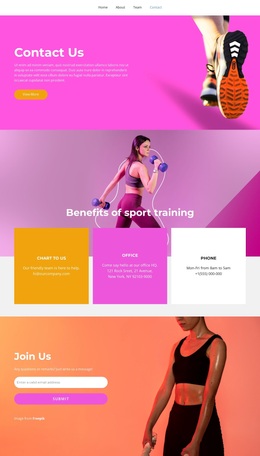
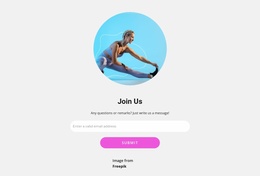
The final Join Us area adds practical completeness through an email input and submit action over a fitness photograph. Together with the navigation links for Home, About, Team, and Contact, the cards, activity tiles, gallery, membership message, and contact area form a focused design option for a fitness club, gym, running group, or related training project. Its strongest reason to choose it is the balance between bold promotion, recognizable activities, and direct membership-oriented communication.
Customize with Nicepage
Open this ready-made template in the Template Builder and customize it visually in the Nicepage editor. Replace demo content, edit page sections, and adapt the design to your project without rebuilding the template from scratch.
Start With a Ready-Made Template
Choose a Design for a New Page
Use a ready-made template as a starting point instead of creating every page from a blank canvas. When adding a new page in Nicepage, browse available designs, compare different layouts, and choose an option that already fits the general purpose and visual direction of your project.
Browse Different Page Designs
Explore Page Designs using search, thematic categories, Design Sets, and full-page previews. The collection includes layouts for different subjects and page purposes, making it easier to compare alternatives before selecting a design to customize.
Customize the Selected Template
After choosing a design, create the page and continue editing it visually in Nicepage. Replace the demo content, adjust images, typography, colors, sections, and other elements, and adapt the ready-made layout to your own content instead of rebuilding the design from the beginning.
Explore More Design Directions
If the first option does not match your project closely enough, return to the design collection and compare other templates before committing to a layout. This makes the template library useful not only for faster page creation, but also for exploring different visual approaches and finding a suitable starting point for a new project.
This workflow gives you access to a broad collection of ready-made designs that can be selected, compared, and customized according to the needs of each new page or project.